


Enhance Social Media Aesthetics
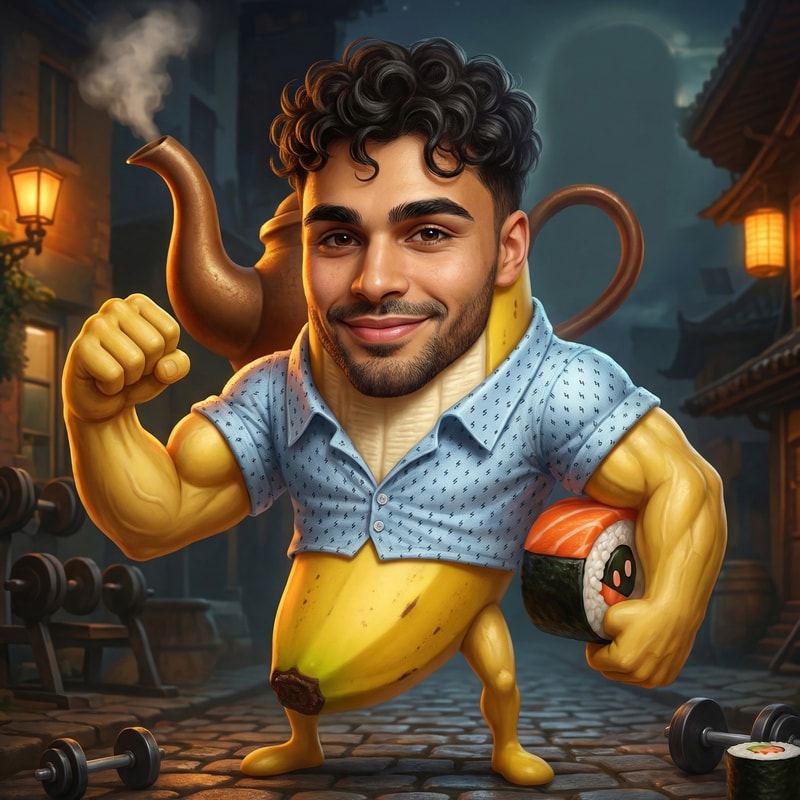
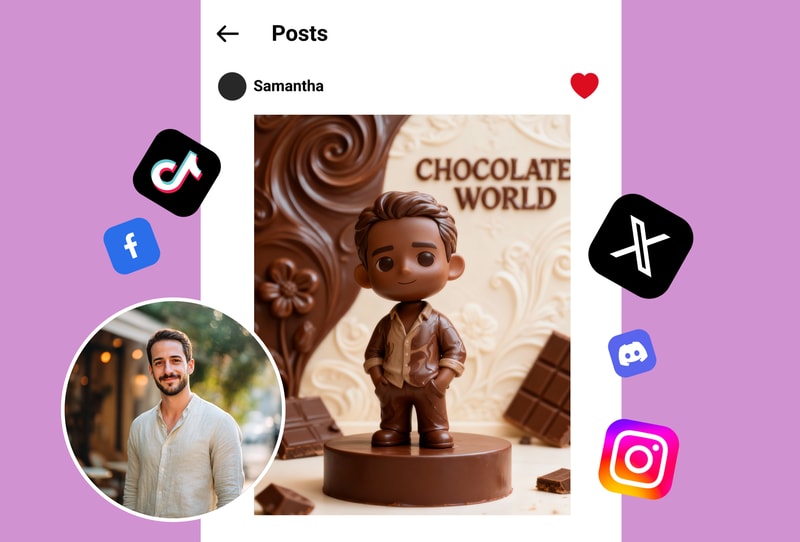
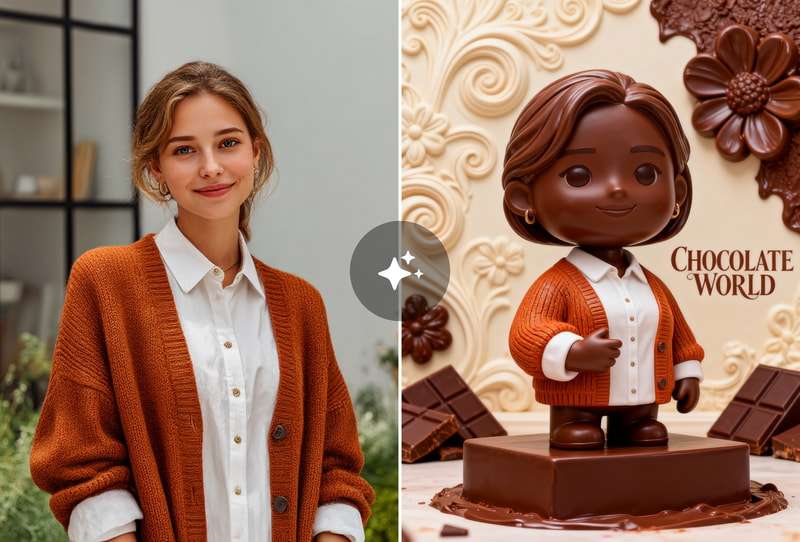
I wanted a warm, cohesive look for my Instagram feed without spending hours editing manually. This Chocolate Photo Filter adds rich cocoa tones that make every post look professionally graded and consistent.
Create Vintage Style Portraits
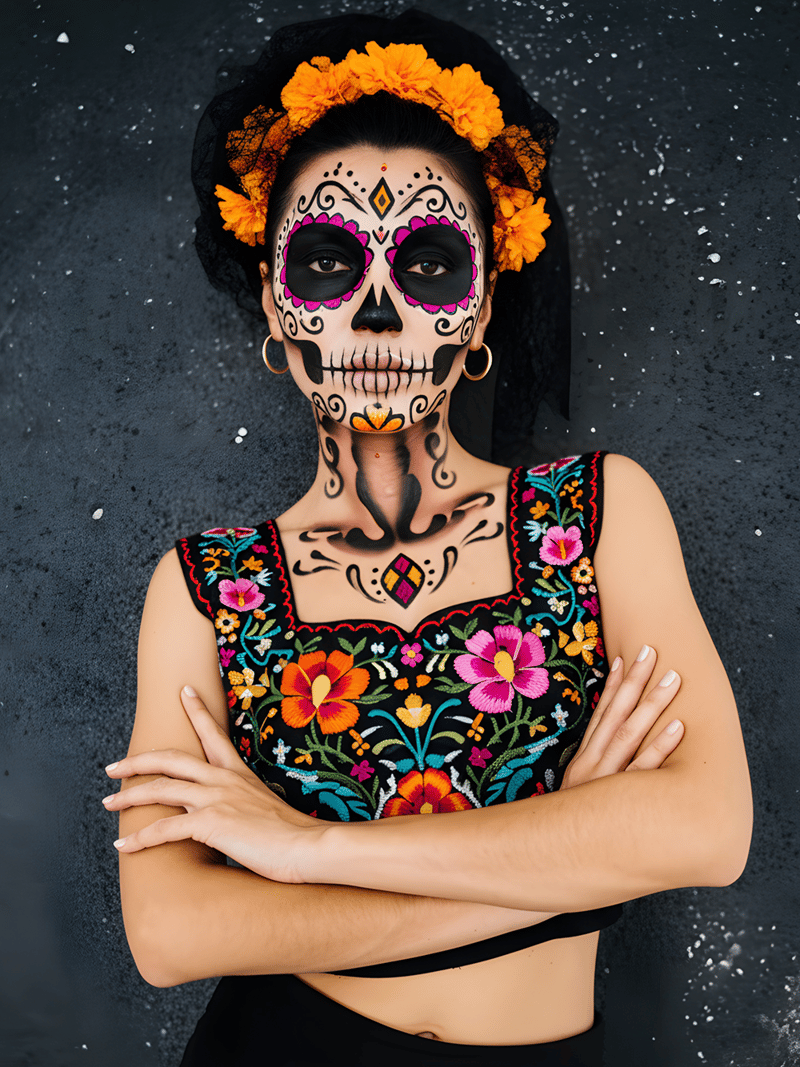
Achieving that nostalgic, sepia-toned vibe used to require complex software. Now, I use this tool to give my digital portraits a classic vintage chocolate brown effect that feels timeless and warm.
Visualize Fantasy Art Concepts
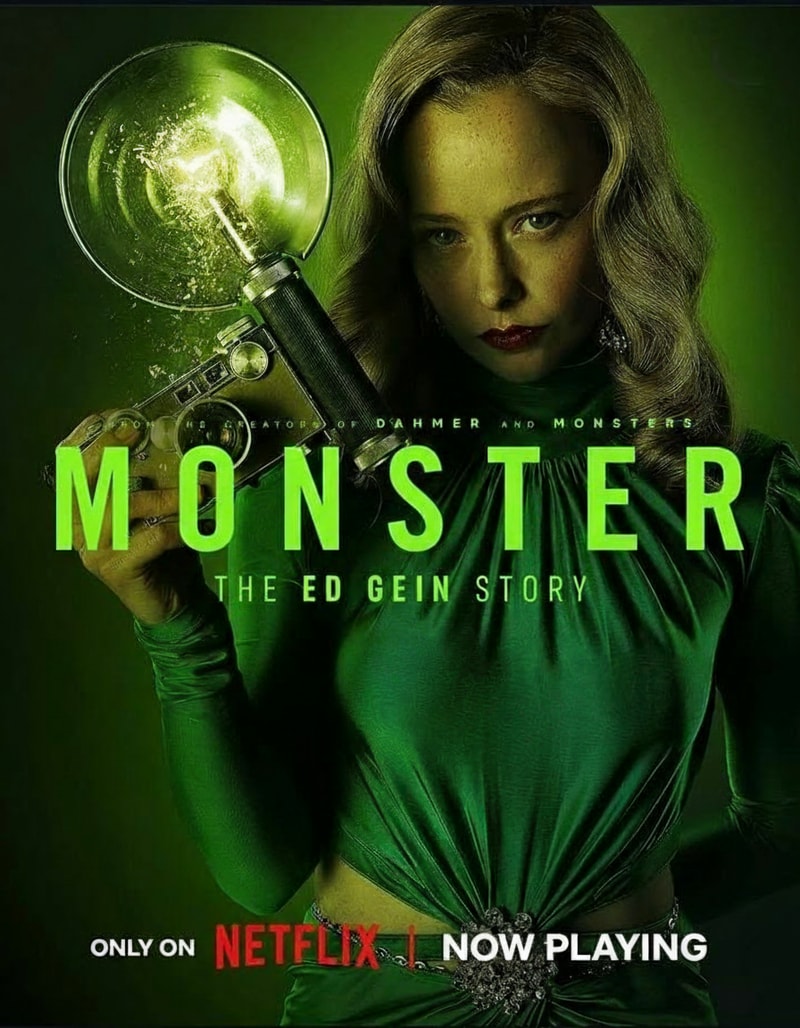
For my creative projects, I needed to turn ordinary portraits into fantasy candy-land characters. The tool applies intricate chocolate textures and melting effects, helping me visualize delicious concepts instantly.
Why People Choose Chocolate Filter Bot
Instant Cocoa-Themed Transformations
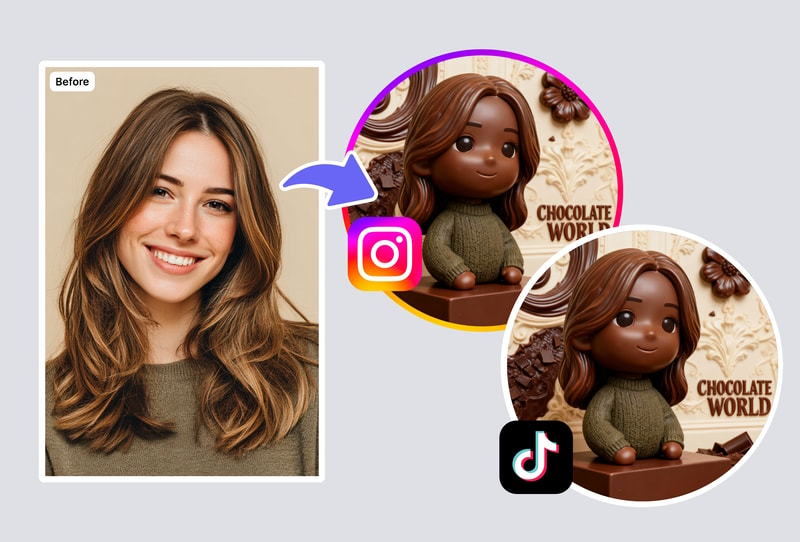
Upload your image and watch it turn into a chocolate masterpiece in seconds. The processing is fast and delivers rich, detailed textures immediately without long wait times.
High-Quality Character Details
Built with FLUX models to ensure every sprinkle and melting effect looks realistic. You get high-resolution outputs that capture the delicious essence of chocolate art.
Simple One-Click Editing
No design skills needed. Just upload your photo and the tool handles the complex texture mapping and color grading automatically for a professional finish.
How to Use

Step 1: Upload Your Photo
Select a clear image from your device and upload it to the tool using the uploader. It works best with portraits where facial features are visible. Common formats like JPG and PNG are supported.

Step 2: Apply the Chocolate Effect
Click the generate button to start the transformation. The system analyzes your photo and applies the rich cocoa textures and character effects automatically, creating a unique look in just a few moments.

Step 3: Download Your Sweet Result
Once processed, your new chocolate-themed image appears instantly. Download the high-quality file to your device and share it with friends or use it for your creative projects.