How to Create an AI Avatar: A Step-by-Step Guide for Every Style
Establishing a standout digital identity is essential for modern networking, gaming, and content creation. Whether you need polished professional headshots, vibrant anime portraits, or recruiter-ready LinkedIn photos, learning how to create an ai avatar can transform your online presence in seconds. This comprehensive guide covers everything from choosing among 8+ specialized aesthetic tools to perfecting your final image, offering a complete roadmap to elevating your digital persona through AI.
Industry Insights & Data
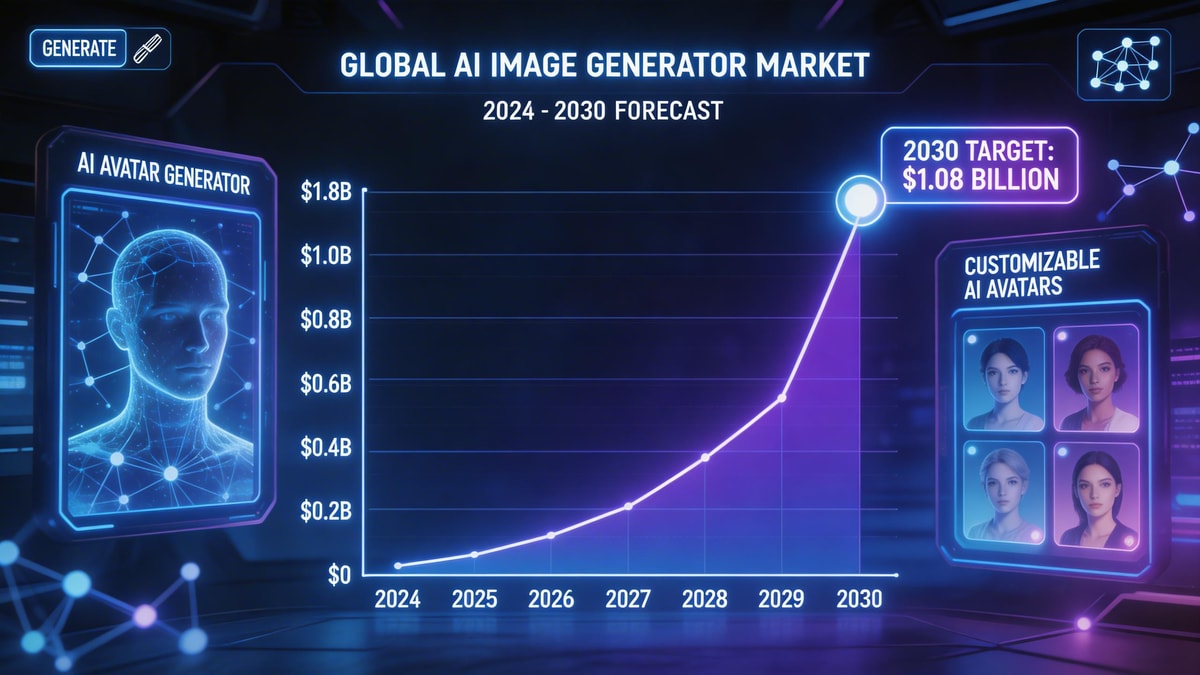
| Source Name | Published Year | Key Data/Statistic | Report Link |
|---|---|---|---|
| Grand View Research | 2024 | Global AI image generator market size expected to reach $1.08 billion by 2030 | View Report |
The Tools: Choosing Your Avatar Engine
Before diving into the creative process, you need the right engine. Finding the best ai avatar generator is critical because different platforms excel at different aesthetics. With the Myshell AI ecosystem, you have access to a versatile suite of 8+ tools and styles—ranging from hyper-realistic professional photography models to vibrant anime portrait engines.
If you are exploring how to make an ai avatar that perfectly captures your brand, leveraging a specialized Myshell AI Image Generator ensures high-fidelity results. These advanced platforms empower anyone to generate custom ai avatar designs for LinkedIn, gaming profiles, or social media without needing any background in graphic design or complex editing software.
Step-by-Step: How to Build Your Digital Persona
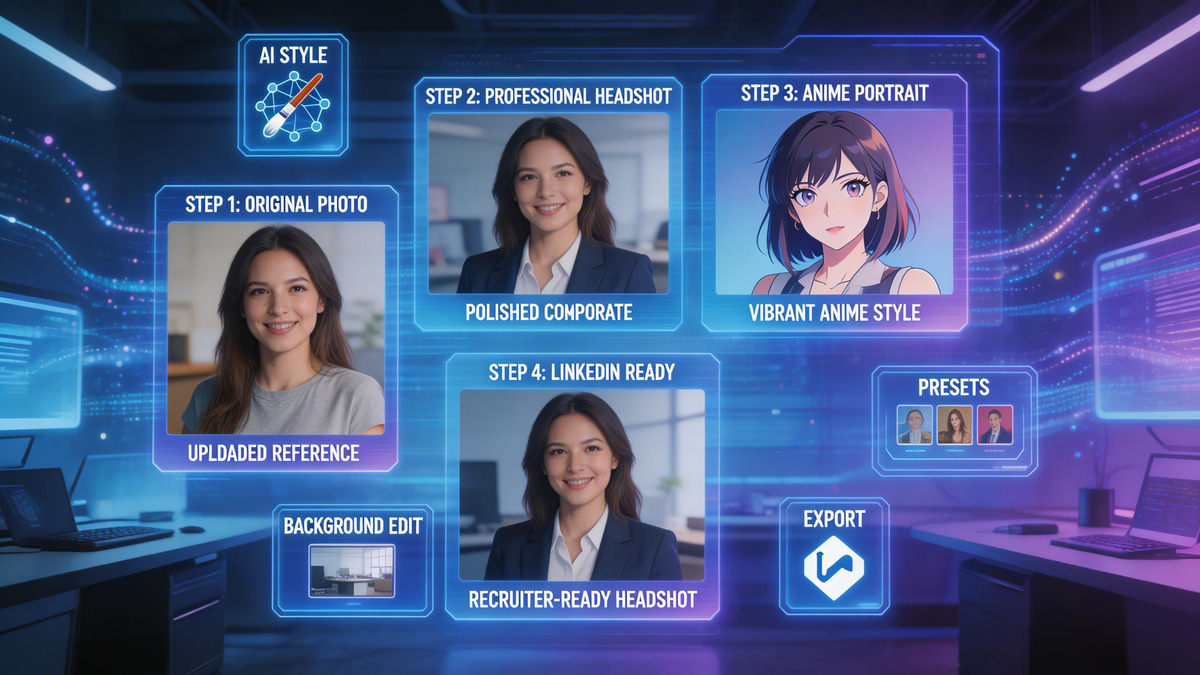
Follow this ai avatar maker tutorial to seamlessly build your new profile picture from scratch.
Step 1: Define Your Purpose and Style
Decide if you need a corporate LinkedIn photo or a creative anime portrait. Knowing your end goal helps you select the right aesthetic filter within the Myshell AI platform.
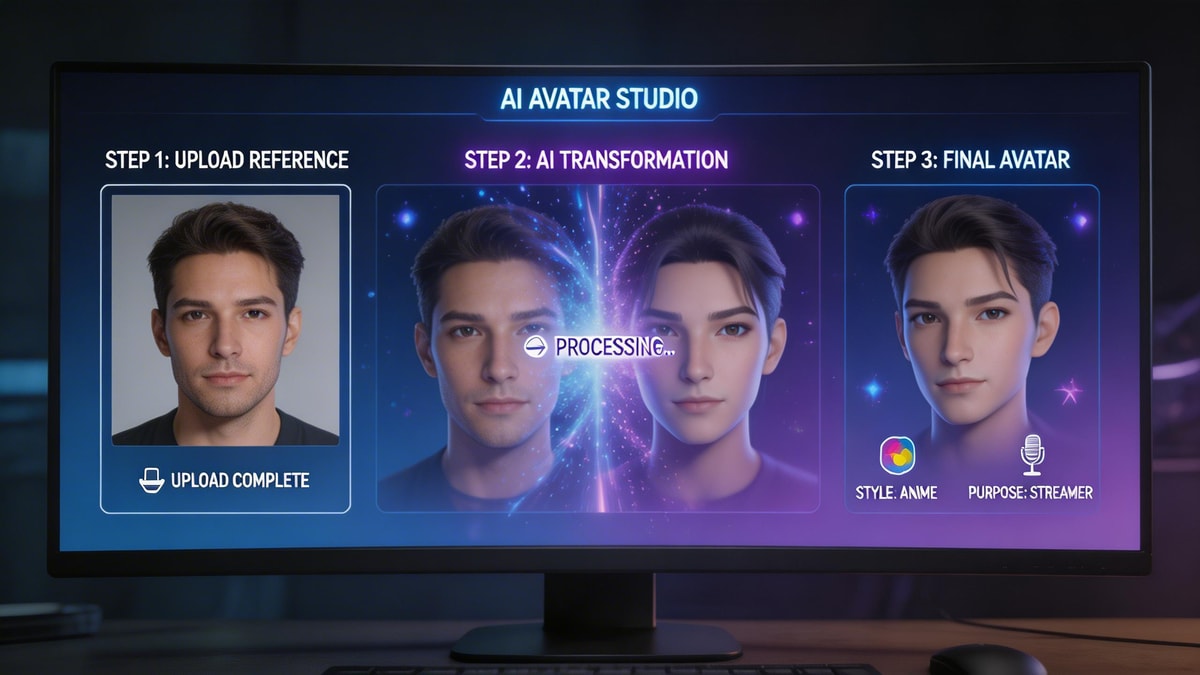
Step 2: Upload High-Quality Reference Photos
To effectively learn how to make an ai avatar, you must start with good data. Upload 3 to 5 clear, well-lit selfies from different angles. Avoid heavy filters, hats, or sunglasses so the AI can accurately map your facial features.
Step 3: Craft the Perfect Prompt
Use detailed text prompts to customize your environment and clothing. Whether you want to create ai avatar free previews or generate premium 4K renders, specifying details like "cinematic lighting, wearing a navy blue suit, studio background" will drastically improve the output.
Step 4: Render, Refine, and Download
Hit generate and let the Myshell AI Image Generator do the heavy lifting. Review the batch of images, tweak your prompts if necessary, and download your favorite professional headshot or creative character in high resolution.
Pro Tips for Flawless Results
Expert Advice: The secret to the most realistic output is lighting consistency. When you generate custom ai avatar headshots, ensure your text prompt's lighting matches the lighting in your original selfies. If your selfies are warmly lit, prompt for "warm studio lighting" to avoid unnatural digital artifacts.
Furthermore, while it is tempting to use the very first result, the best ai avatar generator workflows always involve iteration. Don't be afraid to adjust your descriptive weights or blend different art styles to achieve perfection.
Conclusion
Mastering the process of digital self-expression is incredibly rewarding. Even if you start by looking to create ai avatar free options, the massive jump in quality offered by dedicated Myshell AI creative tools makes all the difference. From sleek LinkedIn photos to imaginative anime portraits, you now have the blueprint and the stylistic tools needed to redefine your digital identity. Choose your favorite engine and start creating today!
FAQ
Q: Is there an ai avatar maker tutorial for complete beginners?
A: Yes! The steps outlined above serve as a foundational guide. Myshell AI also provides intuitive, user-friendly interfaces that make the creation process simple, even if you have zero technical experience.
Q: Can I generate custom ai avatar photos for my professional LinkedIn profile?
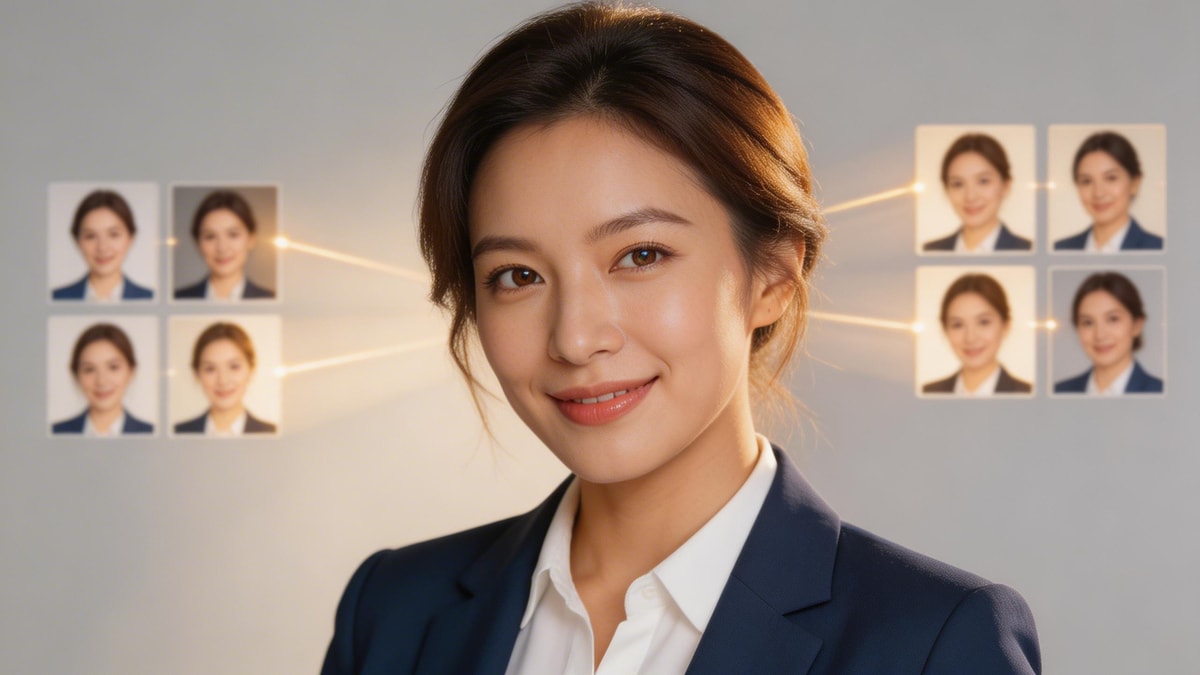
A: Absolutely. By selecting a realistic photography model and prompting for professional attire and neutral backgrounds, you can create stunning, recruiter-ready professional headshots.
Q: What is the easiest way to learn how to make an ai avatar?
A: The easiest way is to start with clear, well-lit selfies and experiment with a high-quality platform. Testing different text prompts and art styles will quickly teach you what works best for your specific facial features.
Articolo precedente
How to Fix Blurry Photos: A Step-by-Step Guide to AI RestorationProssimo articolo
How to Make an AI Video from a Photo: A Step-by-Step Guide