How to Make Image Into Pixel Art: A Step-by-Step Guide
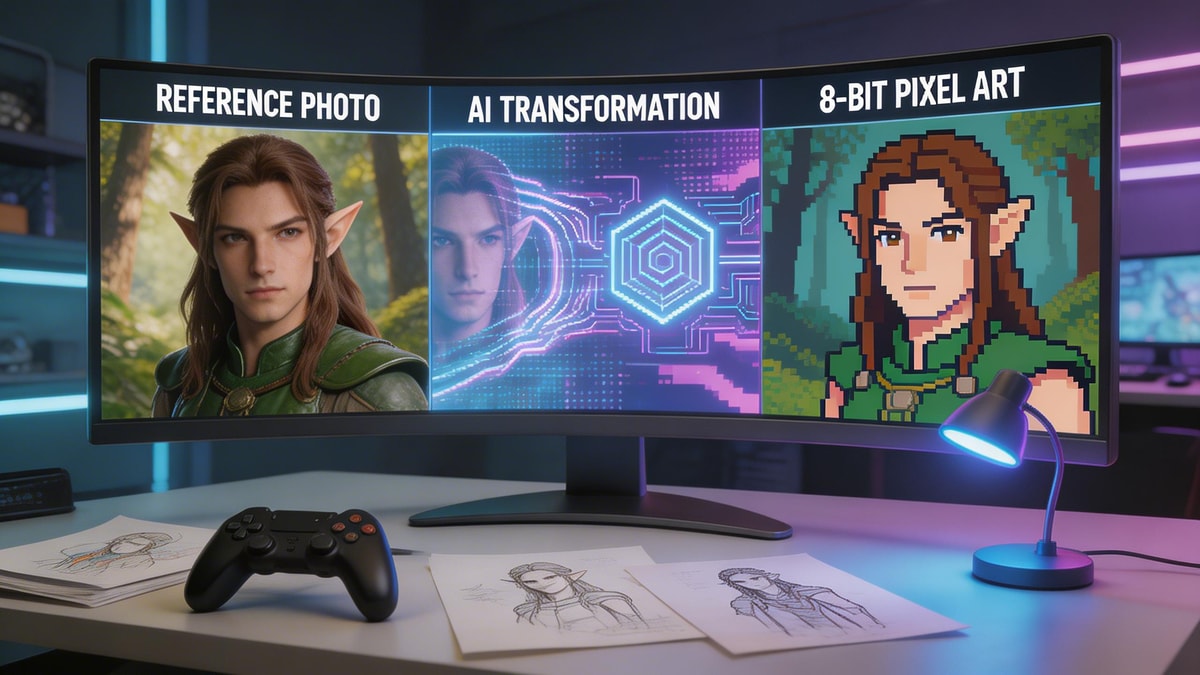
The nostalgic appeal of 8-bit and 16-bit graphics is stronger than ever, but learning how to make image into pixel art manually can take years of tedious practice. Fortunately, AI has completely revolutionized this creative workflow. Whether you are an indie game developer, a streamer wanting custom emotes, or just someone looking for a fun retro avatar, AI generators eliminate the steep learning curve. By utilizing intuitive tools, you can transform your favorite selfies and standard photos into flawless, blocky masterpieces in mere seconds.
Industry Insights & Data
| Source Name | Published Year | Key Data/Statistic | Report Link |
|---|---|---|---|
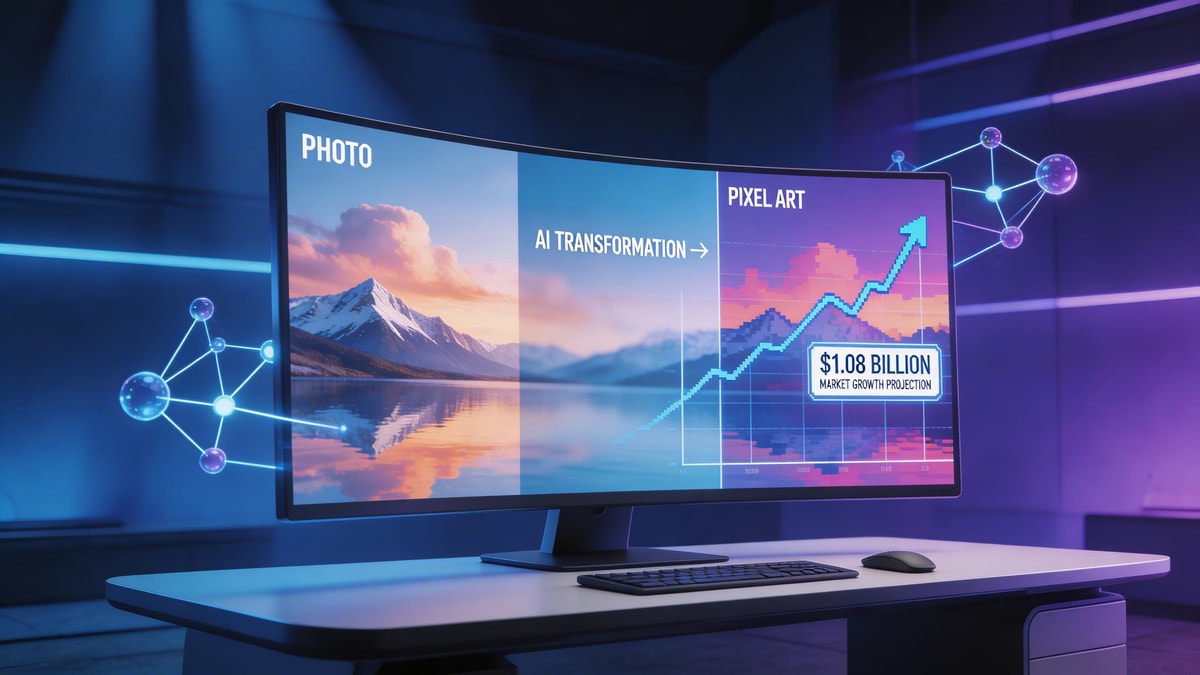
| Grand View Research | 2024 | Global AI image generator market size expected to reach $1.08 billion by 2030 | View Report |
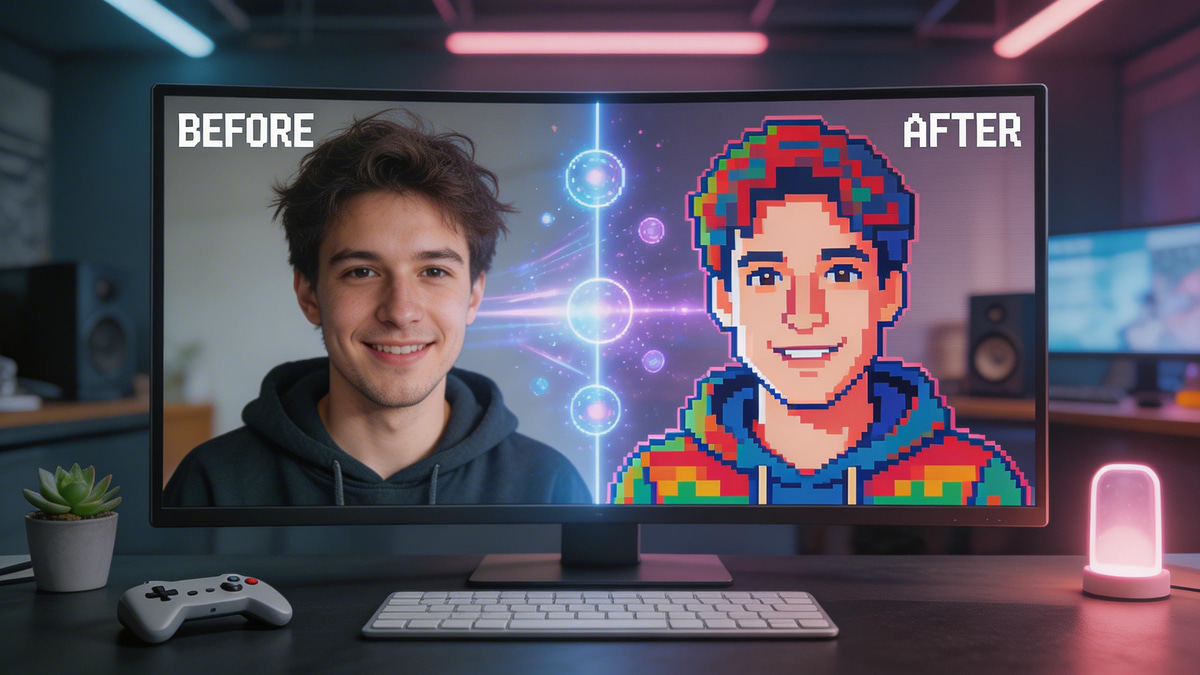
As more creators look to convert image to pixel art, the demand for accessible AI tools has skyrocketed. You no longer need to be a professional sprite artist to turn photo into pixel art. By leveraging a dedicated image to pixel art converter, anyone from indie game developers to casual social media enthusiasts can effortlessly generate high-quality retro aesthetics in a fraction of the traditional time.
The Tools: Choosing Your AI Pixel Art Engine
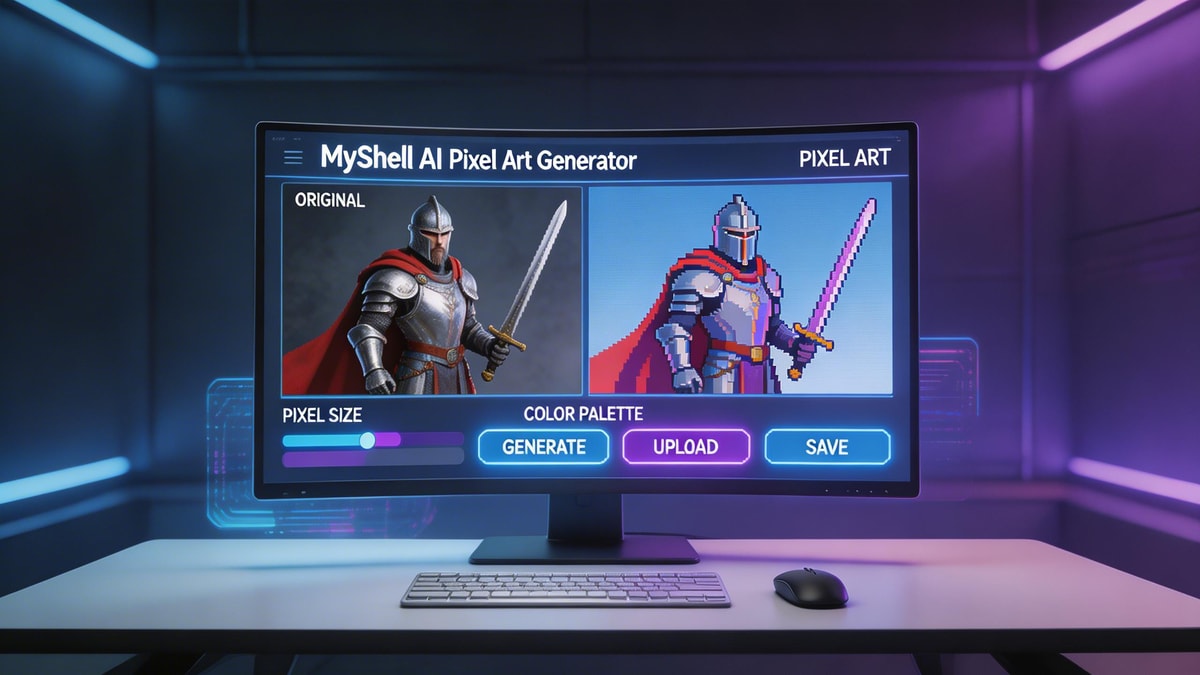
When deciding how to pixelate an image effectively, having the right AI engine is crucial. If you want to make pixel art from photo references seamlessly, MyShell AI offers specialized creative bots tailored to different aesthetics.
The Pixel Art Generator is perfect for traditional 16-bit arcade styling, capturing that classic RPG look with incredible precision. Alternatively, if you are looking for a more structural, block-building aesthetic, the Minecraft Filter provides a fantastic voxel-inspired output. These tools completely streamline the workflow needed to convert image to pixel art without compromising on visual quality.
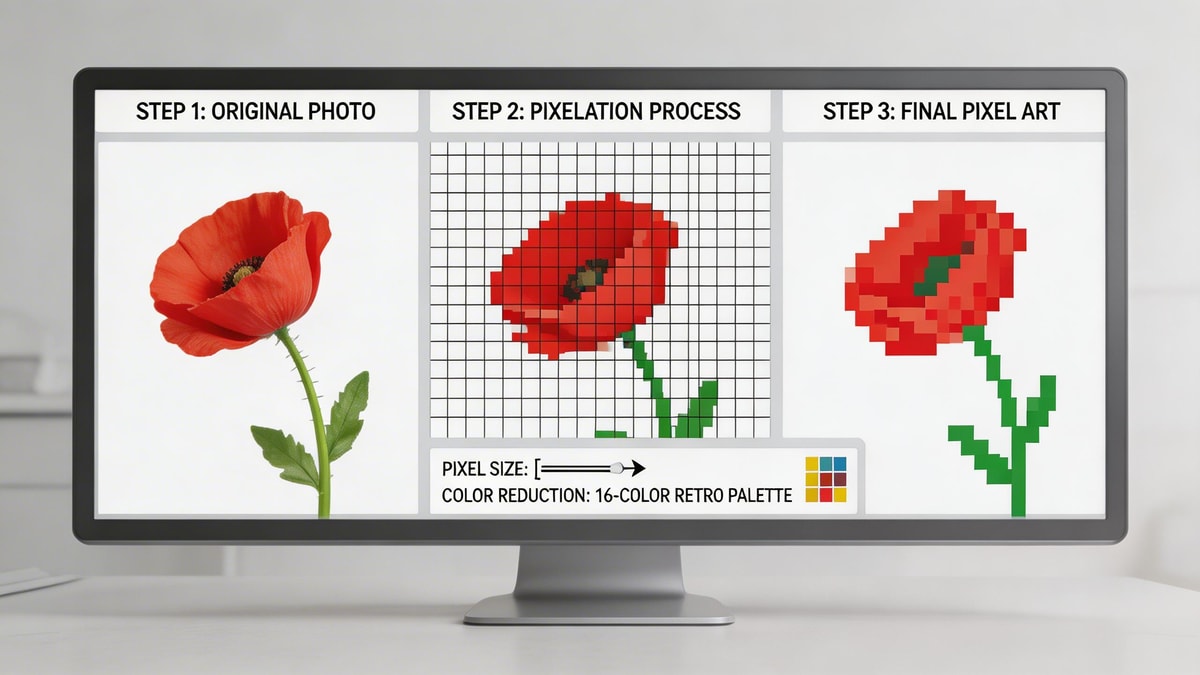
Step-by-Step: How to Make Image Into Pixel Art
Step 1: Prepare and Upload Your Reference
To make pixel art from photo files effectively, start with a high-contrast image. Clear subjects with uncluttered backgrounds yield the absolute best results when you use an image to pixel art converter.
Step 2: Select Your Pixelation Engine
Once your base photo is ready, upload it to the platform. If you want to establish clean, distinct outlines before pixelating, you can run your image through an ai sketch generator first. This pre-processing step makes it much easier to turn photo into pixel art with sharply defined edges.
Step 3: Customize with Prompts
Wondering how to pixelate an image with a specific futuristic aesthetic? Use text prompts to guide the AI. For a cyberpunk vibe, you can blend concepts by referencing a Neon Art Generator style in your text prompt while requesting a traditional 16-bit arcade output.
Step 4: Render and Download
Hit generate and watch the AI convert image to pixel art in seconds. Review the various output options, select the one with the crispest sprite details, and download it in high resolution for your project.

Pro Tips for the Best Results
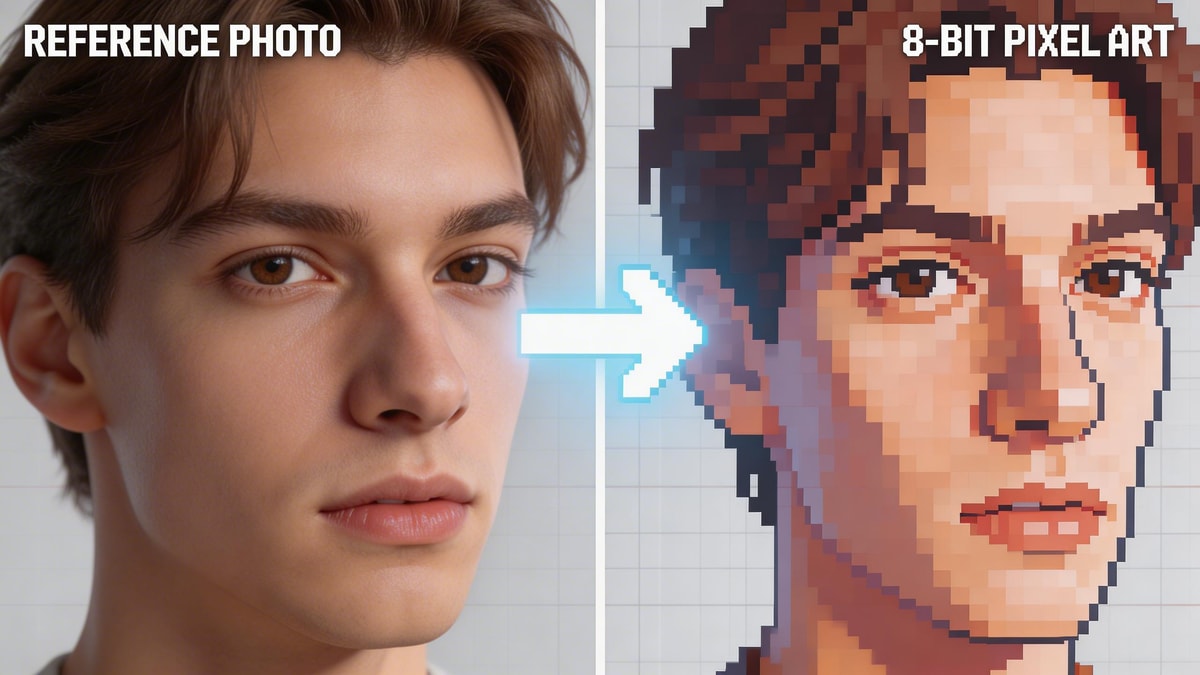
Expert Advice: When you convert image to pixel art, lighting is everything. Flat lighting works best to turn photo into pixel art because it prevents muddy color gradients from ruining the retro vibe. If you are struggling with how to pixelate an image without losing vital facial details, crop the photo closely to the subject's face before uploading it to the AI.
You might also experiment with hybrid artistic styles. For example, running your image through the Ghibli Gram Filter first will soften the features into a clean anime style before you make pixel art from photo references, resulting in a beautiful classic JRPG aesthetic.

Conclusion
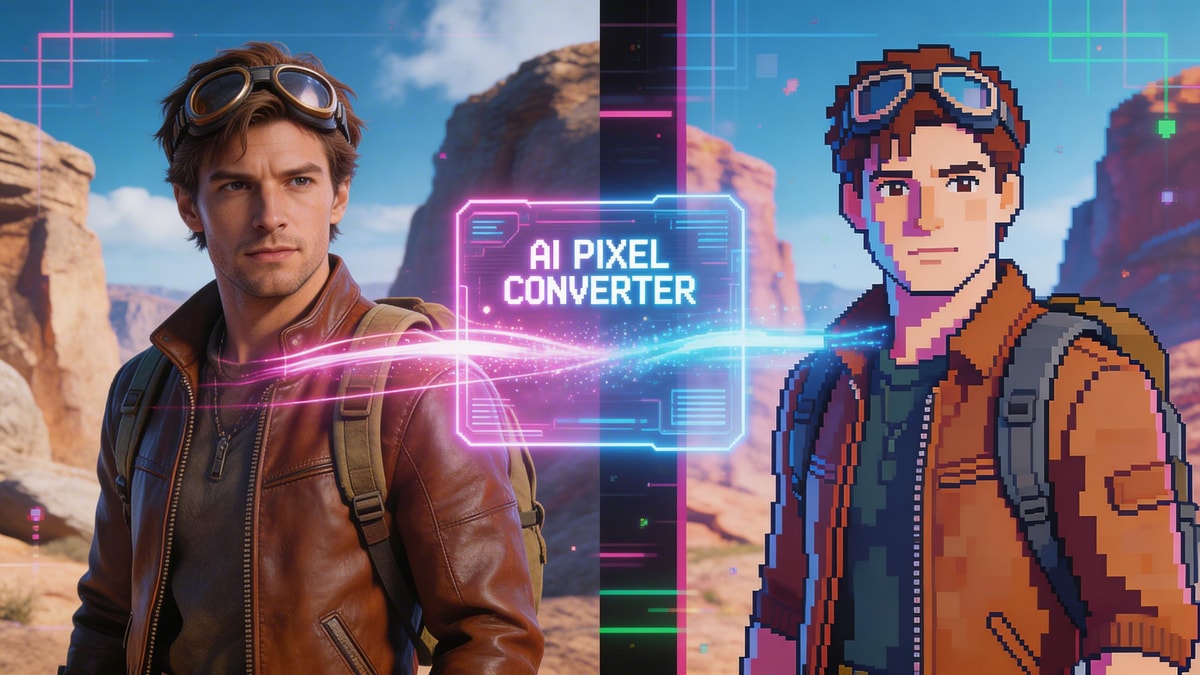
Mastering the use of a modern image to pixel art converter opens up a vast world of creative possibilities. Whether you need to convert image to pixel art for an upcoming indie video game or simply want to turn photo into pixel art for a unique social media avatar, MyShell AI provides all the necessary tools. You now know exactly how to pixelate an image with professional-grade results—start experimenting today and bring your retro visions to life.
FAQ
Q: What is the best image to pixel art converter for beginners?
A: MyShell's dedicated Pixel Art Generator is incredibly user-friendly, allowing beginners to get stunning, game-ready results simply by uploading an image and adding a basic prompt.
Q: Can I make pixel art from photo references for commercial indie games?
A: Yes! AI-generated assets are a great way to accelerate your game development pipeline, especially when you use them as a strong base to convert image to pixel art and then manually tweak the sprites to fit your game's exact color palette.
Q: How to pixelate an image without it looking blurry?
A: Always use high-contrast reference photos. Additionally, ensure your prompts specify "crisp 16-bit graphics" or "sharp pixel edges" to force the AI to maintain strict, unblurred pixel boundaries.