How to Change Outfit with AI: Complete Try-On Guide (2026)
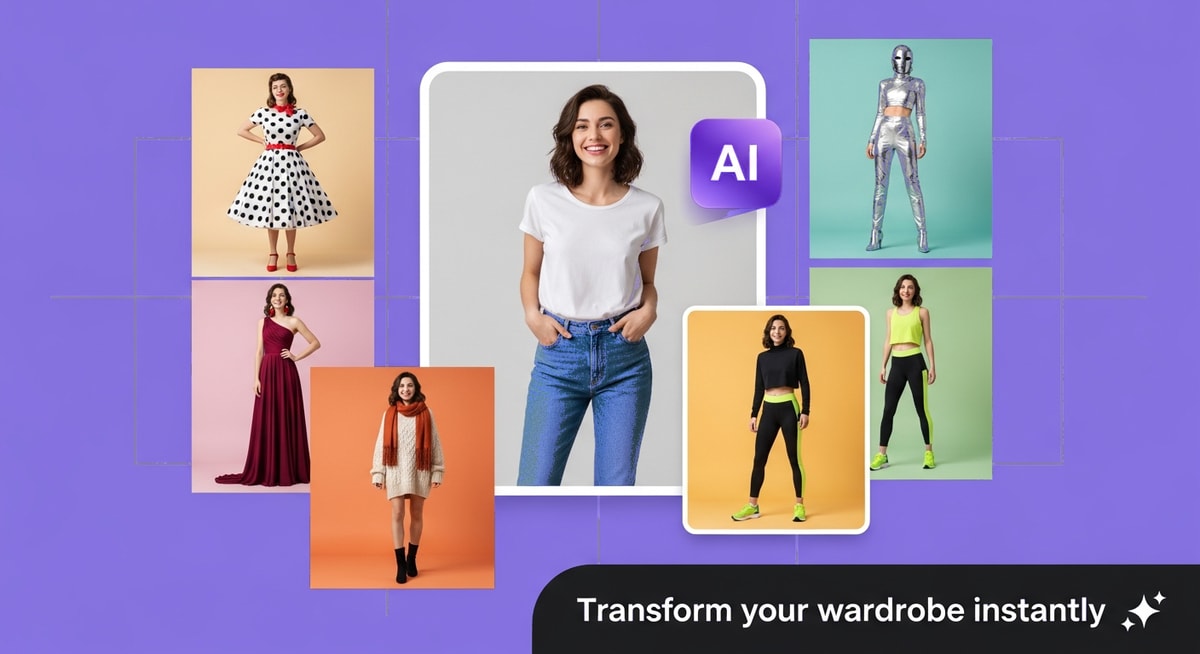
Learning how to change outfit with ai has revolutionized fashion content creation. Modern AI tools let you virtually try on swimwear, cosplay costumes, athletic wear, and more from a single photo upload. This guide shows you how to change outfit with ai using the best free tools.
How to Change Outfit with AI: The Complete Guide for 2026
AI outfit changing technology has moved far beyond novelty filters. In 2026, virtual try-on tools are used by fashion brands, e-commerce platforms, influencers, and everyday users to visualize any outfit on any photo — instantly and for free.
Whether you want to see yourself in a red carpet gown, test streetwear combos, or swap costumes for creative content, an AI clothes changer can do it in seconds. Tools like the AI Clothes Changer and Outfit Generator on MyShell Art are leading the shift, making virtual wardrobe changes accessible to anyone with a smartphone.
Industry Insights & Data
| Source Name | Published Year | Key Data/Statistic | Report Link |
|---|---|---|---|
| Grand View Research | 2025 | Global virtual try-on market projected to reach $14.75B by 2030 (CAGR 25.2%) | View Report |
| Shopify | 2025 | 71% of consumers say they would shop more often if they could use AR/AI try-on | View Report |
| The Business Research Company | 2025 | AI in fashion market expected to grow from 4.6B by 2029 (CAGR 34.2%) | View Report |
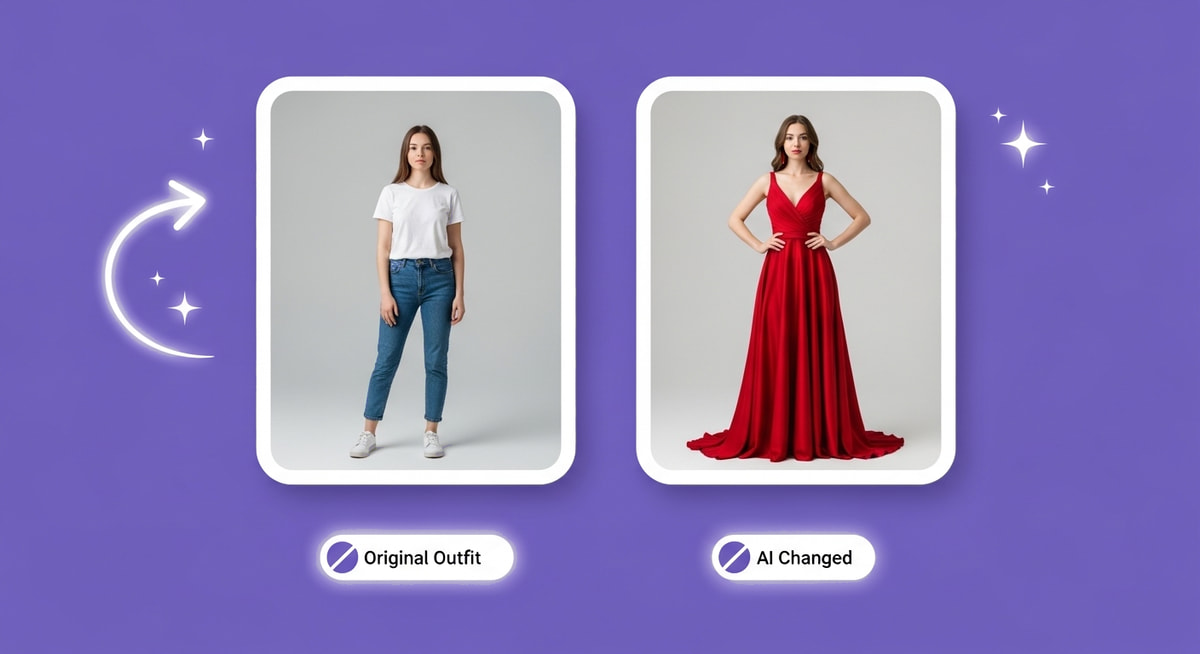
How AI Outfit Changing Technology Works
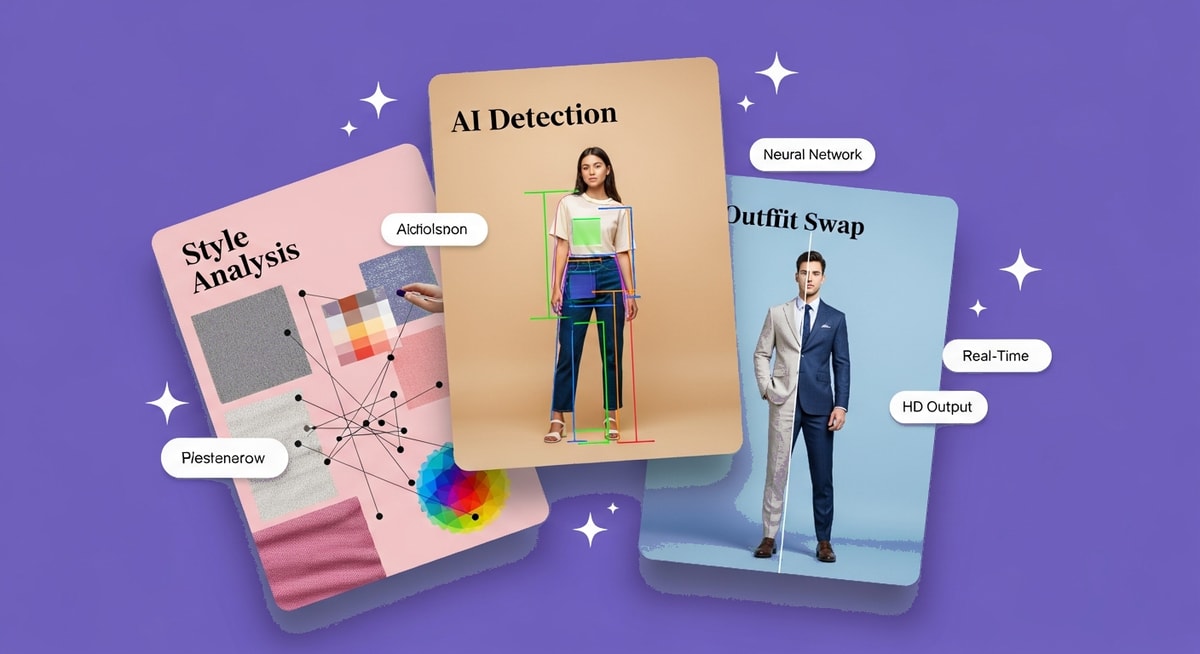
Understanding how AI clothes changers work helps you get better results. Here's the technology behind virtual try-on in 2026.
Body & Clothing Segmentation — The AI first identifies and separates your body, clothing, hair, and background into distinct layers. Advanced models like those in the AI Clothes Changer can distinguish between overlapping garments (jacket over shirt) and preserve skin boundaries with pixel-level accuracy.
Generative Inpainting — Once clothing regions are isolated, the AI replaces them with new garments based on your text prompt or reference image. The model generates fabric texture, patterns, and colors that match your description while respecting the original body shape.
Pose-Aware Texture Mapping — The new outfit is warped to match your exact body pose. This means realistic draping, natural folds, and accurate shadows — even for complex poses like crossed arms or seated positions.
Lighting Consistency — The AI analyzes the original photo's lighting direction, intensity, and color temperature, then applies matching lighting to the new garment. This is what makes the result look photorealistic rather than obviously edited.
The Magic Outfit Swap on MyShell Art showcases this pipeline end-to-end, transforming any photo into a costume or outfit change in seconds.
Best AI Clothes Changers in 2026: Detailed Comparison
Not all AI outfit changers deliver the same quality. Here's how the top tools stack up for changing outfits in photos.
1. MyShell Art — Best Free AI Clothes Changer Overall
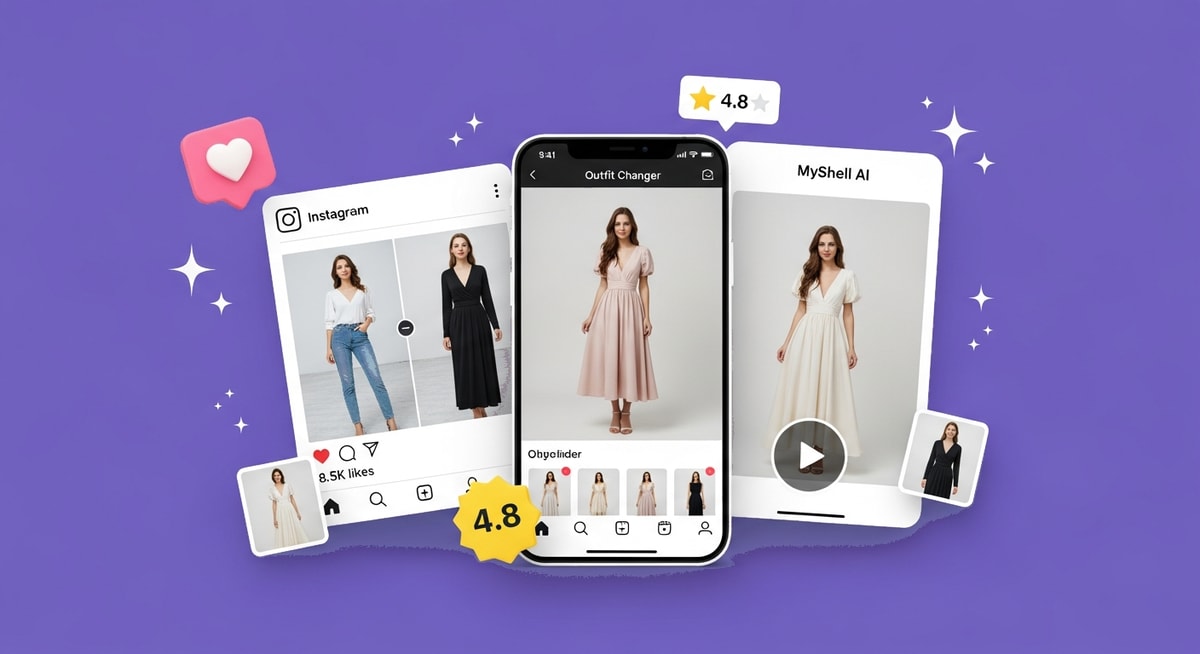
MyShell Art offers the most versatile outfit changing suite on the market. The AI Clothes Changer handles prompt-based outfit swaps — describe any outfit ("red silk evening gown," "Y2K streetwear," "traditional kimono") and the AI generates it on your photo. The Magic Outfit Swap takes a different approach, using reference images to transfer entire outfit styles. For niche aesthetics, the Subculture Fit generator creates goth, punk, and alternative fashion looks from a single photo.
Key Features:
- Prompt-based and reference-image outfit generation
- Specialized style tools (subculture, cultural, seasonal)
- Free unlimited access — no watermarks, no credit limits
- iOS, Android, and web
2. NoteGPT AI Clothes Changer
NoteGPT focuses on quick, simple outfit swaps with a clean upload-and-generate interface. Good for fast prototyping of different looks, but the free tier has limited daily generations.
3. AirBrush
Mobile-optimized outfit changing with strong fabric texture rendering. AirBrush excels at maintaining lighting consistency, making it popular with fashion photographers. Free tier available.
4. FitRoom
FitRoom takes a catalog-based approach — you select specific clothing items from real fashion brands rather than generating from prompts. Best for actual shopping decisions, but limited to partner brand inventories.
5. Pincel
Pincel offers precision outfit editing with manual control over which regions to change. This gives more predictable results for professional retouching, though it requires more effort than one-click tools.

How to Change Outfits with AI: Step-by-Step Guide
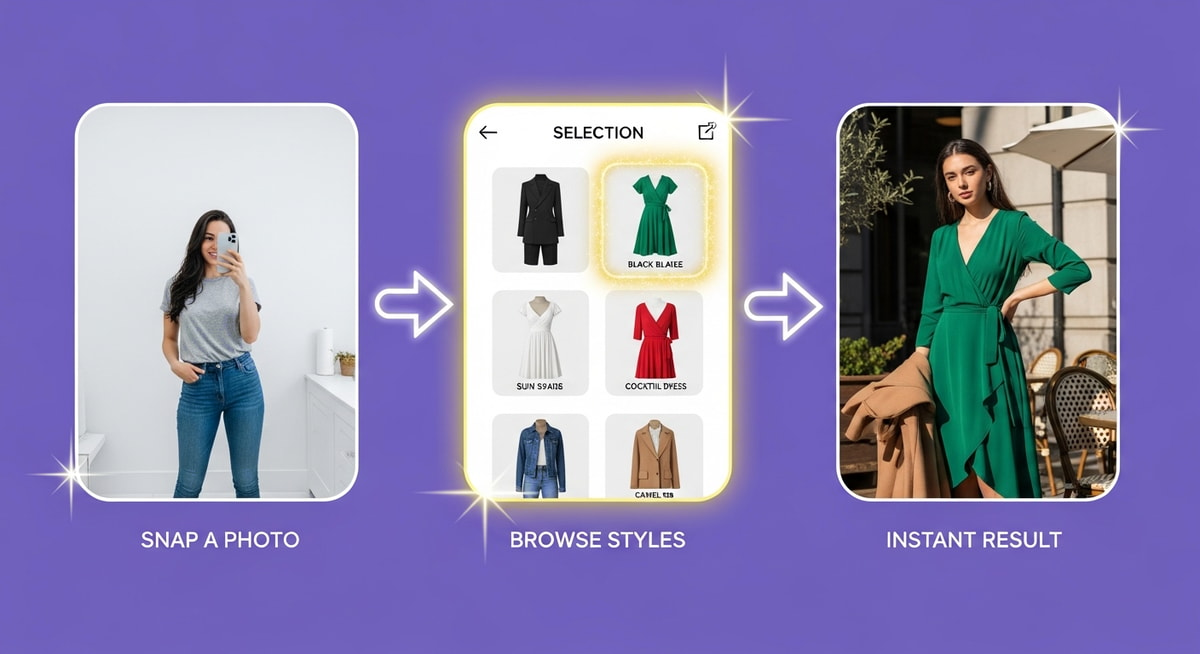
Follow this process to get professional-quality outfit changes — no design skills required.
Step 1: Choose the Right Photo
The quality of your input photo directly affects the result. For the best AI outfit changes:
- Use a full-body or half-body photo with a clear, front-facing pose
- Keep arms at your sides or in a simple position — crossed arms create artifacts
- Ensure good, even lighting with visible clothing boundaries
- Solid or uncluttered backgrounds produce the cleanest swaps
Step 2: Describe Your Desired Outfit
Be specific with your outfit description. The more detail you provide, the better the AI performs:
- ✅ "Navy blue tailored business suit with white dress shirt and silk burgundy tie" — specific, detailed
- ❌ "Formal wear" — too vague, inconsistent results
- Include fabric type for realism: "silk," "denim," "leather," "cashmere"
- Mention accessories if needed: "with gold watch and black leather belt"
Step 3: Generate and Compare Variations
Don't settle on the first result. Try 3-4 different outfit descriptions on the same photo using the Subculture Fit. Compare how each maintains your body proportions and check for artifacts around edges (neck, wrists, hemline).
Step 4: Refine and Download
If edges look rough, try a simpler outfit description first, then add details. The Outfit Generator exports at full resolution with no watermarks — ready for social media, portfolios, or creative projects.
Expert Tip: For the most realistic results, match the formality of your pose to the outfit. A casual lean looks wrong in a ball gown, and a stiff posture feels off in streetwear. The AI handles the clothing — you handle the attitude.

Start Changing Outfits with AI Today
Virtual try-on has never been easier. MyShell Art's AI outfit changing tools let you visualize unlimited wardrobe combinations from a single photo — completely free, with no watermarks and no credit limits.
Whether you're testing a new look with the AI Clothes Changer, creating costume content with Magic Outfit Swap, or exploring alternative fashion with Subculture Fit, every tool is available on iOS, Android, and web.
Download the app and try your first outfit change — it takes less than 10 seconds.

Frequently Asked Questions About How to Change Outfit with AI
Q: How do I change my outfit in a photo using AI?
A: Upload a clear photo showing your current outfit to an AI clothes changer like MyShell Art's AI Clothes Changer. Describe the new outfit you want (e.g., "red cocktail dress" or "business suit with tie"), and the AI replaces your clothing while preserving your face, pose, and body proportions. Results are generated in under 10 seconds.
Q: Are AI outfit changers accurate enough for online shopping?
A: AI outfit changers are excellent for visualizing general styles, colors, and silhouettes, but they aren't perfect substitutes for physical try-on. They're most useful for narrowing down choices before purchasing. Catalog-based tools like FitRoom provide more accurate brand-specific results.
Q: Can AI change just the color of my outfit without changing the style?
A: Yes. Most AI clothes changers support color-only modifications. Describe "same outfit in navy blue" or "identical dress in red" to get a color swap while preserving the original garment style and cut.
Q: What types of outfits can AI generate?
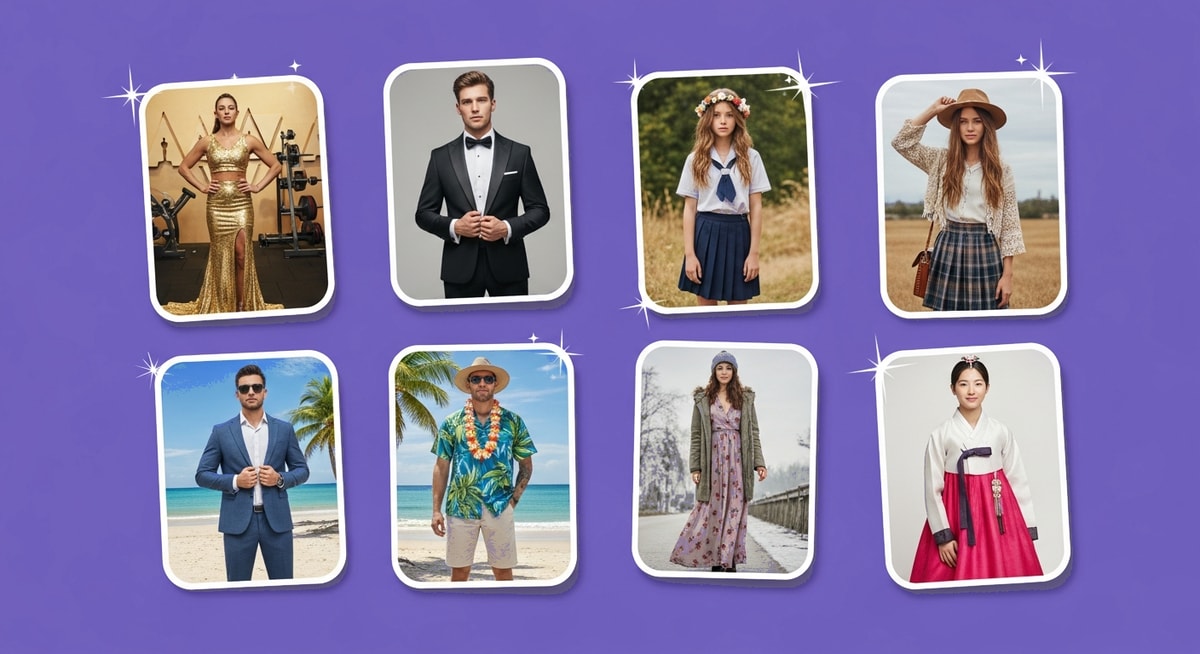
A: AI can generate virtually any clothing type: formal wear, casual, streetwear, athletic, swimwear, costumes, cultural attire, historical clothing, and fantasy outfits. The Outfit Generator on MyShell Art handles all of these. The more common the style, the more realistic the output.
Q: Is there a completely free AI clothes changer with no limits?
A: Yes. MyShell Art offers free AI outfit changing with no watermarks, no credit limits, and no signup requirements. AirBrush and FitRoom have limited free tiers. NoteGPT provides a small number of free daily generations.

Volgend artikel
10 Best AI Tools for Content Creation in 2026