
Job Seekers Who Need a Professional First Impression
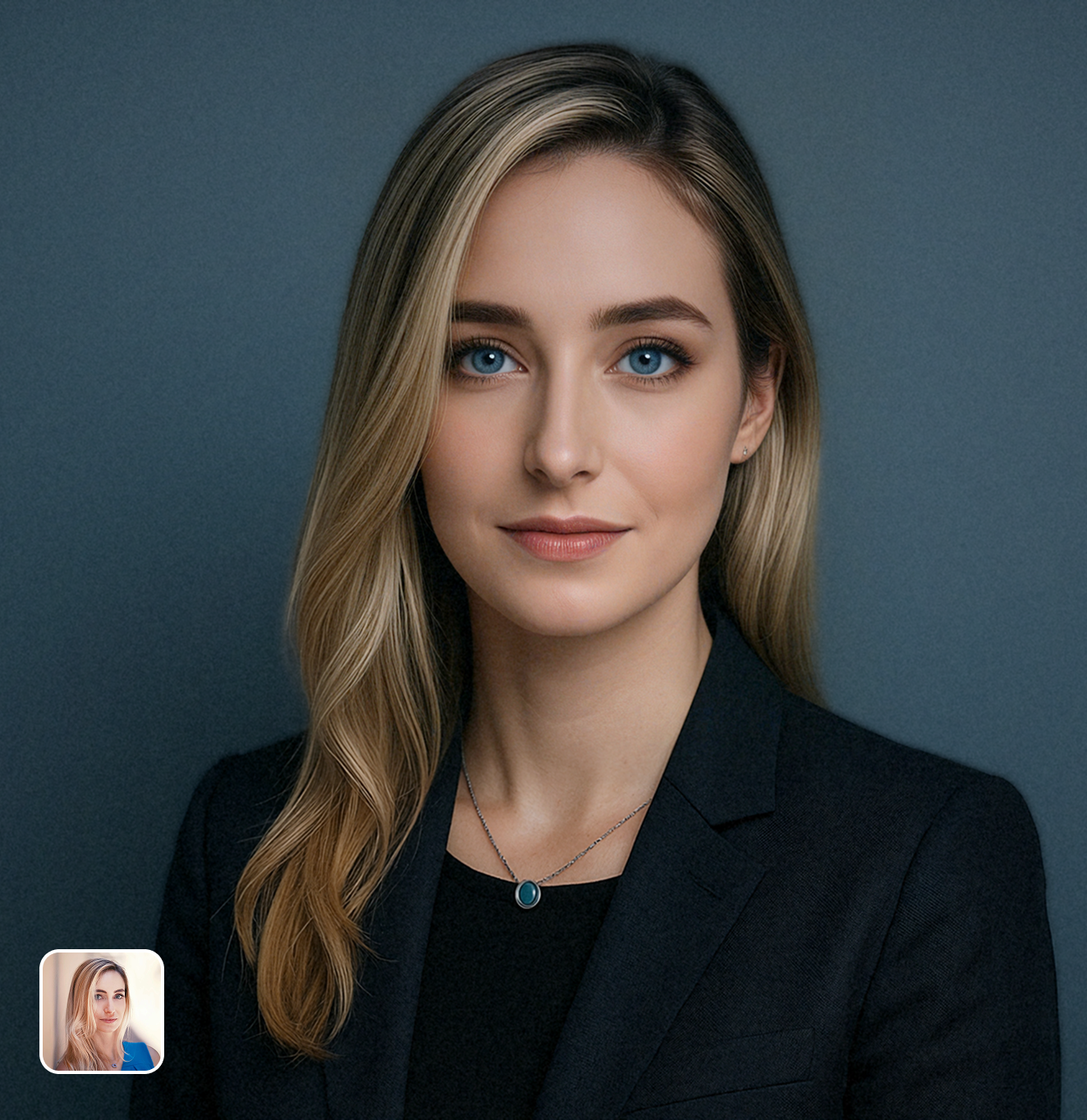
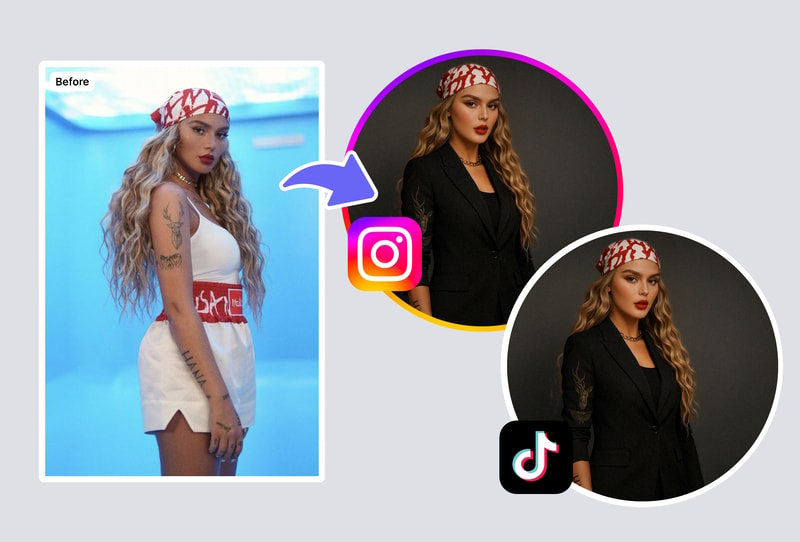
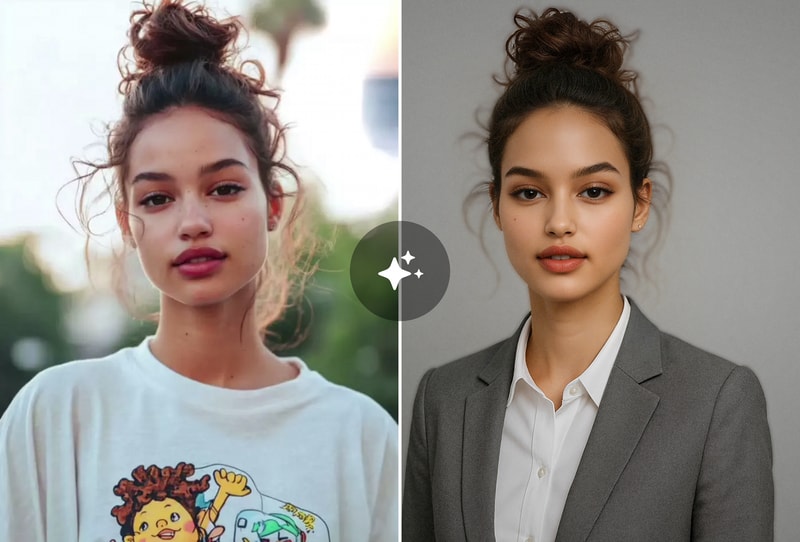
Your LinkedIn photo is the first thing recruiters see — profiles with professional headshots get 14x more views. The AI LinkedIn photo generator transforms your casual selfie into a corporate headshot with studio lighting and professional backgrounds. Unlike Canva's generator which creates generic AI faces, MyShell preserves your actual appearance.
Entrepreneurs & Freelancers Building Personal Brand
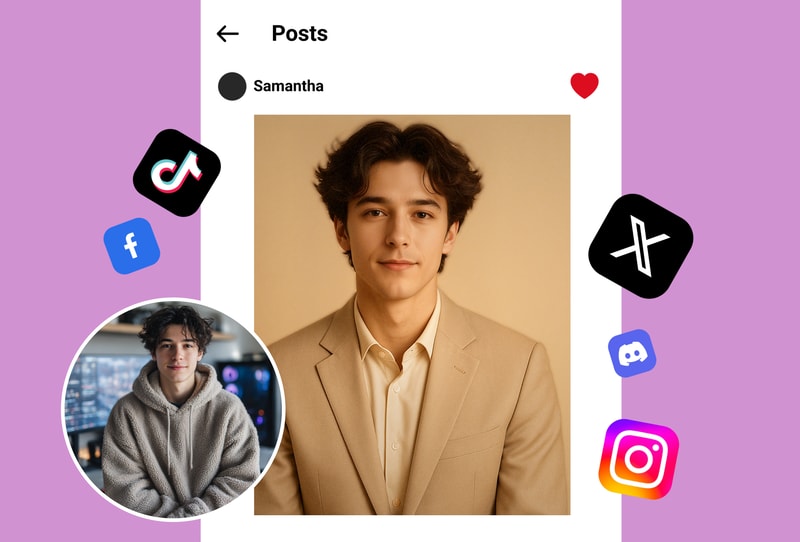
First impressions close deals. Generate authoritative, approachable headshots that build instant credibility with clients and partners. Try formal corporate, creative professional, or friendly variations — and A/B test which earns the most connections. What photographers charge $200-500 for, MyShell delivers in seconds.
Freelancers Building Personal Brands
Stand out to clients with unforgettable professional portraits. Use the LinkedIn photo generator for quick style variations that match your niche and attract high-value projects effortlessly.
Why MyShell's LinkedIn Photo Generator Beats the Alternatives
One Selfie → Studio-Quality Headshot in Seconds
While Pica-AI and HeadshotPro require 10-20 selfie uploads and hours of processing, MyShell's LinkedIn photo generator works with a single photo and delivers results in seconds. The AI enhances lighting, removes distracting backgrounds, adjusts composition, and applies professional color grading — all from one casual selfie.
Your Real Face — Not an AI-Generated Stranger
Some AI headshot tools generate entirely new faces that look nothing like you. MyShell's LinkedIn photo generator preserves your actual facial features, skin tone, and distinguishing characteristics while elevating the professional quality. Your connections will recognize you in person — the #1 rule of LinkedIn photos.
Multiple Professional Styles — Free to Start
Generate headshots in various professional contexts: corporate formal, creative industry, startup casual, academic, healthcare, and more. Each style includes appropriate backgrounds, lighting, and compositional choices. While NoteGPT offers one basic style and Fiddl.art charges per generation, MyShell gives you full style variety for free.
How to Create Your LinkedIn Headshot
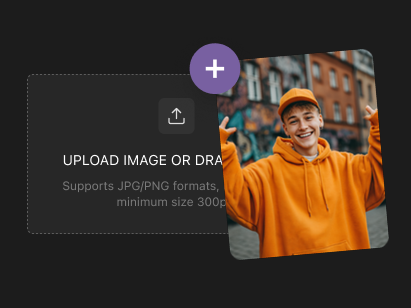
Step 1: Upload Any Selfie or Portrait
Upload a clear photo of yourself — even a casual selfie works. The AI LinkedIn photo generator works best with well-lit images where your face is clearly visible. No professional photo needed as your starting point.
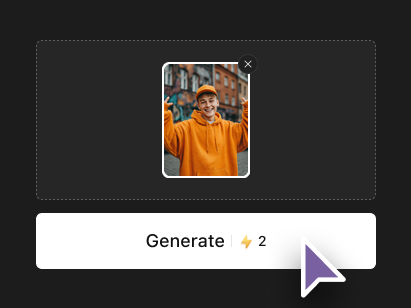
Step 2: Choose Your Professional Style
Select from professional styles: corporate formal, creative professional, startup casual, academic, healthcare, or custom. Each style applies appropriate backgrounds, lighting, and composition for your industry.
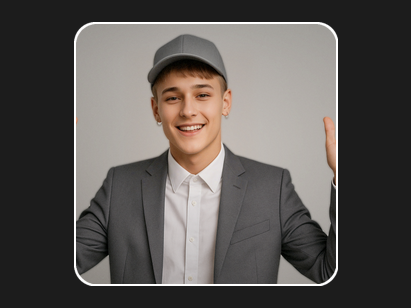
Step 3: Generate & Download Your Headshot
Click Generate and receive your polished LinkedIn headshot in seconds. Download in high resolution (perfect for LinkedIn's 400x400 recommended size and beyond). Try multiple styles to find your best professional look.