
Realistic AI Braces Filter for Any Smile
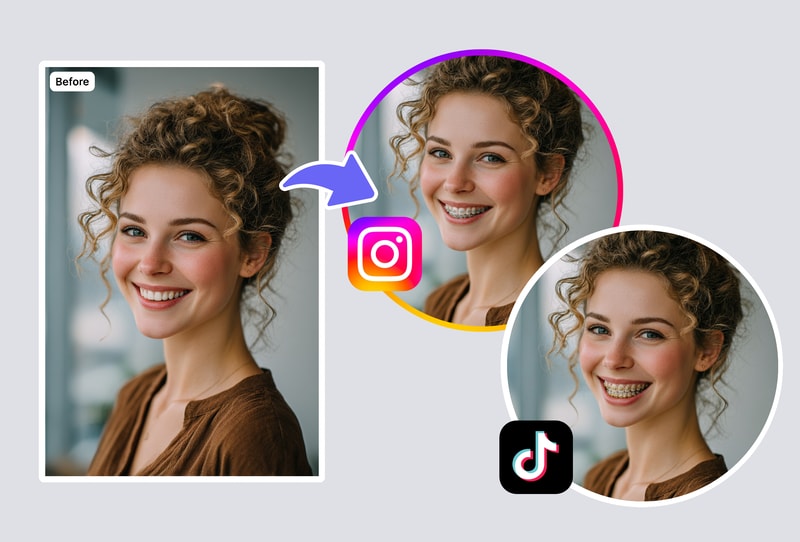
Our braces filter uses advanced AI to map your teeth precisely and overlay photorealistic braces. The result accounts for tooth shape, alignment, and lighting so the braces look genuinely worn — not pasted on. Perfect for previewing your orthodontic journey before committing.
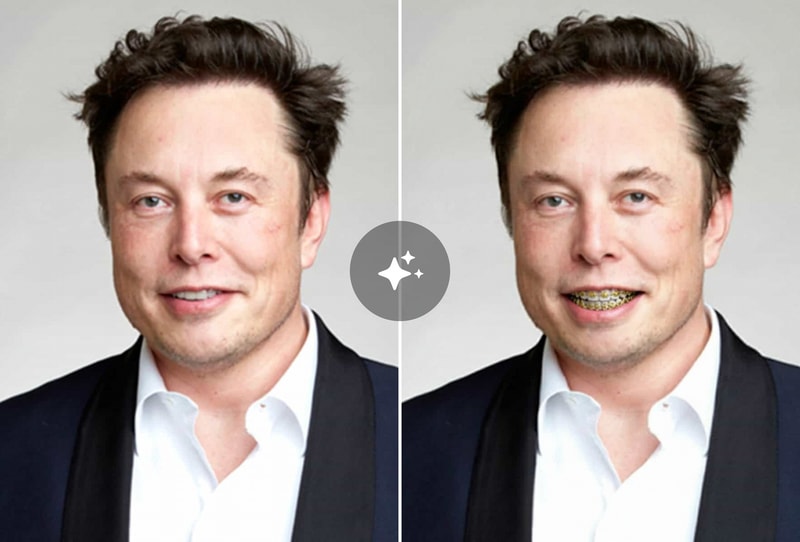
Choose Your Braces Style: Metal, Ceramic & More
Explore different braces options with the braces filter before your orthodontist visit. Preview classic silver metal brackets, discreet ceramic braces, or fun colored bands. Each style renders realistically on your unique smile so you can make a confident decision.
Share Your Braces Look Before Getting Them
Use the braces filter to create a realistic preview photo and share with friends, family, or your orthodontist. Get feedback on different styles before your appointment. Great for teens deciding on braces or adults considering late orthodontic treatment.
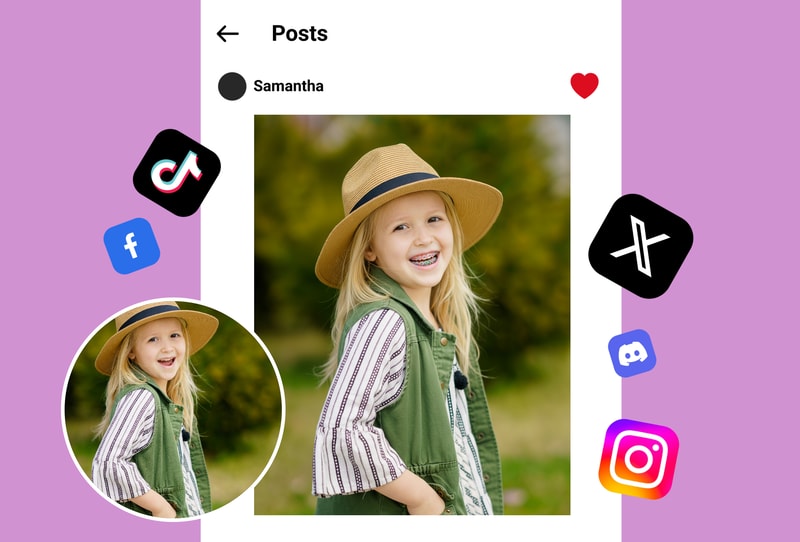
Why People Choose BraceLook
Photorealistic Braces Rendering
Unlike cartoon overlays, our braces filter uses AI to match your actual tooth shape, color, and lighting. The braces look genuinely worn in every photo.
Multiple Braces Styles Available
Preview metal, ceramic, clear, and colored braces all in one tool. Switch between styles instantly to find your perfect braces look.
Instant Results, Zero Commitment
See your braces transformation in seconds without an orthodontist visit. Try the braces filter as many times as you want — completely free.
How to Use
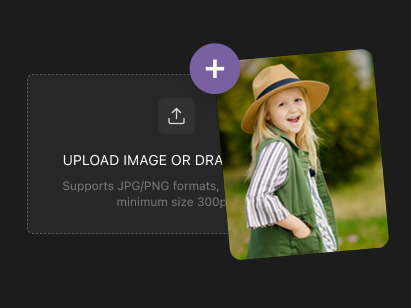
Step 1: Upload Your Photo
Select or drag a clear selfie showing your smile into the uploader. JPG, PNG and similar formats work best for accurate results.
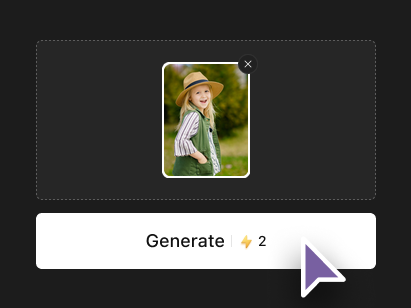
Step 2: Choose Your Braces Style
Pick from classic metal, sleek ceramic or stylish colored braces. The selection matches your uploaded smile precisely.
Step 3: Generate Your Preview
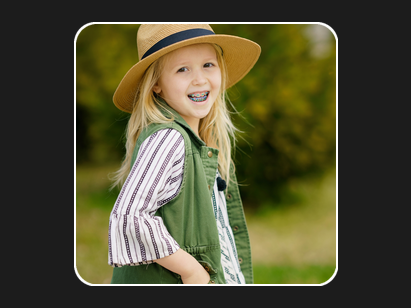
Click generate and view your transformed image instantly. Download the high-quality result ready to save or share.