Restore Old Family Photos to 4K Resolution
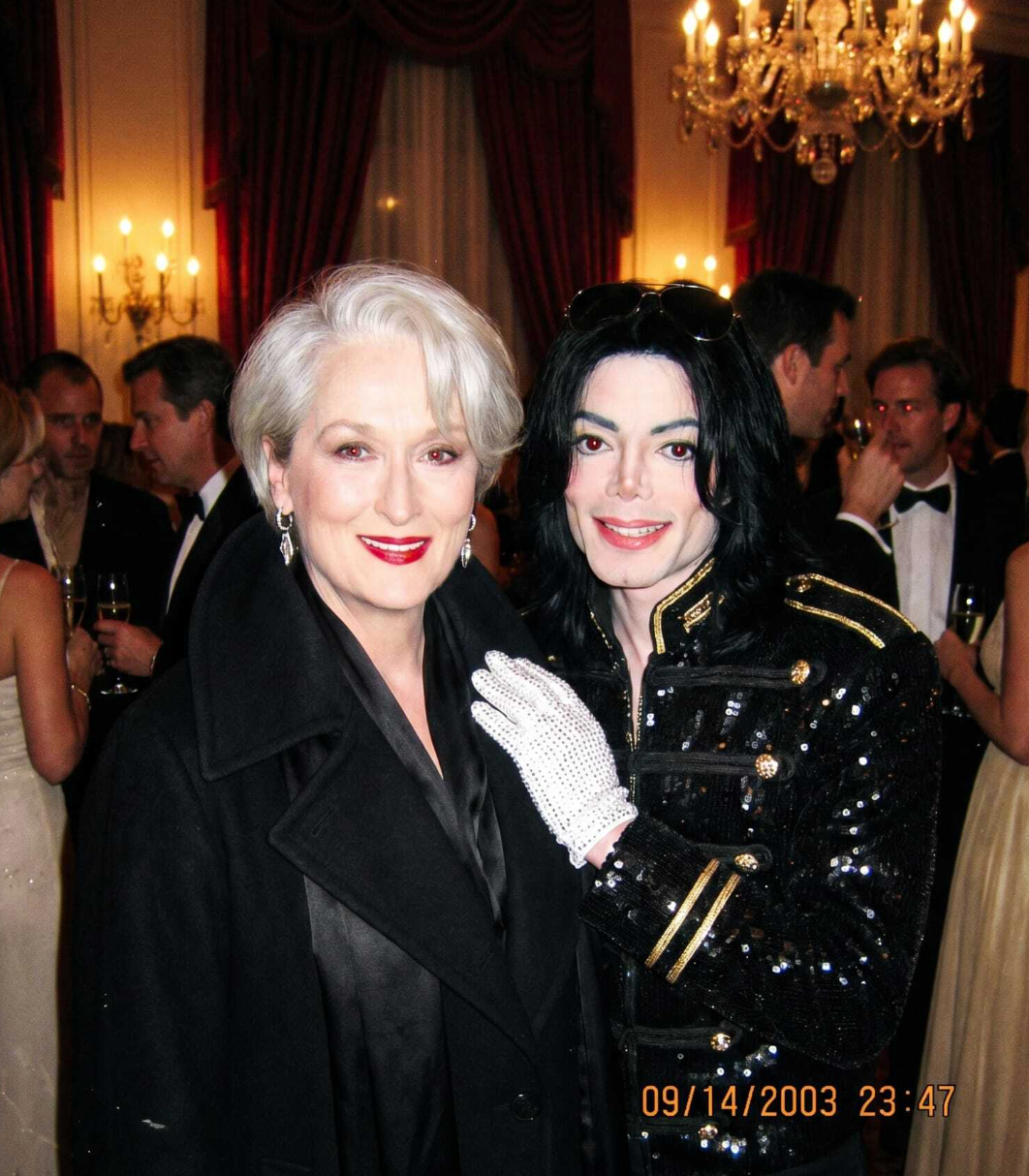
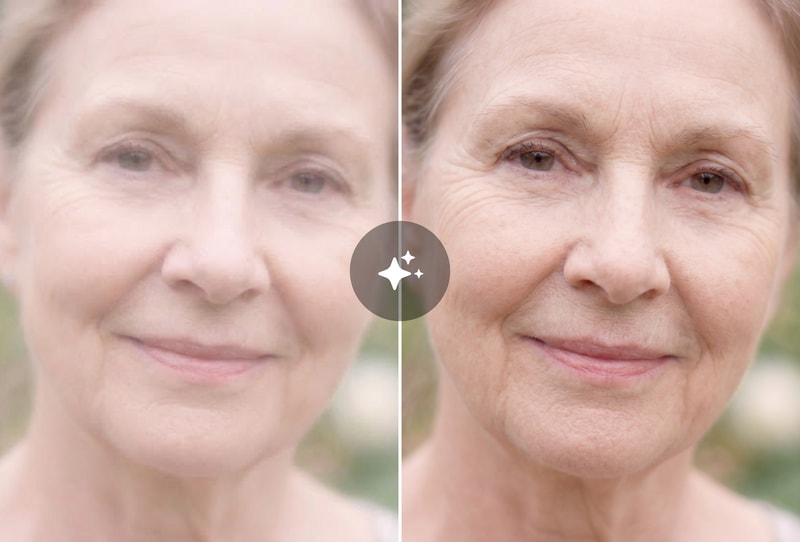
Upload low-resolution scans of old family photos (typically 480–720p) and the AI upscales them to 4K (3840×2160) in under 60 seconds. Real-ESRGAN-class super-resolution reconstructs skin textures, hair detail, and clothing patterns without introducing the 'plastic' artifacts common in older upscalers. Ideal for memorial projects, photo book printing, and large-format framing up to 24×36 inches.

Enhance Product & E-commerce Photos
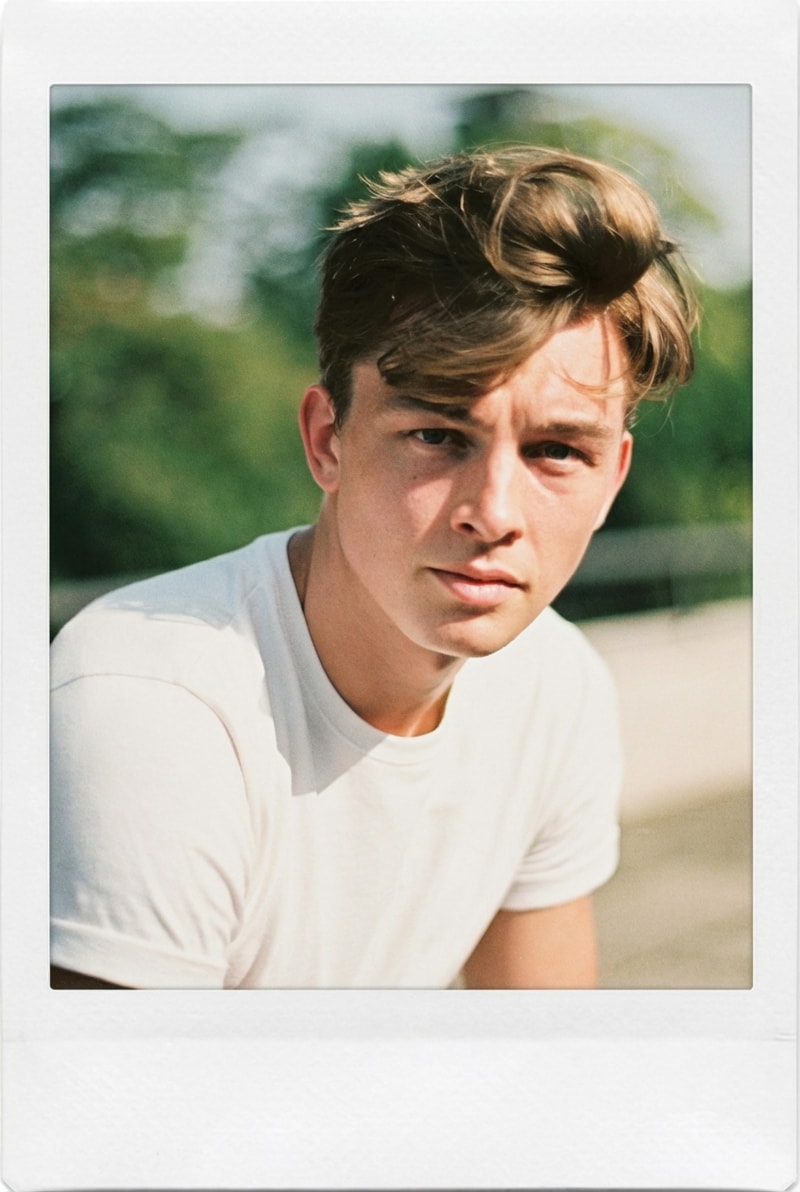
E-commerce sellers upscale low-res phone photos to 4K for Amazon, Shopify, and Etsy listings where marketplace image standards require 1600px+ on the longest edge. MyShell's upscaler handles JPEG compression artifacts typical of reused supplier photos, producing clean 4K output in under 60 seconds per image. Batch-friendly via the web UI.
Upscale AI-Generated Art for Print
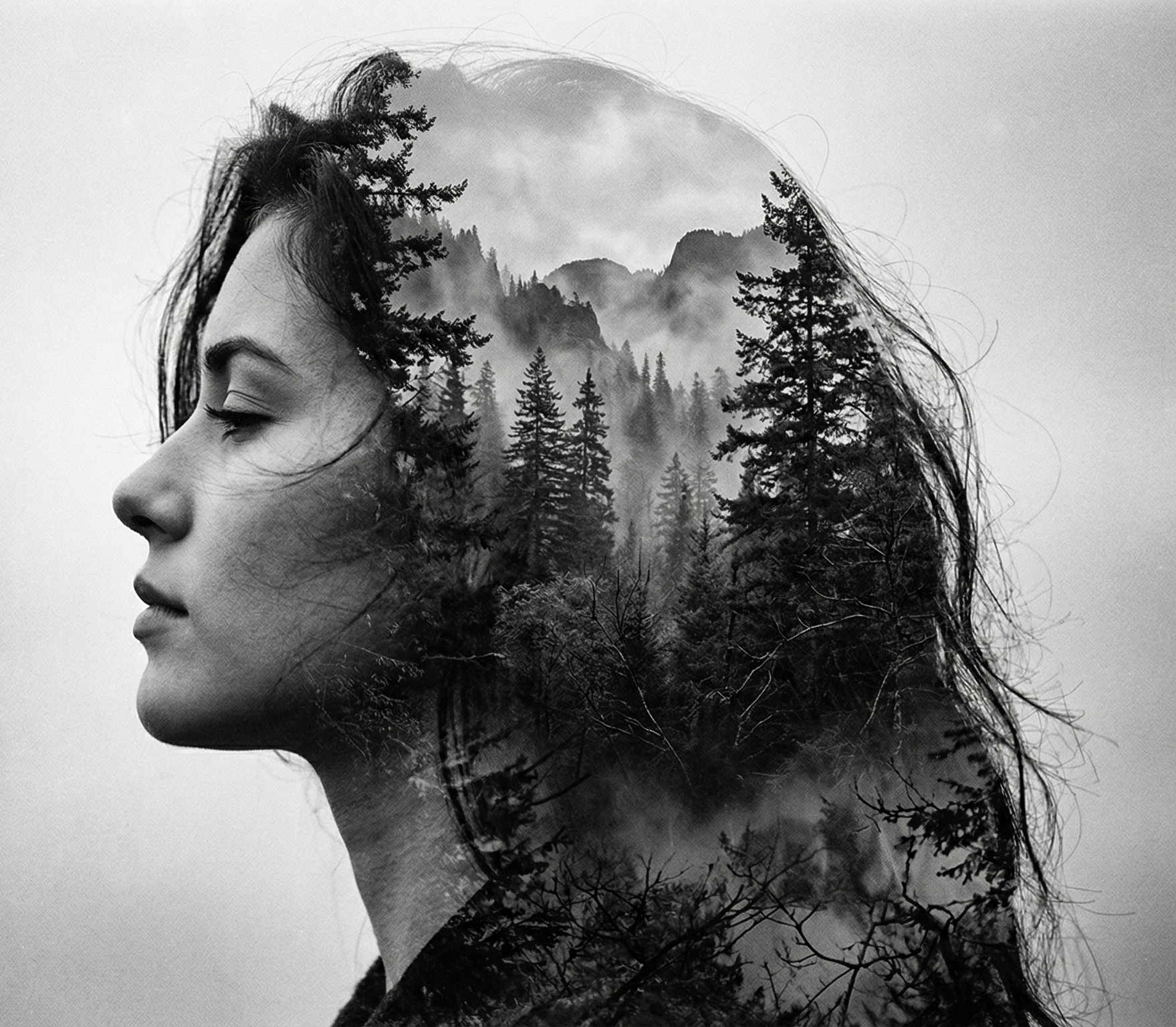
Midjourney, DALL·E 3, and Stable Diffusion typically output at 1024×1024 or 2048×2048 — too small for poster printing. MyShell upscales AI art to 4K (4096×4096) with 4× super-resolution, preserving the original style and color palette. Free-tier output has no watermark, suitable for commercial poster production up to 24-inch print width at 150 DPI.

Why Choose MyShell's AI Image Upscaler
Real-ESRGAN-Class Super-Resolution (2×/4×/8×)
MyShell's upscaler uses Real-ESRGAN-class architecture (Wang et al., ICCV 2021) — the industry-standard open-source super-resolution model with over 29k GitHub stars. Supports 2×, 4×, and 8× upscaling modes, outputs up to 4K resolution with texture-aware detail reconstruction. Community benchmarks show PSNR improvement of 2–4 dB over traditional bicubic upscaling.
15–25 Second Turnaround for 4K Output
Standard 1024×1024 → 4096×4096 upscaling completes in under 60 seconds on MyShell's GPU infrastructure. Imgupscaler.com caps free users at 800×800 output; PhotoGrid free tier watermarks all output. MyShell offers 4K output with no watermark and no daily limit.
JPEG Artifact Removal Built-In
The upscaler automatically detects and suppresses JPEG compression blocks, banding, and chroma noise during the super-resolution pass. Equivalent commercial tools (Topaz Gigapixel AI, $99) require a separate denoise pass; MyShell combines detail reconstruction and artifact removal into a single 20-second operation.
How to Upscale Images with MyShell
Step 1: Upload Your Low-Resolution Photo
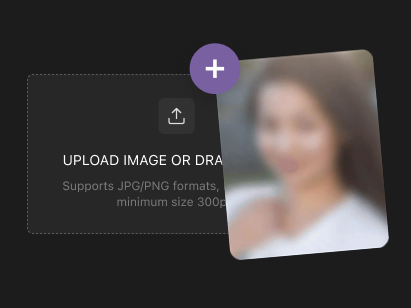
Drag and drop a JPG, PNG, or WebP file up to 20 MB. Best input resolution is 480p–2K (720×480 to 2048×2048) for optimal 4× upscale quality. Very small images (under 256×256) work but may produce softer output.
Step 2: Pick 2×, 4×, or 8× Upscale Mode
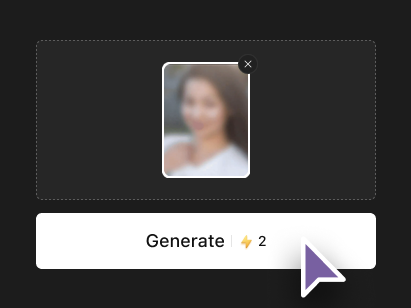
Choose the multiplier based on your output target: 2× for mild enhancement (e.g. 1080p → 4K), 4× for standard restoration (720p → 4K), or 8× for extreme upscales (480p → 4K+). 4× mode is the recommended default for most photos.

Step 3: Download 4K HD Output in 15–25 Seconds
MyShell returns a 4K PNG (lossless) or JPEG (compressed) in under 60 seconds per image. No watermark, no subscription, no daily cap. Files are downloadable immediately — ready for print, social media, or e-commerce listings.