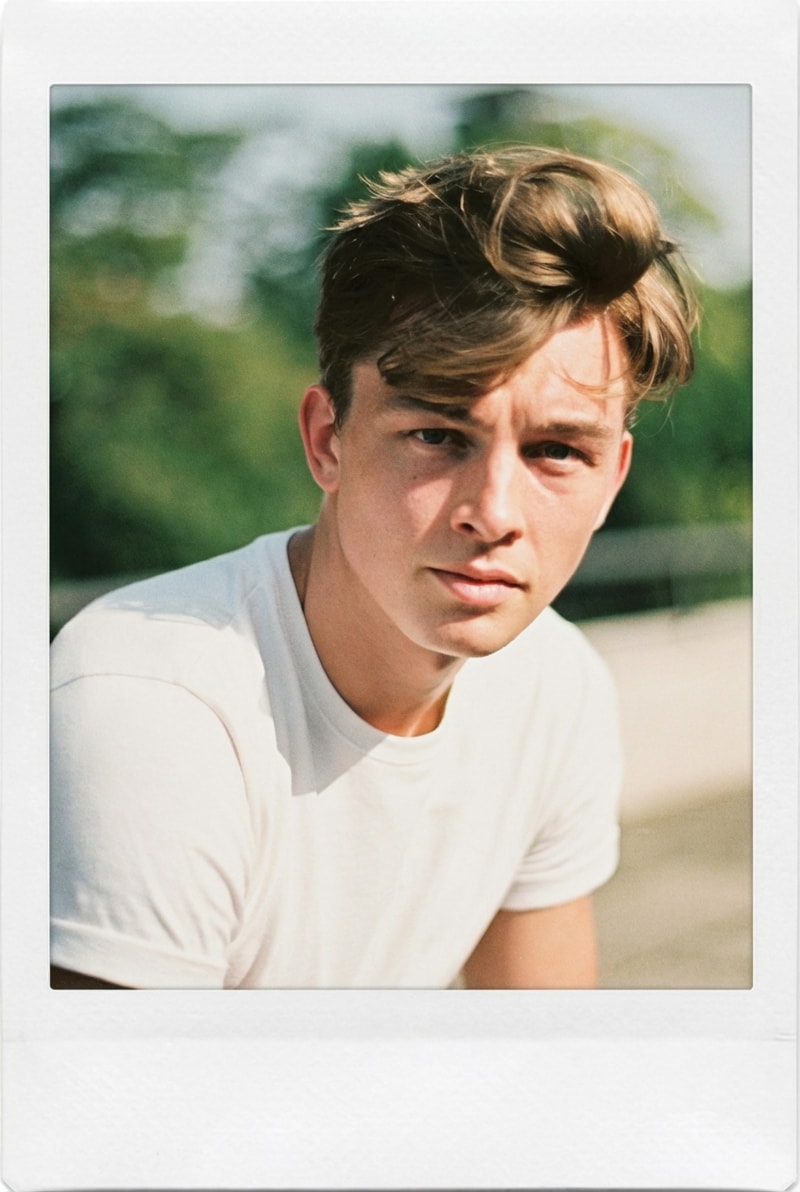
AI-Powered Background Removal in Seconds
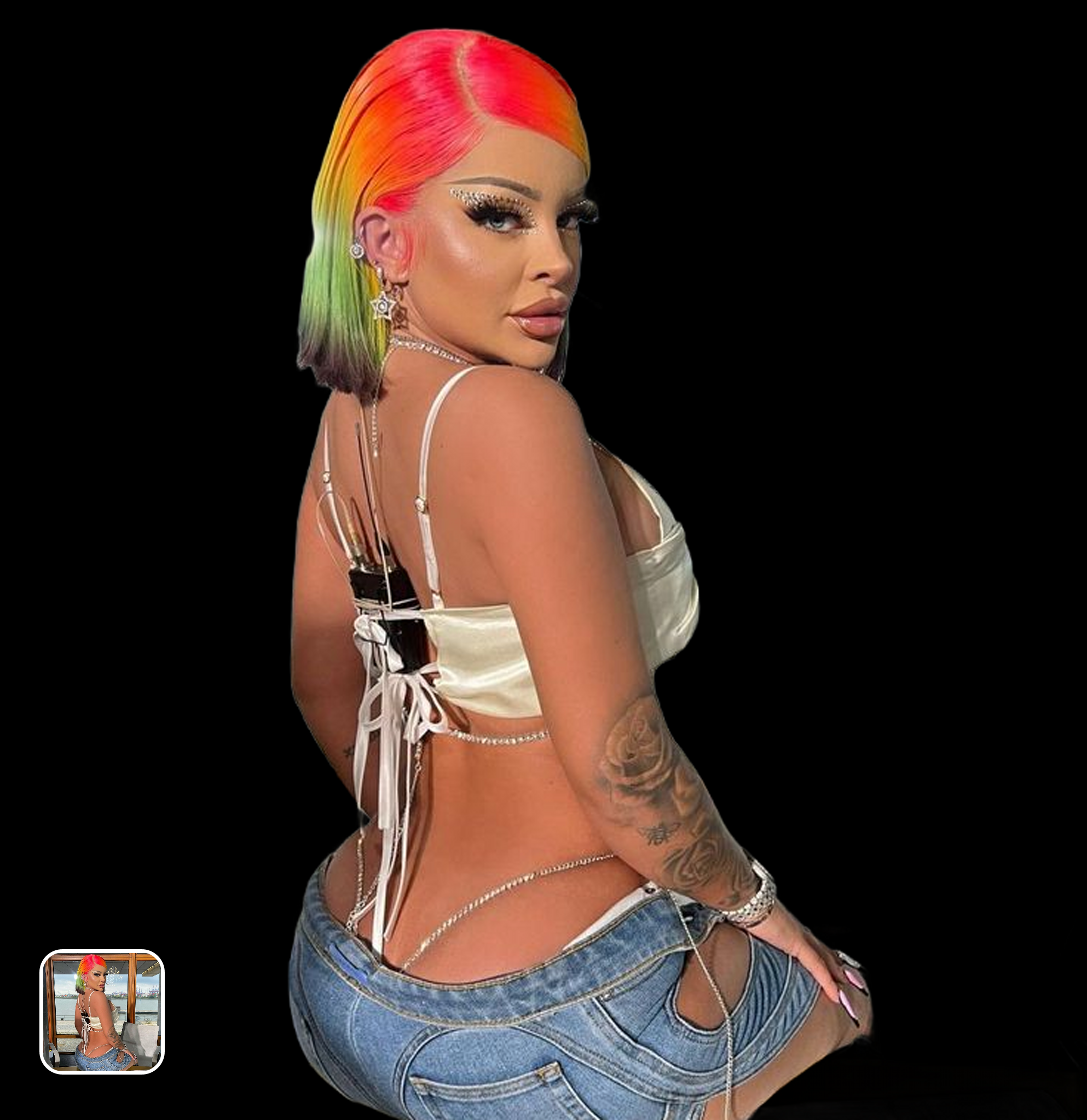
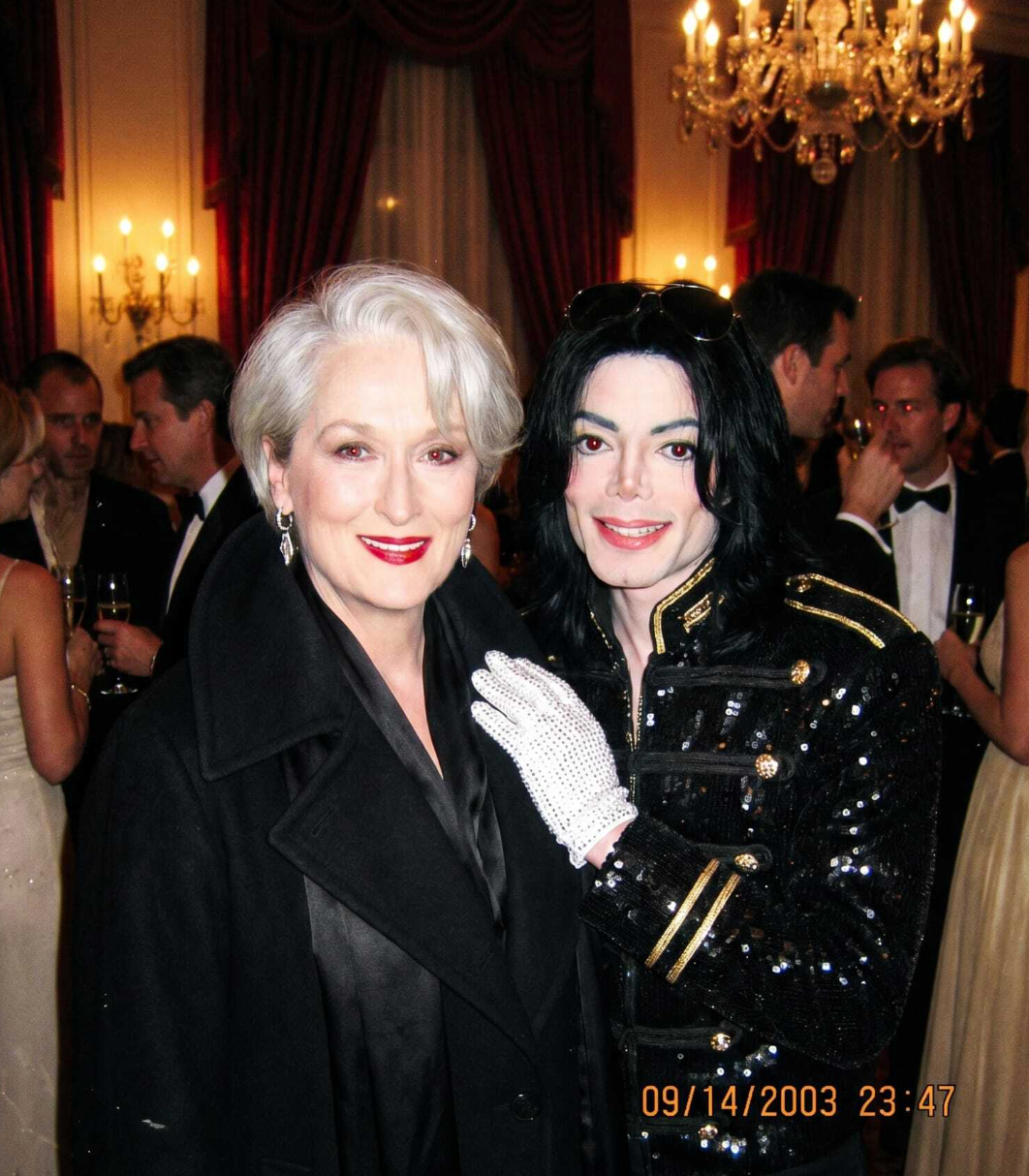
Upload any image and the AI automatically detects the subject, separates it from the background, and produces a clean cutout. The entire process takes under 5 seconds — no manual selection tools, no lasso, no magic wand. The AI handles portraits, products, animals, objects, and even group photos with multiple subjects.
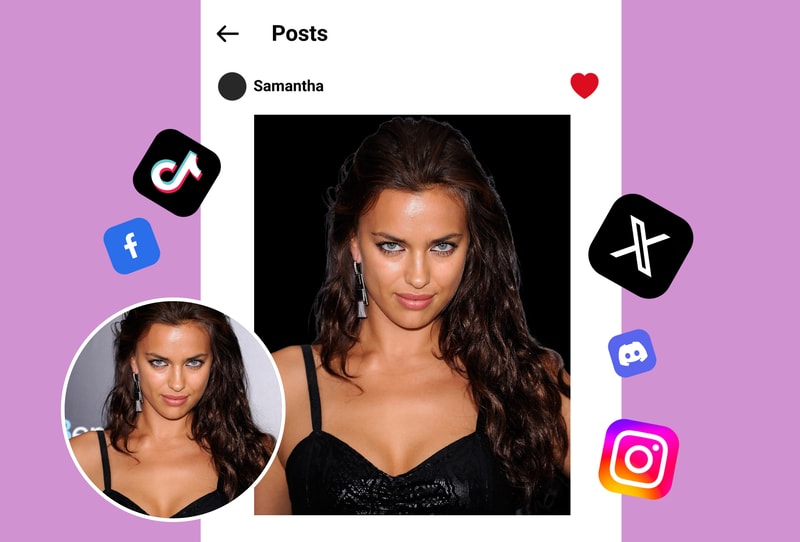
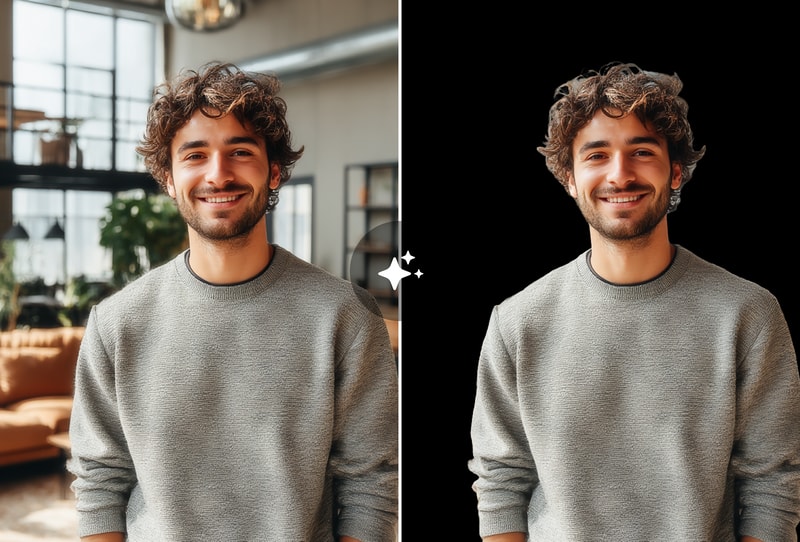
Precise Edge Detection on Hair & Complex Shapes
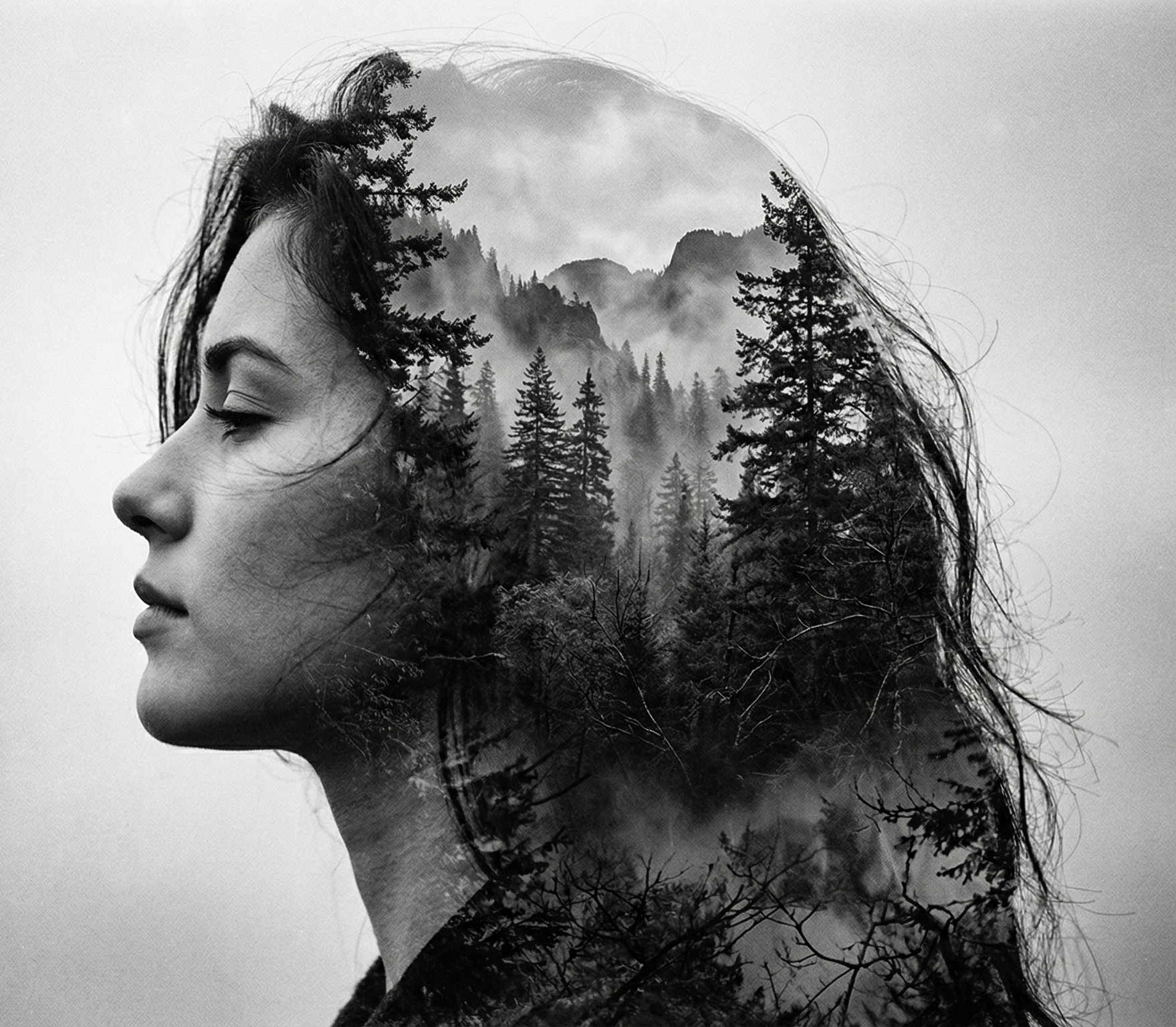
Where traditional tools create jagged edges, MyShell's AI preserves fine details including individual hair strands, fur textures, lace patterns, and translucent materials. The edge-aware model generates natural semi-transparent transitions that look professional when placed on any new background — white, colored, or transparent PNG.
Batch Processing & Multiple Export Options
Process multiple images simultaneously for e-commerce catalogs, product listings, or design projects. Export as transparent PNG, white background, or custom color background. Full resolution output every time — no downscaling, no compression, no quality loss regardless of the original image size.
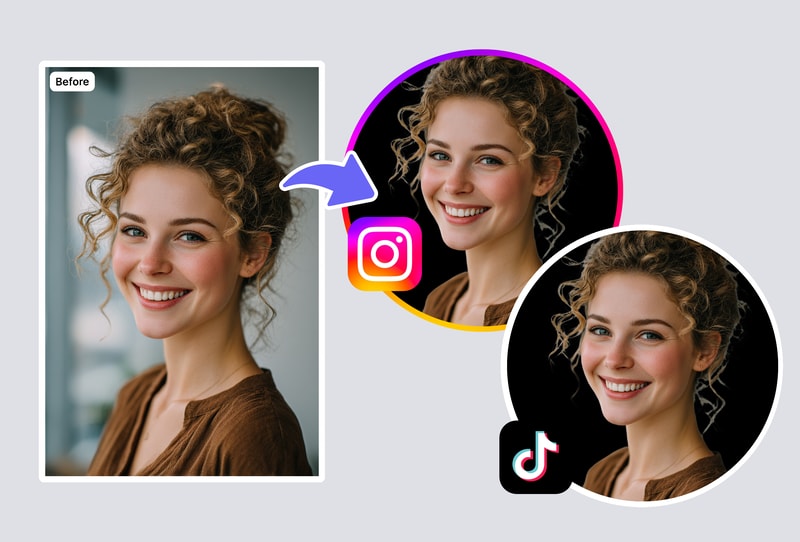
Why Choose MyShell AI Background Remover
Better Than Remove.bg — Free Full Resolution
Remove.bg caps free output at 0.25 megapixels. MyShell delivers full resolution with no limits. Edge quality on hair and translucent materials is measurably better.
No Signup, No Limits, No Watermarks
Process unlimited images without creating an account. No daily caps, no email collection, no ads. Your output is clean and yours to use commercially.
Versatile Subject Detection
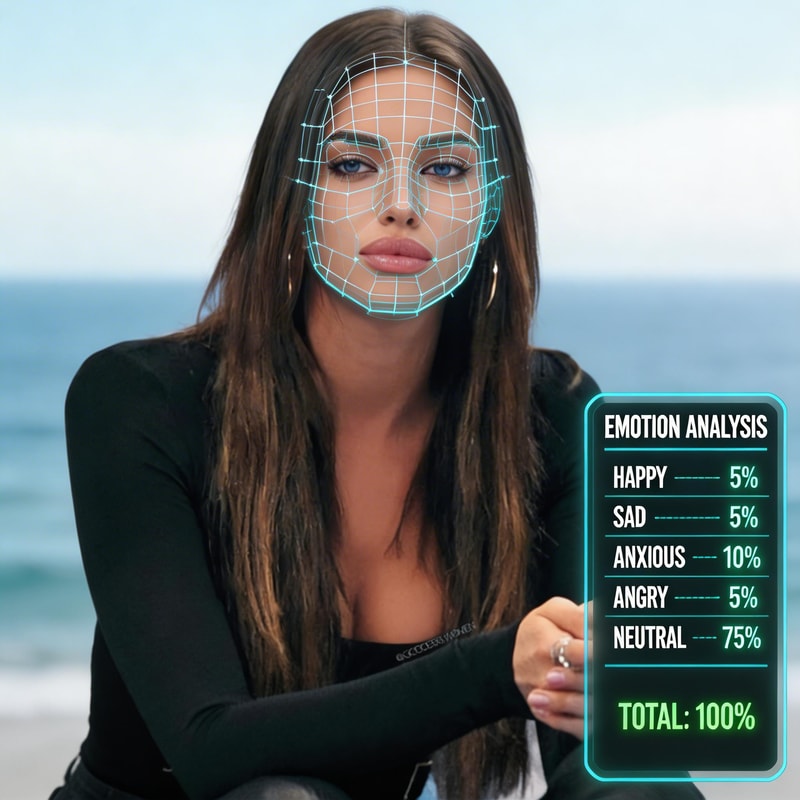
Handles people, products, animals, text, logos, and complex multi-subject scenes. Not limited to portraits — any subject type, any background complexity.
How to Remove Backgrounds in 3 Steps
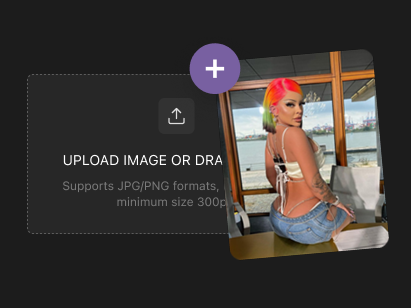
Step 1: Upload Your Photo
Drag and drop or click to upload any image. Supports JPG, PNG, WebP, and BMP formats. Works with product photos, portraits, group shots, and any image with a subject you want to isolate.
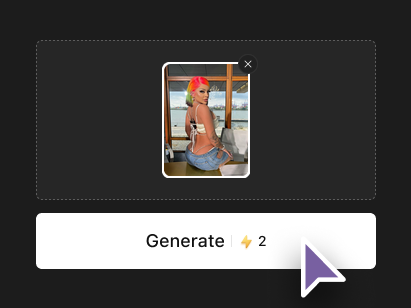
Step 2: AI Removes the Background
Our AI instantly detects the subject and removes the background with pixel-perfect precision. Fine details like hair strands, jewelry, and transparent materials are preserved with clean, natural edges.
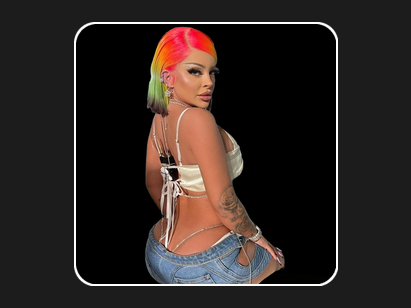
Step 3: Download or Customize
Download your image as a transparent PNG, or choose a replacement background color. The output maintains original resolution and is ready for e-commerce listings, design projects, social media, or presentations.