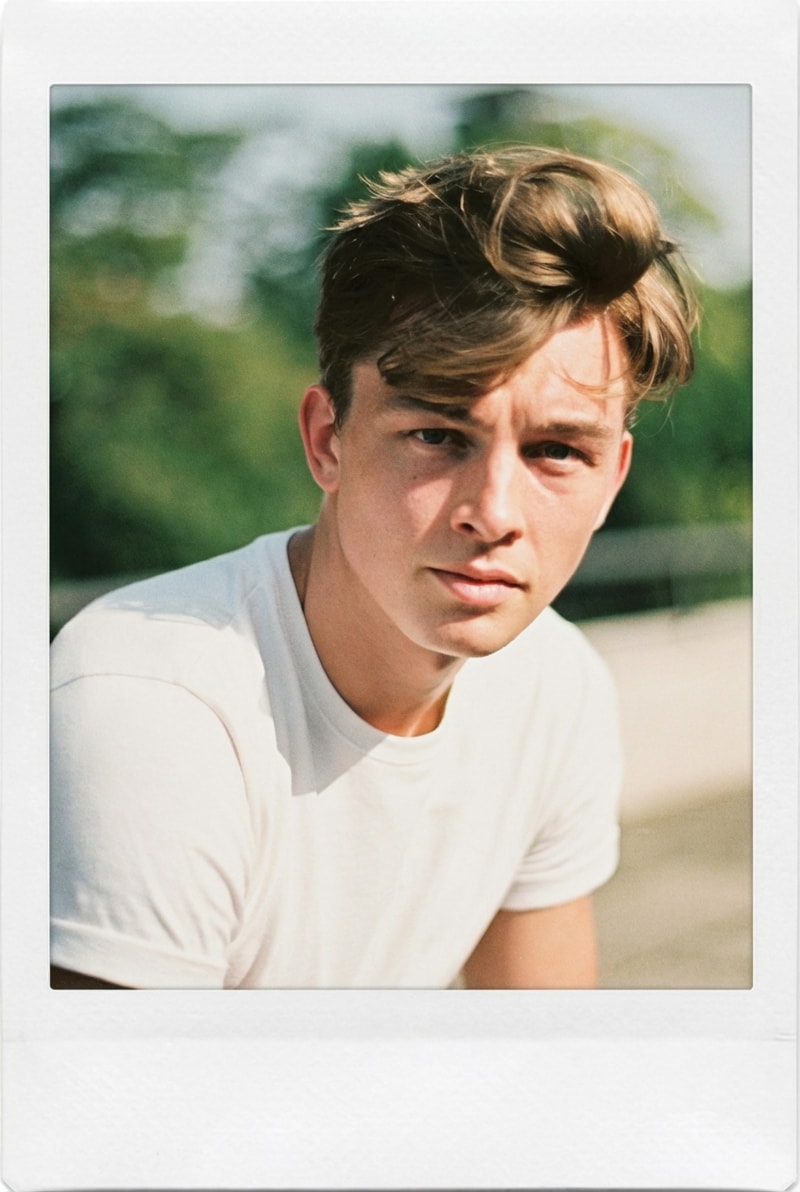
Fix Tight Crops & Add Space for Text Overlays
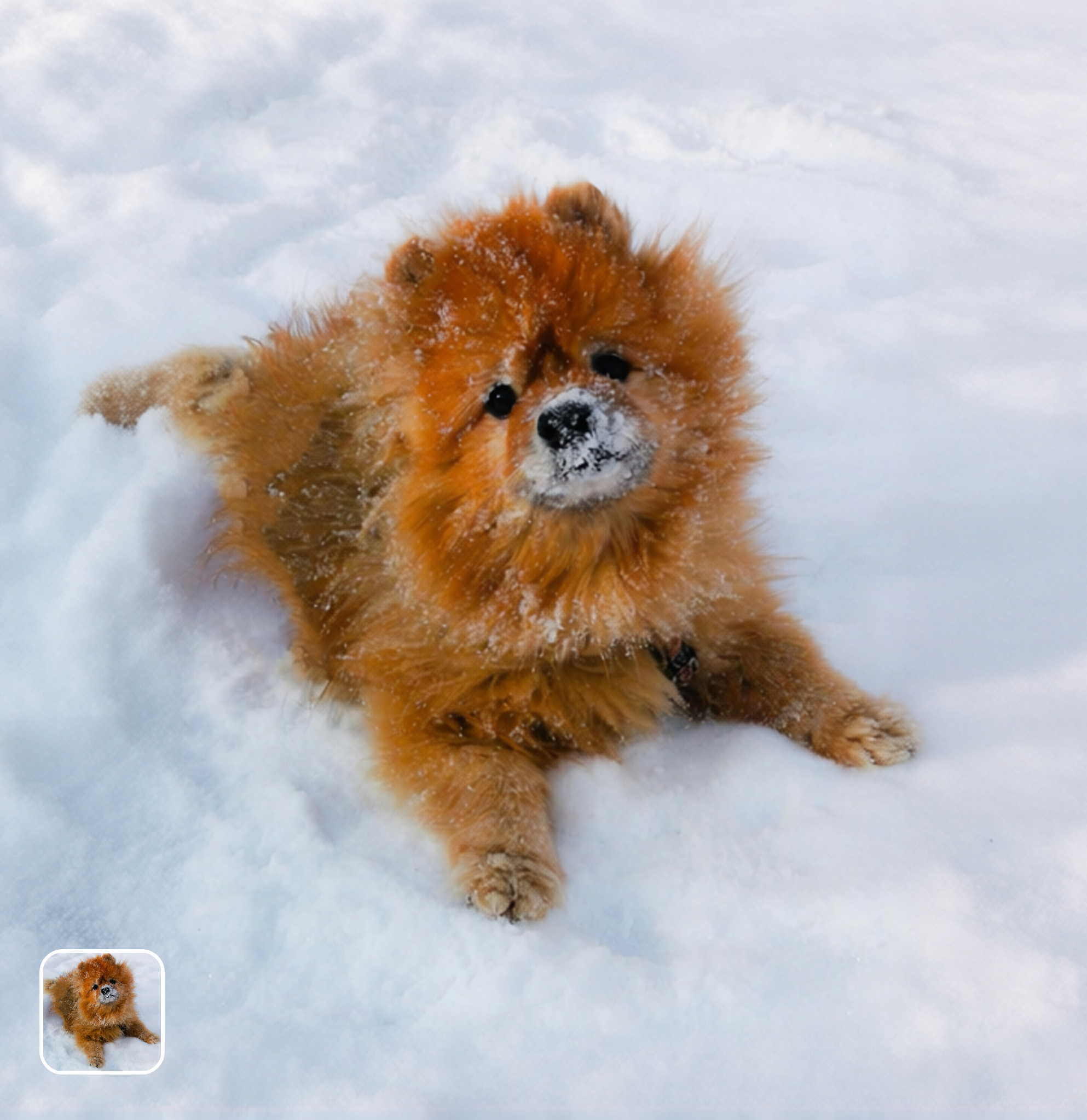
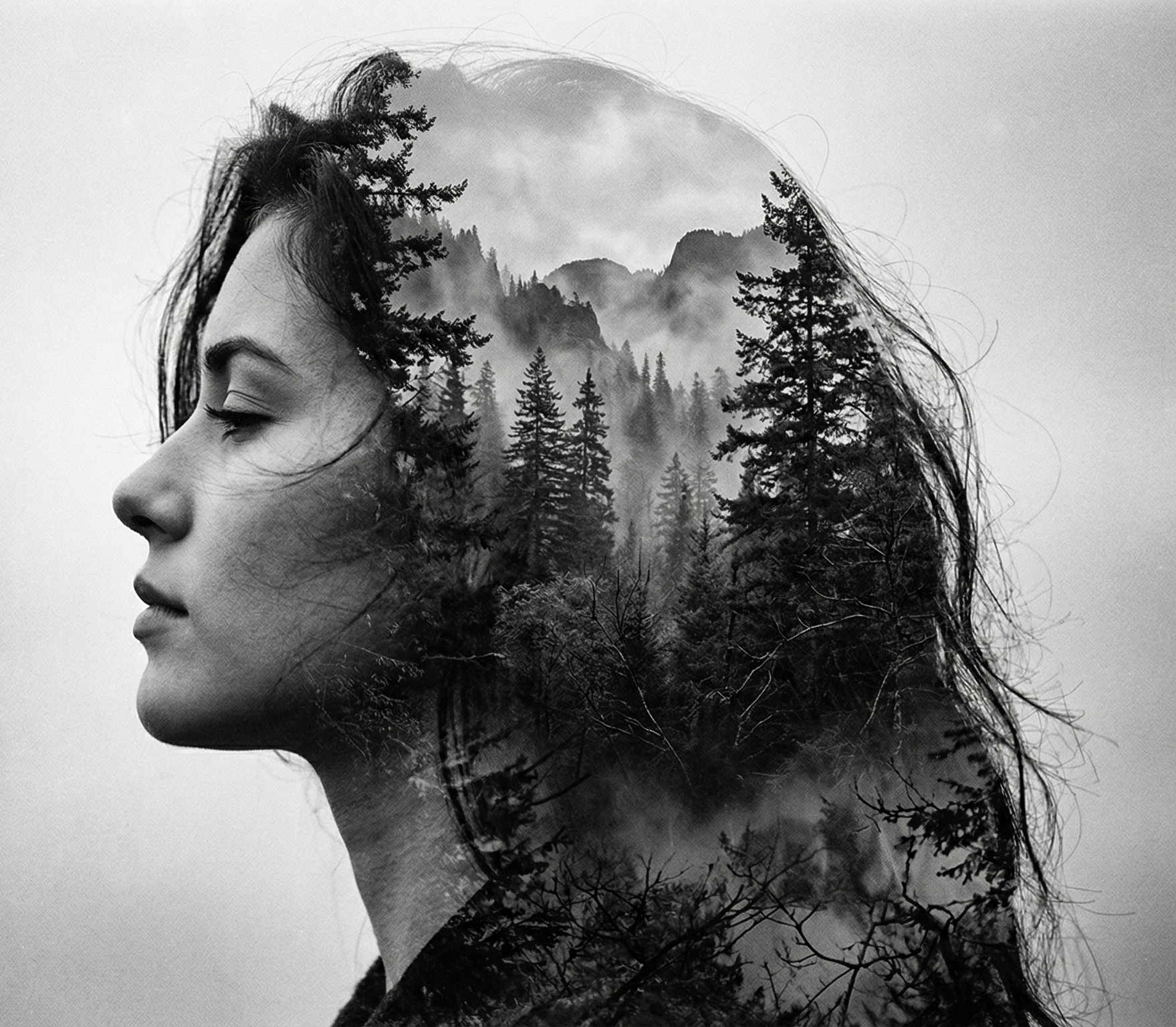
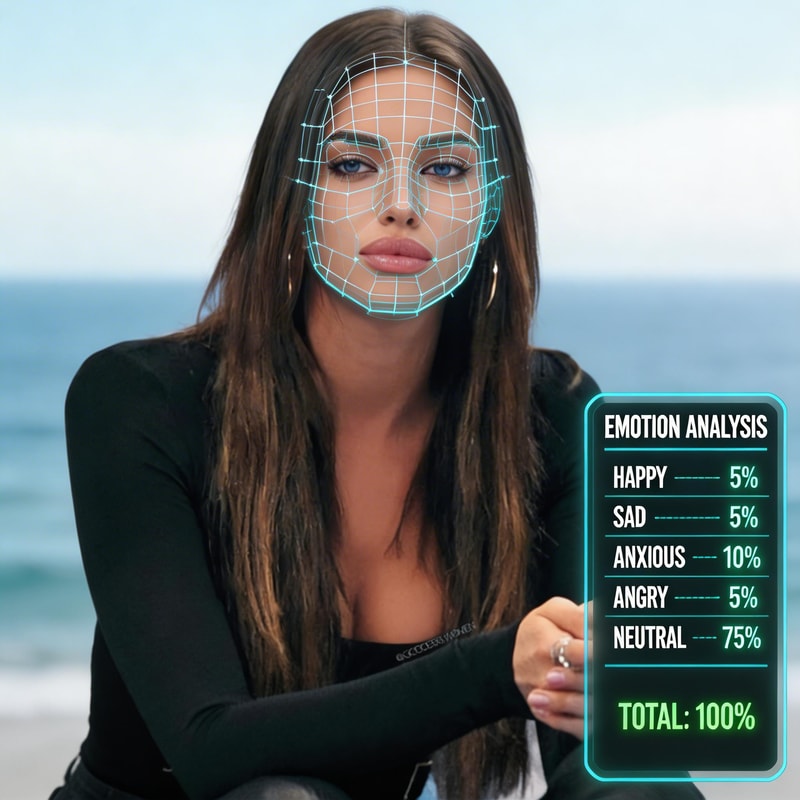
Portrait and product photos shot with too-tight framing can be expanded left/right or top/bottom to add negative space for headlines, subtitles, or CTA overlays. The SDXL outpainting model generates natural-looking background extensions that match the original photo's lighting, color palette, and perspective. Ideal for social media banner creation, LinkedIn cover photos, and e-commerce hero image composition.
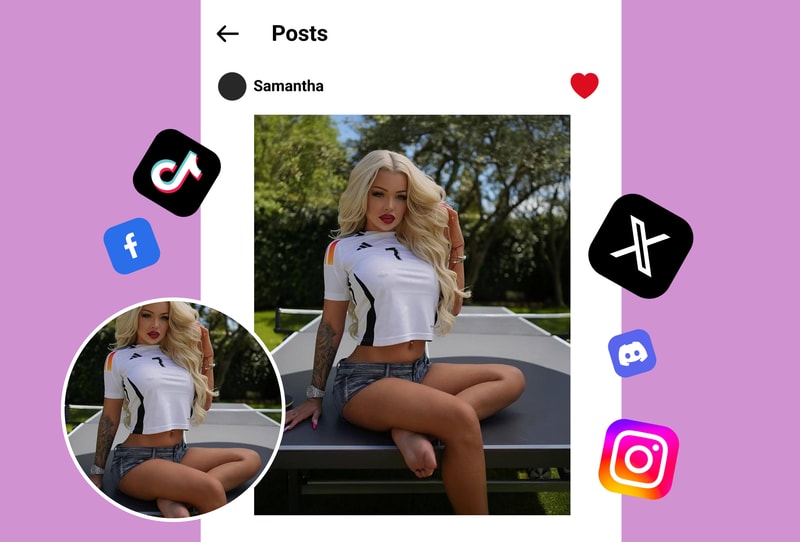
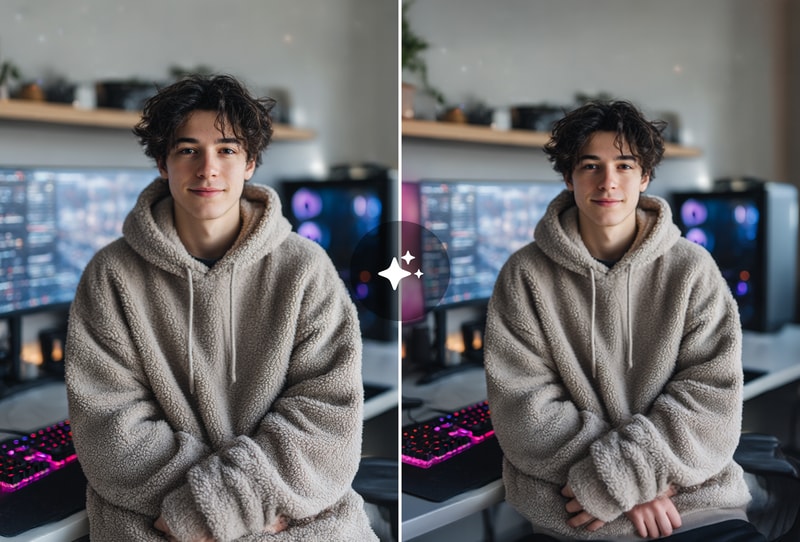
Extend Landscape & Architecture for Wider Aspect Ratios
Convert a 1:1 square photo to 16:9 widescreen or 21:9 cinematic by expanding the left/right edges. The AI generates coherent background continuation — if the original shows a mountain range, the expansion adds more sky and terrain; if it's a city skyline, it extends the skyline. Edge-aware blending at the original image boundary uses ControlNet depth + canny conditioning for perspective-accurate joins.
Uncrop & Restore Cut-Off Subjects
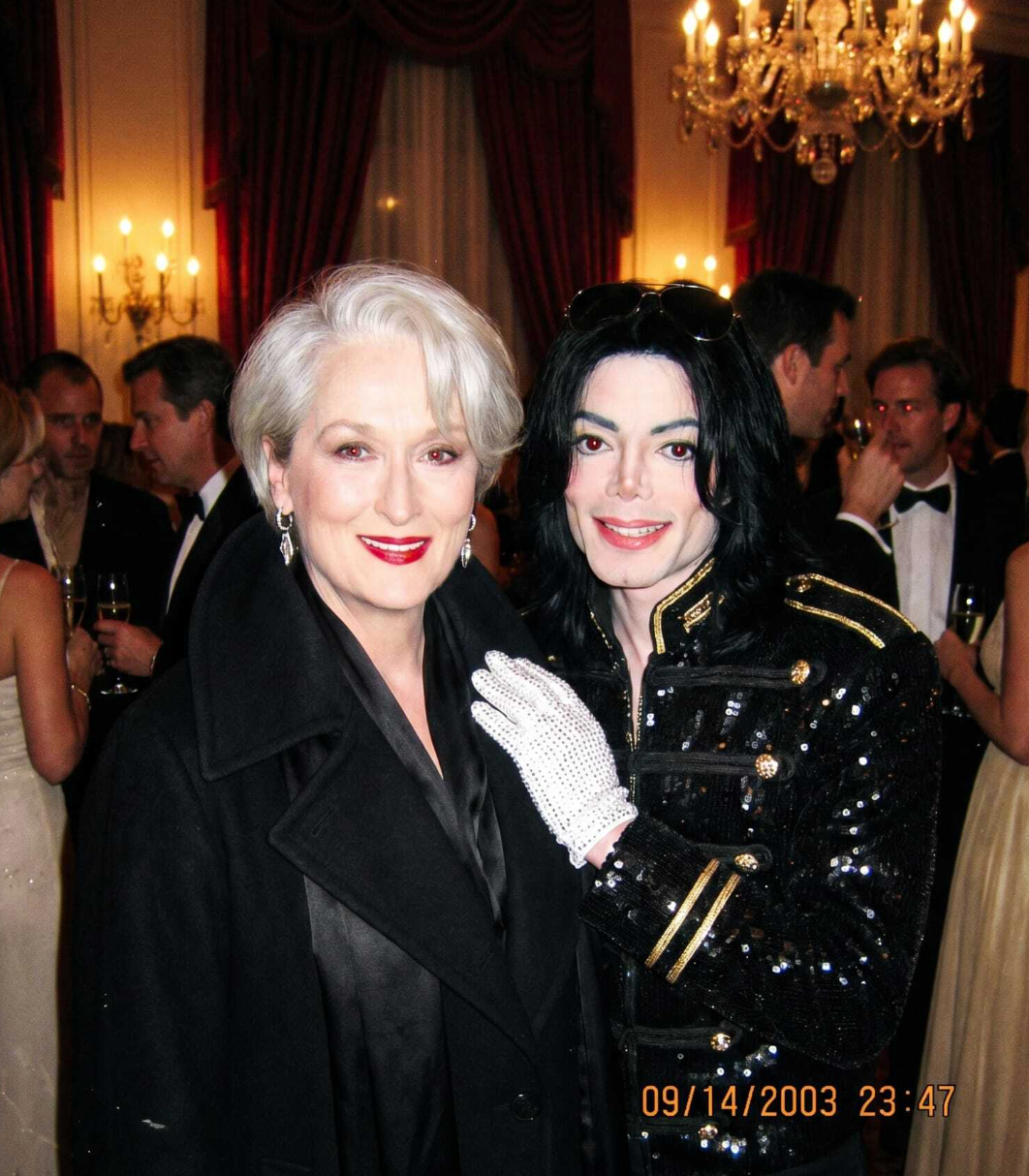
Old photos often have subjects partially cut off by the original frame. Upload the photo and expand the direction of the cut-off — the AI uses inpainting to reconstruct the missing body part, head, or surrounding scene with realistic detail. Works on portraits, group photos, and architectural shots. Process completes in under 60 seconds per expansion.
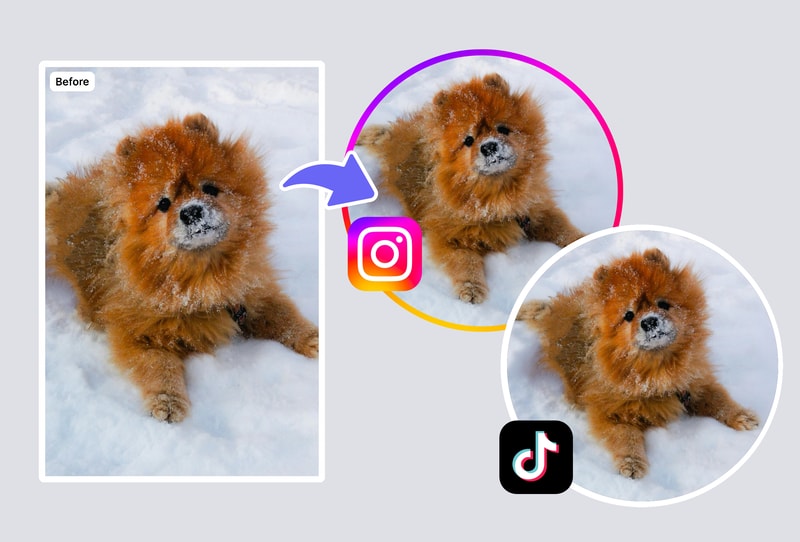
Why People Choose MyShell's AI Image Expander
SDXL Outpainting + ControlNet Edge Conditioning
MyShell uses Stable Diffusion XL outpainting with ControlNet canny + depth conditioning — the same pipeline used by Adobe Firefly's generative fill (launched 2023) and Midjourney's outpaint feature. This ensures the new content generated at the edges matches the original photo's perspective lines and lighting direction, rather than producing disconnected backgrounds. Output resolution up to 4K (4096px on the longest edge).
Expand in Any Direction in 15–25 Seconds
Choose expansion direction (left, right, top, bottom, or all four sides) and target aspect ratio. MyShell renders the expanded image in under 60 seconds per expansion pass. Adobe Firefly requires a $9.99/month subscription for generative fill; Canva's Magic Expand requires a Pro plan at $12.99/month. MyShell is free with no daily cap.
No Photoshop, No Account, No Watermark
Traditional background extension requires Photoshop Content-Aware Fill ($9.99/month Creative Cloud minimum) and manual cleanup for complex scenes. MyShell delivers seamless AI outpainting in under 60 seconds for free — no account, no watermark, no Photoshop skills needed. Downloads are PNG (lossless) or JPEG, licensed for commercial use under MyShell's standard terms.
How to Expand an Image with MyShell
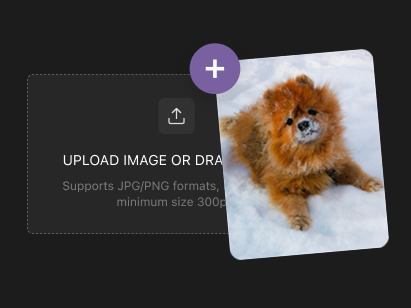
Step 1: Upload Your Photo
Drop in a JPG, PNG, or WebP file up to 20 MB. Works with portraits, landscapes, product shots, and illustrations at any aspect ratio. Best input resolution is 720p or higher for clean edge blending at the expansion boundary.
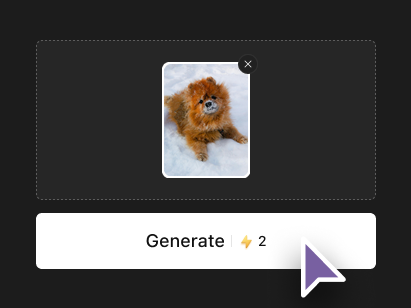
Step 2: Choose Expansion Direction & Preset
Select a preset expansion direction (left, right, top, bottom, wider, taller, or all sides) or specify a custom target aspect ratio. The Expand preset selector shows before/after aspect ratio previews. For aspect ratio conversion (e.g. 1:1 → 16:9), pick 'Wider' preset.
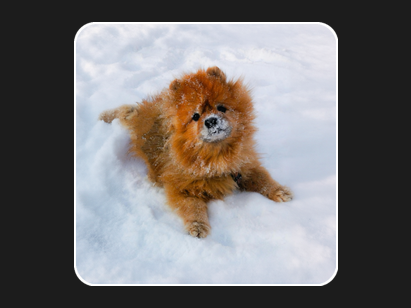
Step 3: Download Seamlessly Expanded Image in 15–25 Seconds
The AI renders the expanded image in under 60 seconds with edge-aware blending. Download as PNG (lossless) or JPEG. No watermark, no subscription, no daily cap. Run multiple passes to extend in additional directions.