Turn Photo to Cinematic Video
Upload any photo to the Kling AI video generator and watch it come alive. Kling 3.0 adds realistic motion — people walk, hair blows in wind, water flows naturally. The AI understands physics and depth, creating cinematic video from a single still image.
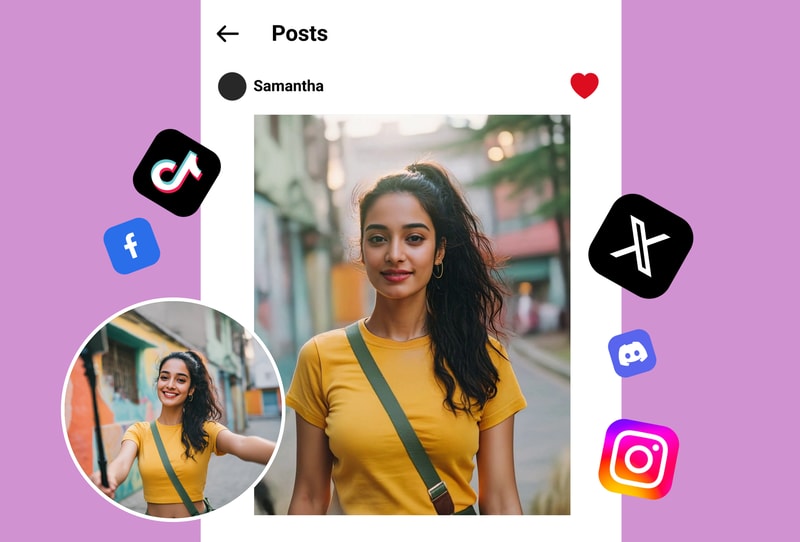
Text-to-Video with Kling AI
Describe your scene and the Kling AI video generator creates it from scratch. Type a prompt like 'sunset over mountain lake with birds flying' and get a stunning video clip with natural lighting, camera movement, and atmospheric effects. Kling 3.0's 3D spatiotemporal modeling ensures realistic results.
Cinema-Grade Quality with Kling 3.0
The Kling AI video generator outputs up to 1080p resolution with smooth 30fps playback. Kling 3.0's advanced rendering produces film-quality motion with accurate physics, natural facial expressions, and consistent character identity throughout the video.
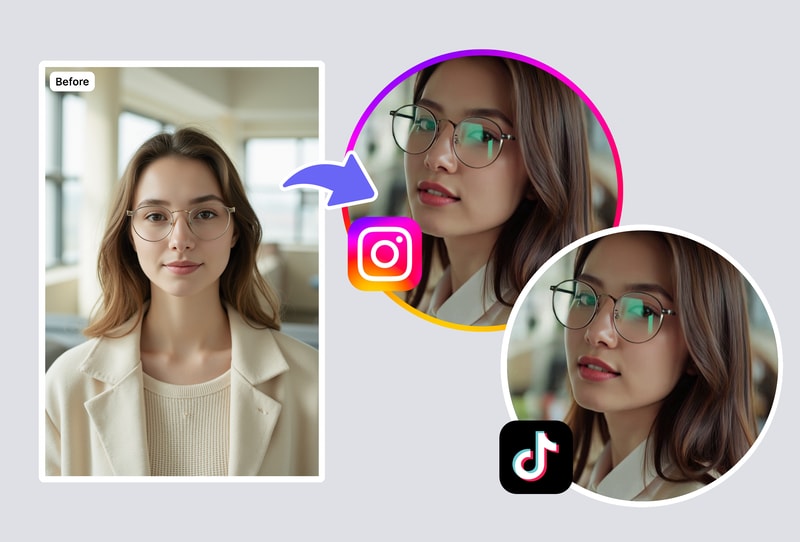
Why MyShell's Kling AI Video Generator Stands Out
Kling 3.0: Industry-Leading Physics Simulation
Kling AI video generator uses Kling 3.0's 3D spatiotemporal modeling for physics-accurate motion. Objects move naturally with proper weight, momentum, and collision behavior.
Dual Input: Text-to-Video & Image-to-Video
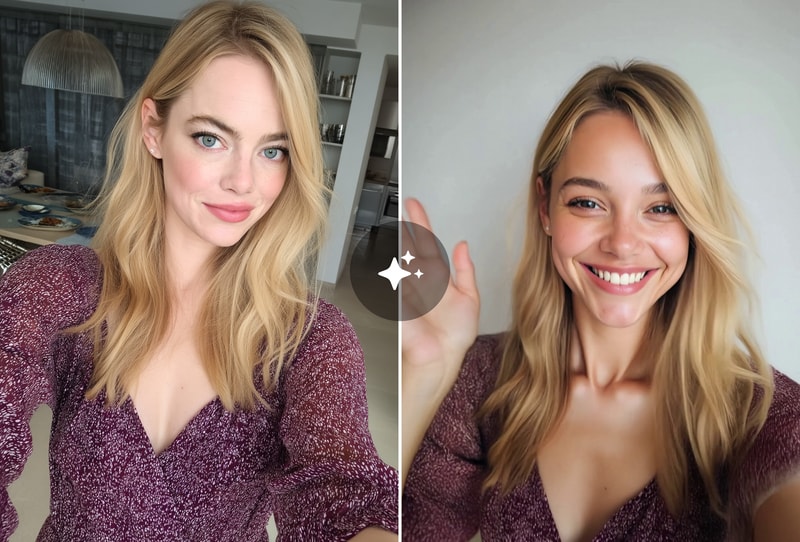
The Kling AI video generator maintains character identity across frames. Faces, clothing, and features stay consistent — no morphing or drift between video frames.
Cinema-Grade 1080p at 30fps — Free to Start
Generate Kling AI videos up to 1080p resolution with smooth playback. Professional quality suitable for social media, presentations, and creative projects.
How to Create Videos with Kling AI Video Generator
Step 1: Choose Your Input — Photo or Text Prompt
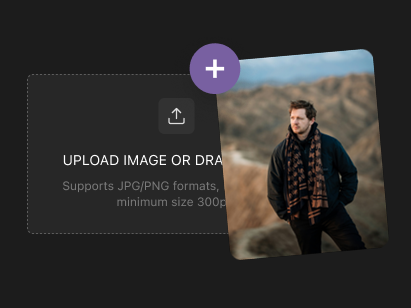
Upload a high-quality photo for image-to-video animation, or start from scratch with a detailed text description. The Kling AI video generator supports JPG, PNG, and WebP formats. For best results, use well-lit images with clear subjects.
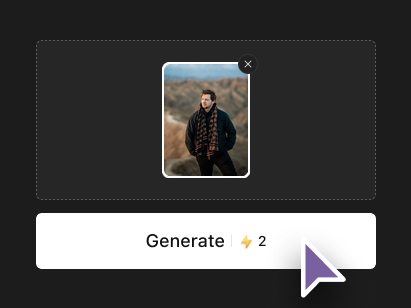
Step 2: Describe the Motion & Scene
Write a natural language prompt describing the actions, camera movements, and atmosphere. Kling 3.0 understands cinematic language — specify tracking shots, dolly zooms, slow motion, or dramatic lighting. The AI enhances your prompt with professional cinematography automatically.
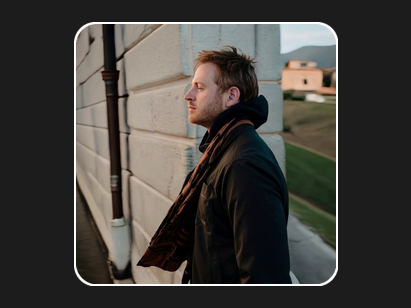
Step 3: Generate, Preview & Download
Click Generate to render your AI video in seconds. Preview the 1080p 30fps output, iterate with prompt adjustments if needed, and download the final clip watermark-free. Ready to share on any platform or use in professional projects.