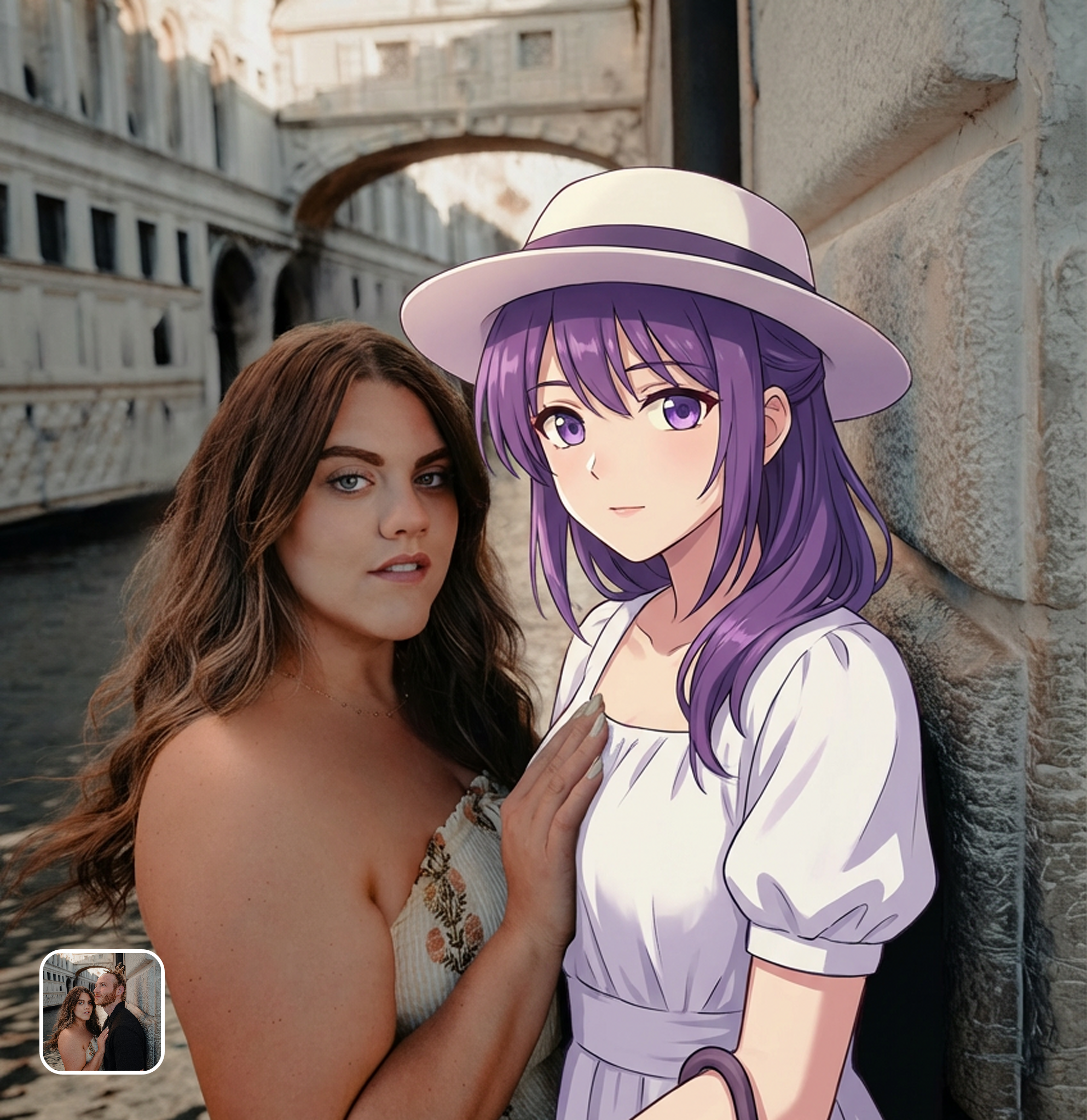





Daily Life with Your Favorite Character
Ever wanted to share a coffee break with an anime character? Take a photo of your daily routine and insert a character into the scene. This tool matches the environment and lighting, making the interaction look authentic for your personal collection or social feed.
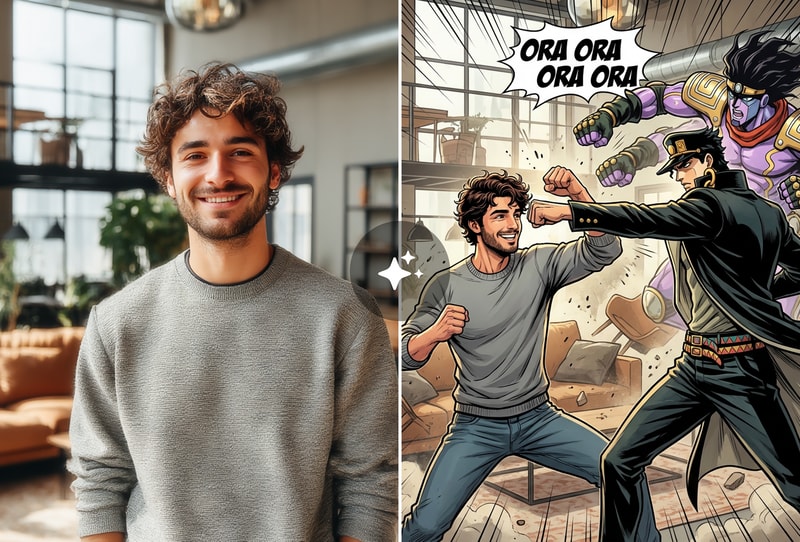
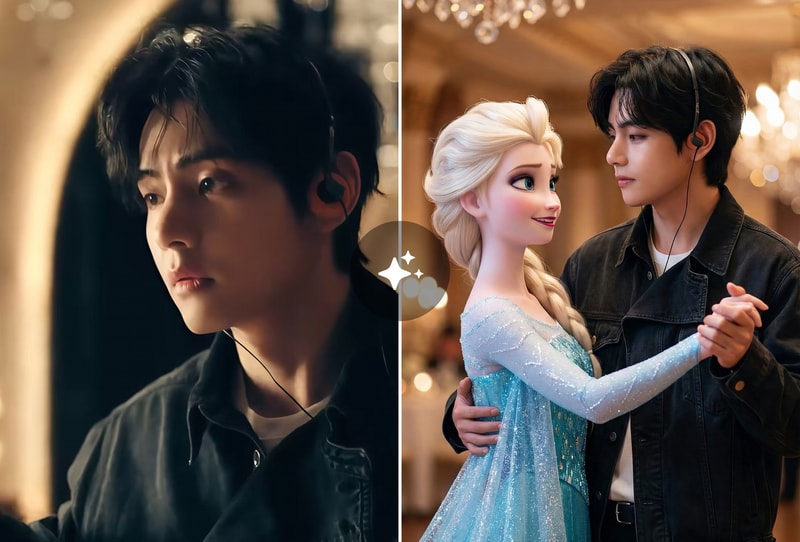
Anime Fashion in Real World Settings
Visualize how 2D characters look in modern street fashion. Upload a snap of an outfit or a street scene, and swap the model with a specific anime girl. It preserves the original pose and vibe, creating a unique fusion of anime aesthetics and reality.
Creative Fan Art and Group Photos
Create believable group photos where anime characters hang out with real people. The Reality Bend feature adjusts shadows automatically, so the character sits naturally in the environment. Great for making unique fan art that looks like a snapshot from another dimension.
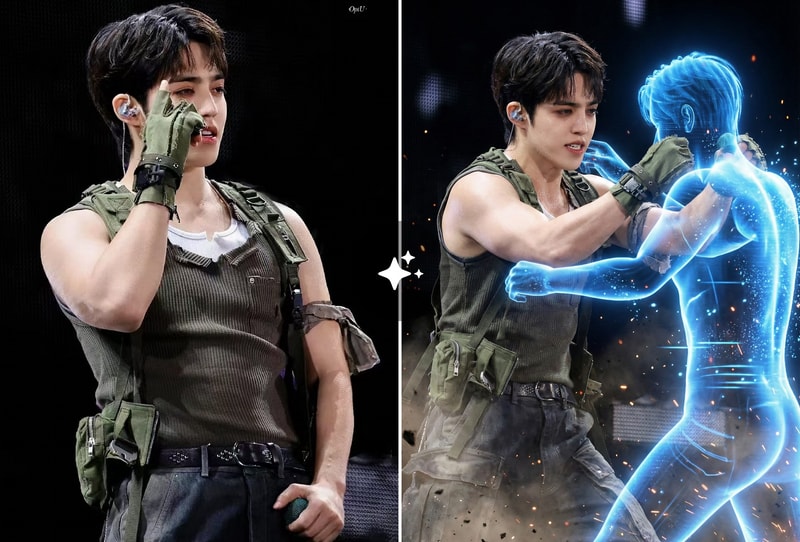
Why People Choose Anime into Reality
Precise Lighting and Pose Retention
The Reality Bend feature ensures the inserted character matches the original photo's lighting, shadows, and posture exactly. The result looks natural and grounded in the environment.
Built with Advanced Image Models
Powered by high-end generation technology, this tool produces crisp, detailed anime aesthetics. It handles complex textures and environmental interactions without blurring or distorting the background.
Instant Character Replacement Results
Upload your image and get a transformed result in seconds. No complex masking, manual editing, or technical design skills are required to achieve studio-level composite shots.
How to Use
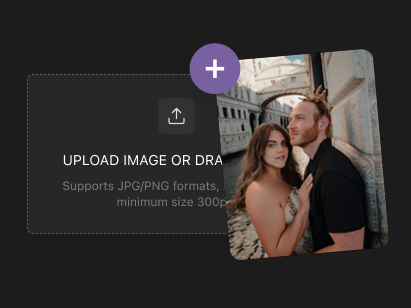
Step 1: Upload Your Group Photo
Select a clear photo from your gallery that includes the person you want to replace. The tool works best with well-lit group shots or portraits where the subject interacts with the environment.
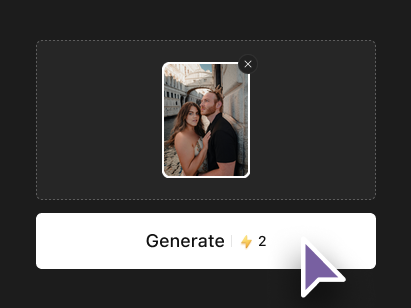
Step 2: Describe the Anime Character
Enter the name or specific appearance details of the anime girl you want to insert. You can specify hair color, outfit style, or specific character traits to guide the transformation.
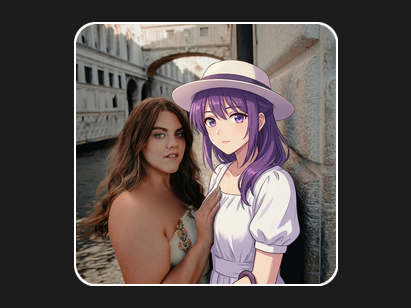
Step 3: Generate and Save
Click the generate button to start the reality blend. In moments, the tool replaces the subject while preserving the original pose and lighting. Download your high-quality image immediately.