
Preview Going Bald Before Actually Shaving
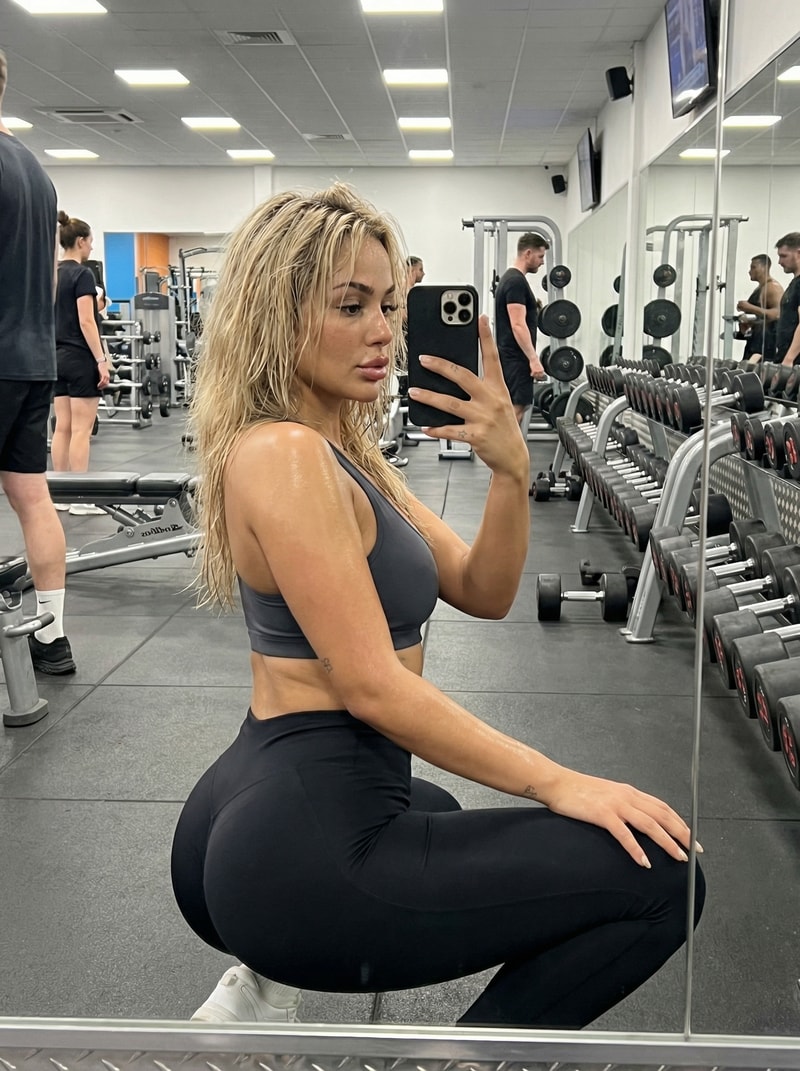
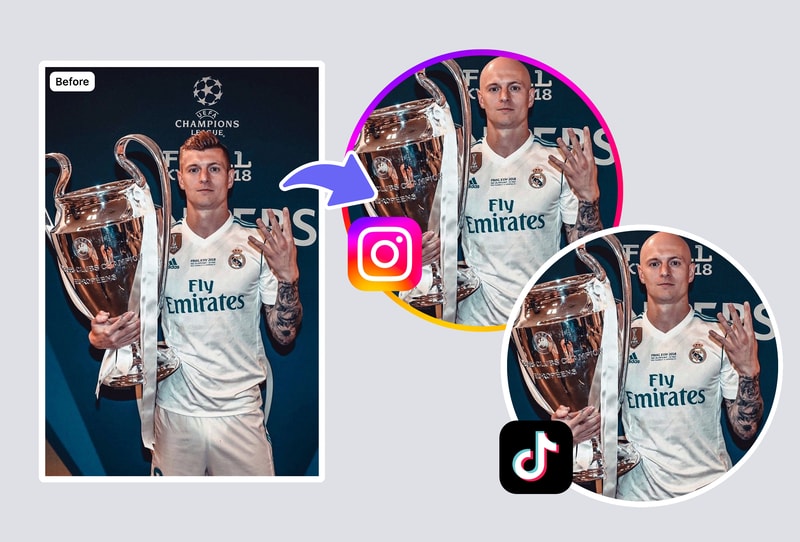
An AI bald filter is a risk-free way to see yourself bald before committing to a razor. Upload a current selfie on MyShell, choose between partial thinning or fully clean-shaven, and receive a photorealistic 1024×1024 preview in under 60 seconds. Men considering a buzz cut and women exploring a shaved look both get gender-accurate results.
Create Funny Bald Edits for Friends and Social Posts
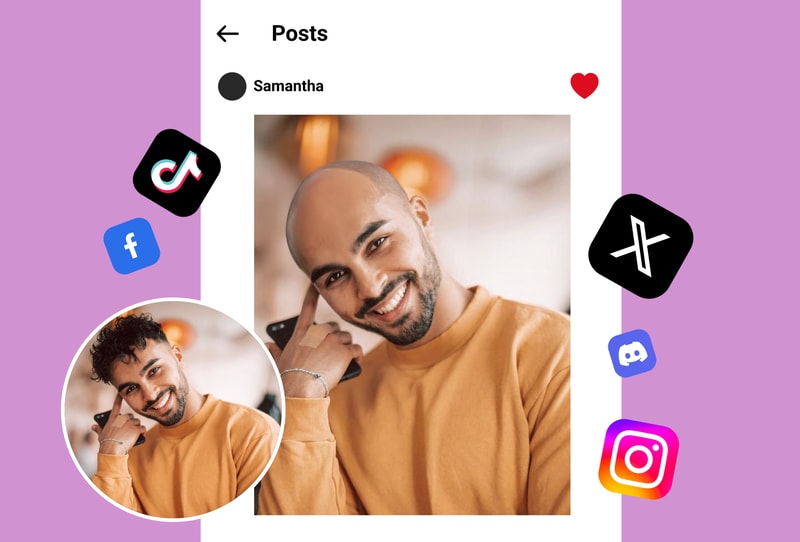
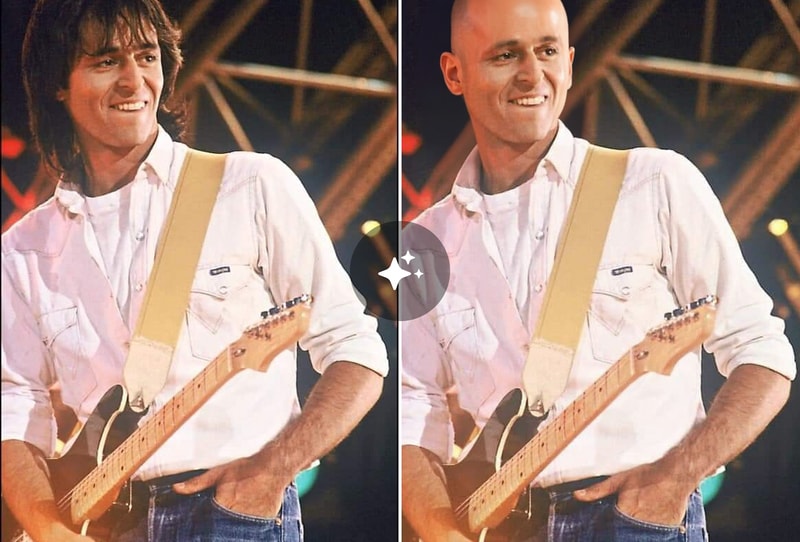
The MyShell bald filter turns any portrait into a shareable bald joke image in seconds. It's a go-to prank tool for TikTok, Instagram Reels, and group chats — upload a friend's photo, generate 3 baldness variants, and download instantly as JPG or PNG with no watermark.
Visualize Character Designs and Casting Concepts
Filmmakers, illustrators, and game designers use the AI bald filter to prototype bald character looks without reshoots or photo studios. Describe the style (smooth shaved, stubble, receding hairline) and MyShell renders a 1024×1024 reference image ready for moodboards and pitch decks.
Why MyShell's AI Bald Filter Stands Out
Photorealistic Scalp in Under 60 Seconds
MyShell's AI bald filter is a portrait-aware photo editor that renders a realistic scalp with natural skin tone, lighting, and head shape in under 60 seconds per image. The underlying face-aware image editing approach builds on published research in face-parsing and GAN-based editing (e.g. StyleGAN face editing literature).
3 Baldness Levels: Thinning, Buzz Cut, Fully Shaved
Pick from three baldness intensities — receding/thinning, buzz cut (~3mm stubble), and completely smooth — to see the exact look you're considering. Most free bald filters only offer one level; MyShell gives you 3 in a single generation session.
Works on Men, Women, and Children
The filter auto-detects gender and age to apply anatomically accurate scalp shading and head shape. Output resolution is 1024×1024 HD — sharp enough for print and social media crops without pixelation.
How to Use the AI Bald Filter in 3 Steps
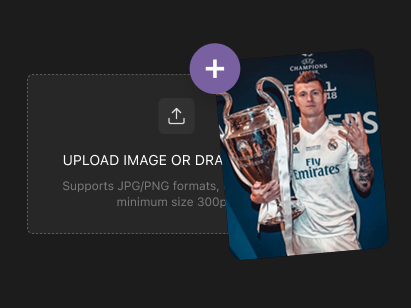
Step 1: Upload a Clear Face Photo (JPG / PNG ≤ 10 MB)
The AI bald filter accepts JPG and PNG images up to 10 MB. For best results use a front-facing selfie with even lighting and hair fully visible — MyShell's face detector needs to map the hairline before rendering the bald preview.
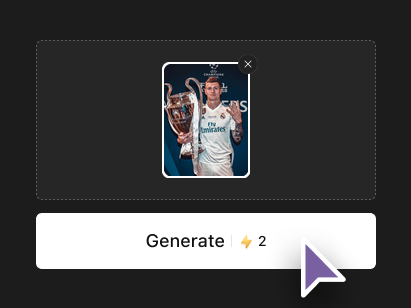
Step 2: Pick a Baldness Level (Thinning / Buzz / Fully Shaved)
Choose one of three baldness intensities. The AI analyzes your face shape, skin tone, and lighting, then removes the hair region and renders a realistic scalp in under 60 seconds.

Step 3: Download Your 1024×1024 HD Preview
Results download instantly as JPG or PNG at 1024×1024 resolution with no watermark. You can re-run the same photo at different baldness levels for side-by-side comparison or share directly to TikTok, Instagram, or WhatsApp.