


Preview Hair Colors Before Your Salon Appointment
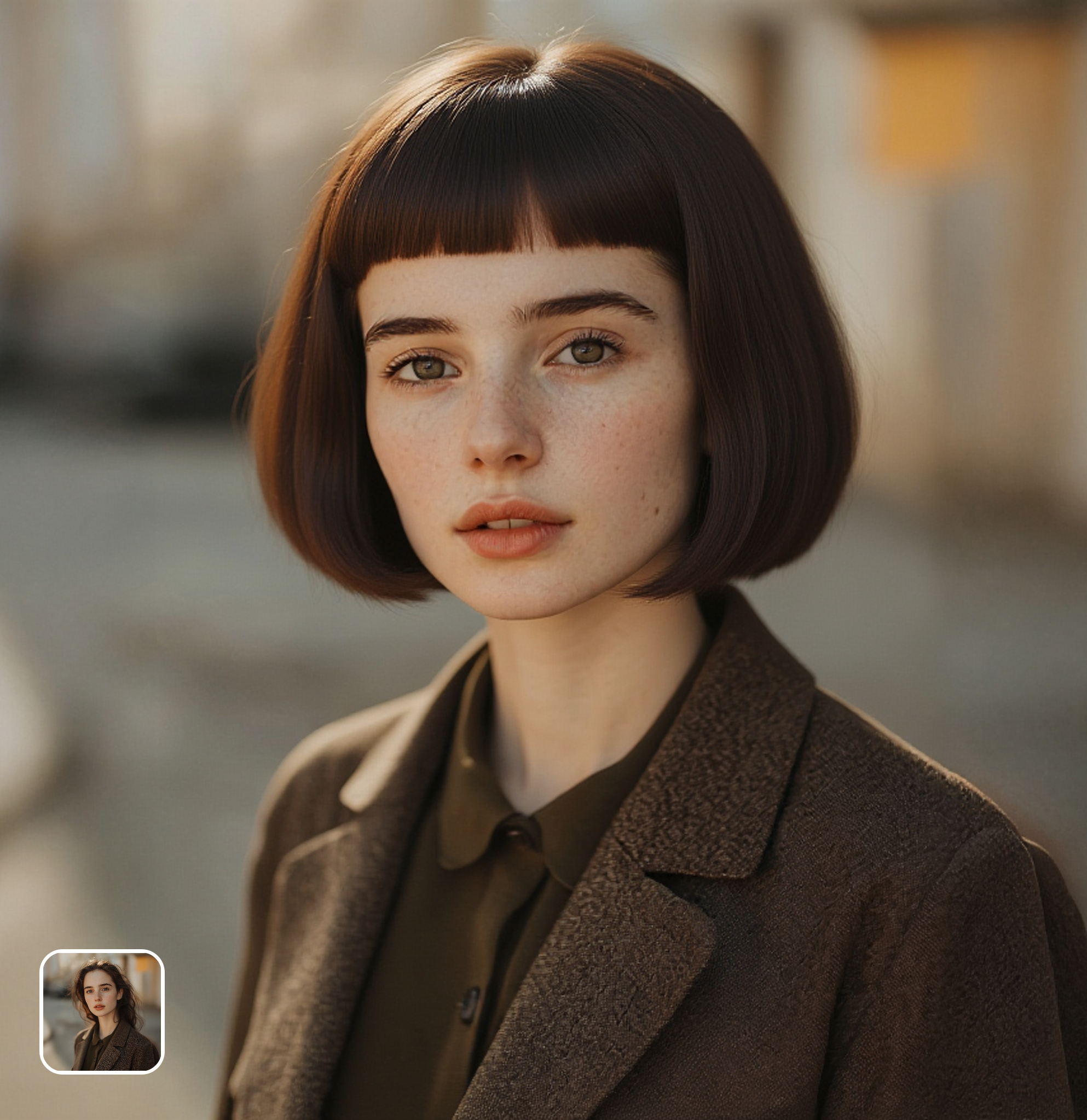
Stop guessing what hair color will suit you. Upload a selfie and let the AI show you exactly how you'd look in platinum blonde, copper red, chocolate brown, jet black, pastel lavender, or any shade you're considering. Show the AI preview directly to your stylist as a reference — no more color regret or expensive correction appointments.
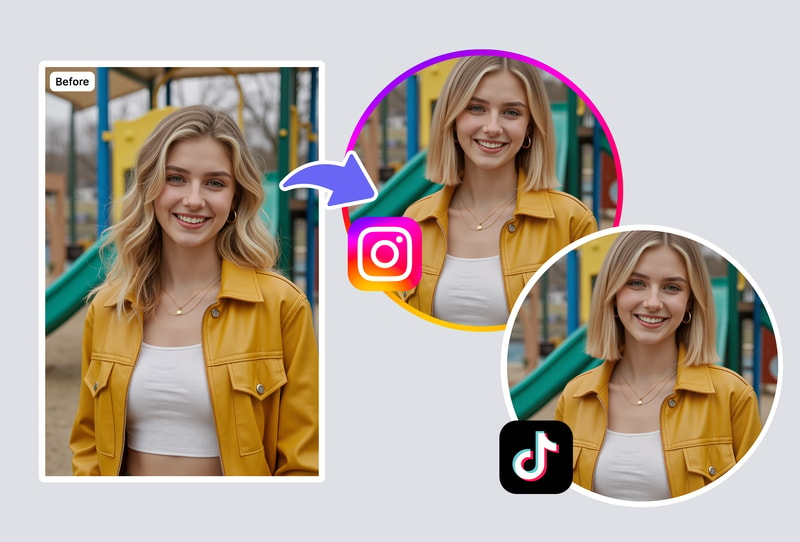
Experiment with Bold Hairstyles Risk-Free
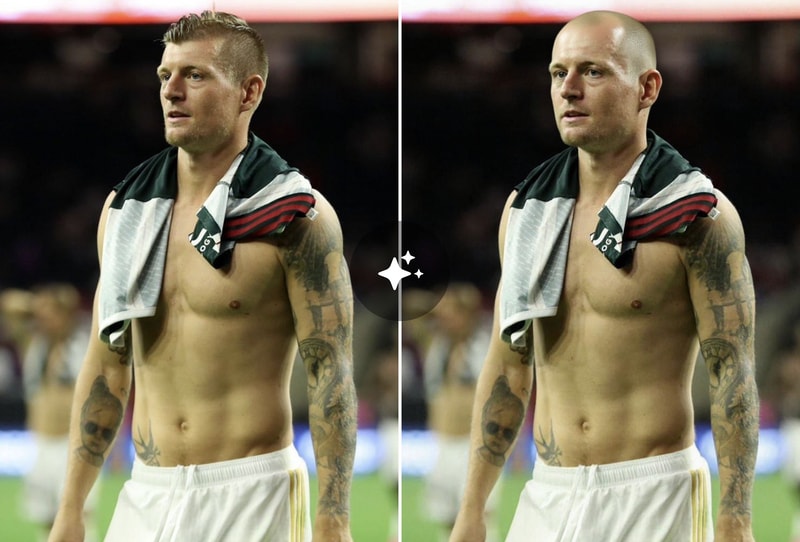
Thinking about bangs? Considering a dramatic bob? Curious about a pixie cut? The AI hairstyle generator lets you try any hairstyle on your photo without picking up scissors. See how short hair frames your face, how layers add movement, or how a completely different style transforms your look — all virtually, all free, all reversible.
Find Your Perfect Look for Special Events
Wedding, prom, photoshoot, or new job? Use the AI hairstyle generator to discover which hair color and style best matches your outfit, skin tone, and the vibe you want. Try dozens of combinations in minutes rather than spending hours at a salon consultation. Save your favorite looks and share them with your stylist or friends for feedback.
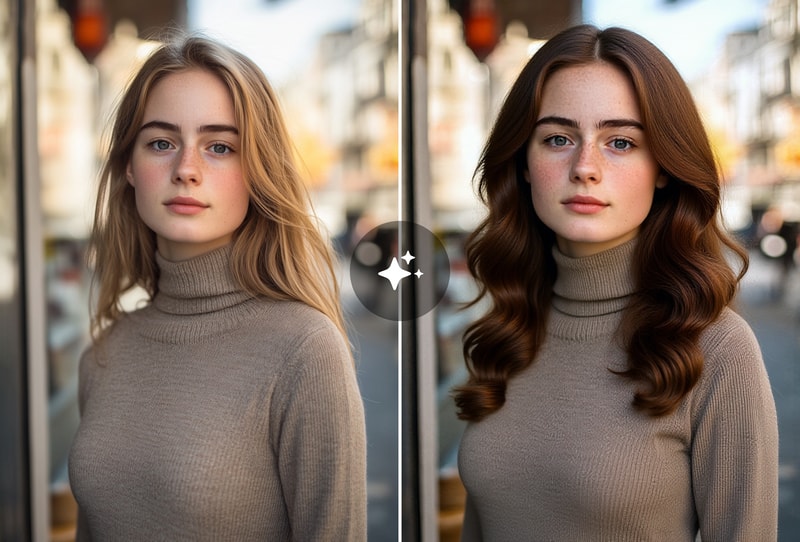
Why People Choose Our AI Hairstyle Generator
Photorealistic Results — Not Cartoon Overlays
Unlike cheap hair filter apps that paste cartoonish wigs onto your photo, MyShell's AI generates photorealistic hair that looks genuinely natural on you. The AI understands how hair color interacts with your skin tone, how light creates highlights and shadows in different hair textures, and how hairstyles frame different face shapes. The result is a convincing preview of how you'd actually look.
Works on All Hair Types, Ethnicities & Face Shapes
The AI is trained on diverse datasets representing all hair types — straight, wavy, curly, coily, and afro-textured. It produces accurate results across all ethnicities and skin tones, ensuring the color rendering looks natural on you specifically. Whether you have fine Asian hair, thick curly hair, or anything in between, the AI adapts its generation accordingly.
Unlimited Free Tries — No App Download Required
FaceApp charges $40/year for hair features. YouCam requires premium for advanced colors. Salon AR tools cost businesses hundreds. MyShell gives you the same AI visualization completely free — unlimited tries, no watermarks, no sign-up. Runs in your browser on any device.
How to Use the AI Hairstyle Generator
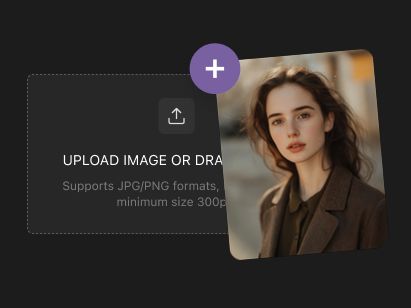
Step 1: Upload a Clear Photo of Your Face
Open the AI hairstyle generator and upload a front-facing selfie or portrait with your hair clearly visible. Good lighting helps the AI produce more accurate results. The tool works with any current hair color, length, or style as a starting point.
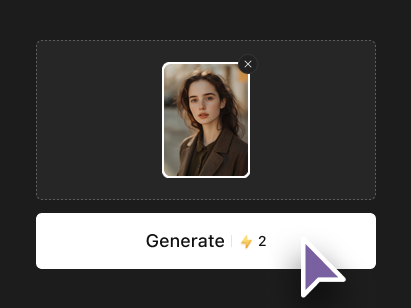
Step 2: Choose Your Desired Hair Color or Style
Describe the hair transformation you want — a specific color (platinum blonde, cherry red, ash brown), a style change (bangs, bob, layers, pixie), or both. The AI understands natural language descriptions and generates photorealistic results that show exactly how the new look would appear on your face.
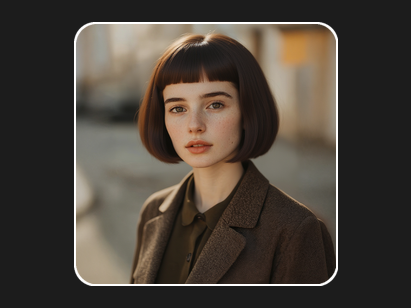
Step 3: Preview and Download Your New Look
Review the AI-generated preview showing your new hairstyle or color. Download the result to share with friends, show to your stylist, or compare multiple options side by side. Want to try another look? Just describe a different style and generate again — unlimited free attempts.