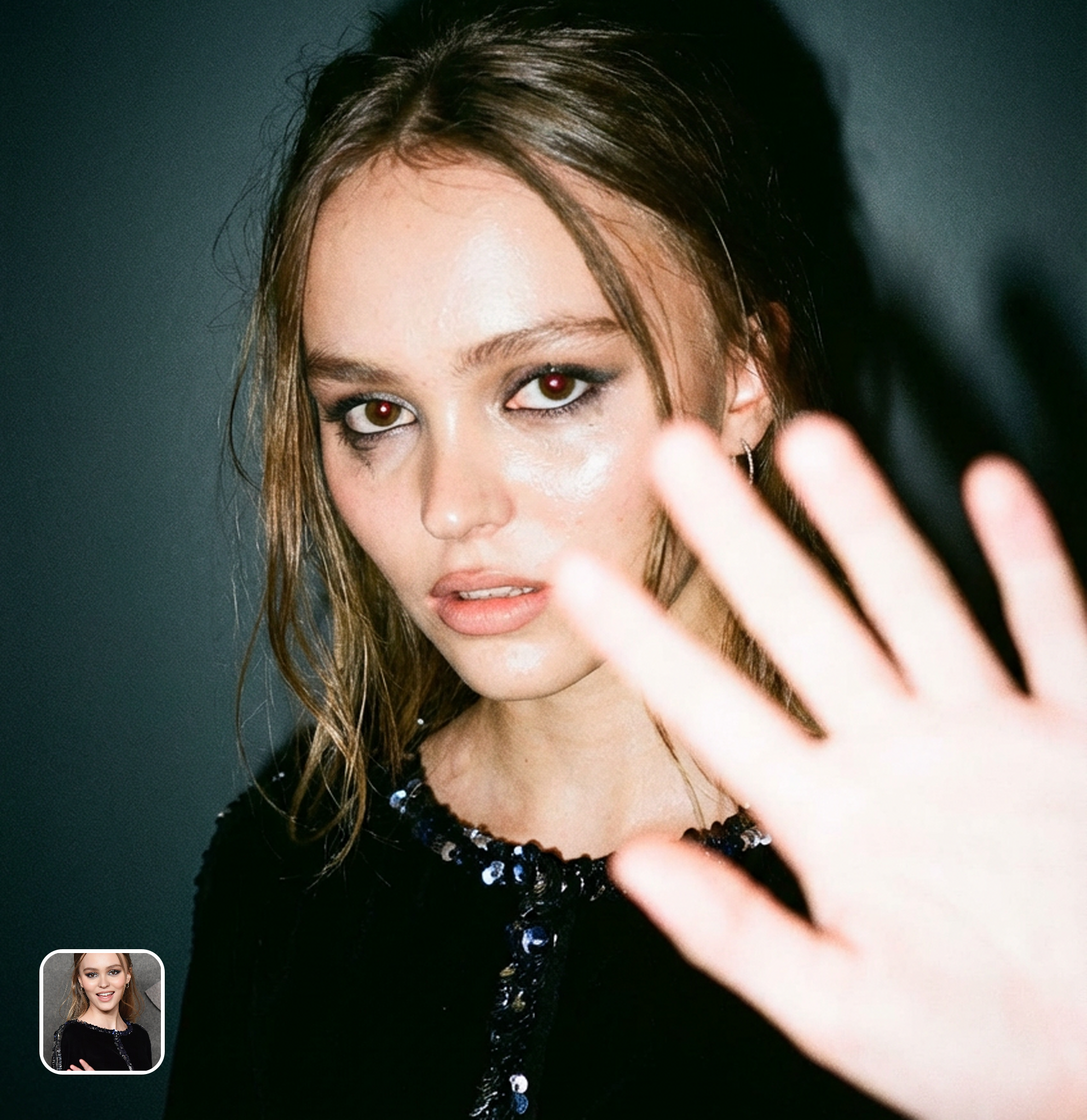



Authentic Y2K Digital Camera Simulation
This isn't just a grain overlay. The AI simulates the complete imaging pipeline of early 2000s consumer cameras — CCD sensor noise patterns, JPEG compression at 640x480, direct flash falloff with harsh shadows, chromatic aberration, and the characteristic washed-out color reproduction of cameras like the Sony Cyber-shot DSC-P1 and Canon PowerShot A10. The result is indistinguishable from actual photos taken on these cameras.
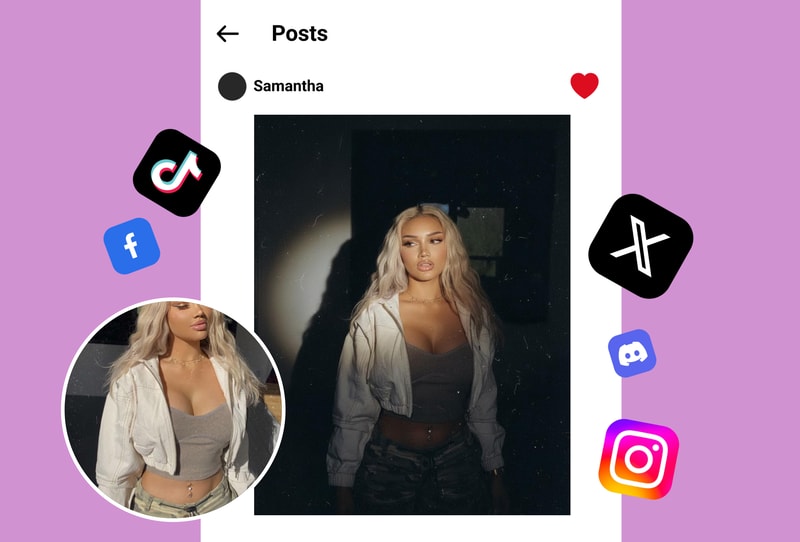
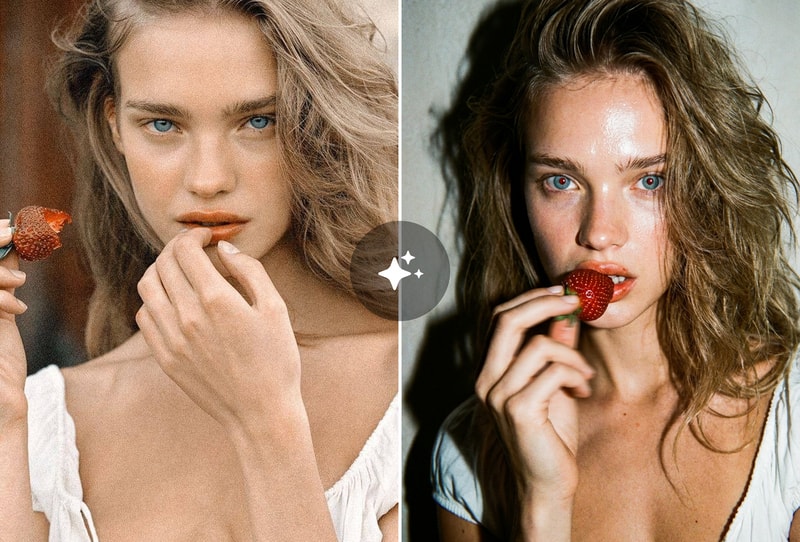
The Aesthetic That's Taking Over Social Media
The 'trash cam' aesthetic has exploded on Instagram and TikTok — celebrities, influencers, and Gen Z creators use it to make polished photos feel raw, candid, and nostalgic. Low-quality images paradoxically get more engagement because they feel authentic in an era of over-filtered content. This tool lets anyone create the effect instantly without hunting for a vintage camera on eBay.
Party Photos, Night Out Shots & Friend Group Content
The trash cam filter was made for social content — birthday parties, nights out, friend group hangouts, concerts, and casual moments. The direct flash and low-res aesthetic makes every photo look like it was taken by someone having too much fun to care about camera settings. Perfect for creating a nostalgic photo dump that gets saves and shares.
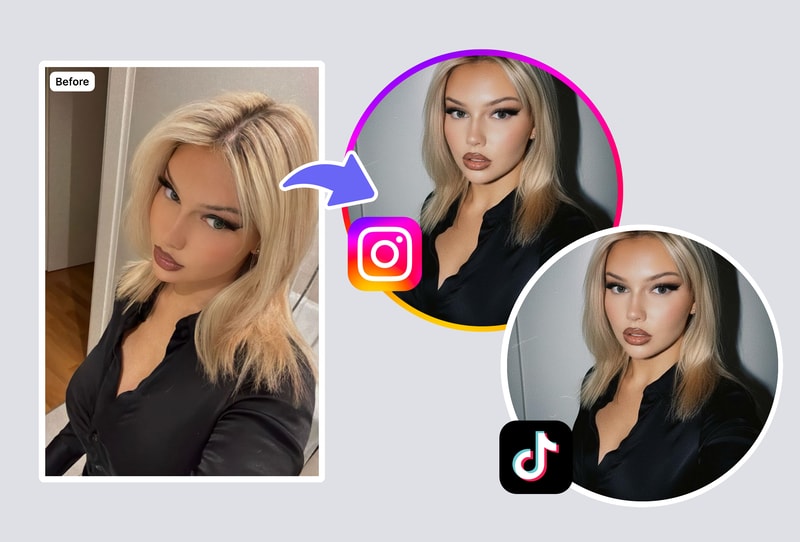
Why Creators Choose Trash Cam Filter
Real Camera Simulation, Not a Basic Filter
Most 'vintage' filters just add grain and desaturate. Trash Cam simulates actual CCD sensor behavior, JPEG compression artifacts, flash physics, and lens distortion from specific early 2000s camera models.
Trending Y2K Aesthetic in One Click
The trash cam look is one of the top-performing aesthetics on Instagram and TikTok in 2026. No need to buy a $50 vintage digicam from eBay — get the same result from your iPhone photos instantly.
Multiple Intensity Levels
Choose how 'trashed' you want the photo — from subtle digital camera warmth to full 640x480 compressed chaos. Adjust flash intensity, grain level, and compression strength.
How to Use Trash Cam Filter in 3 Steps
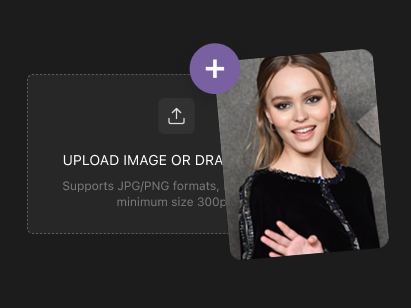
Step 1: Upload Any Photo
Upload a photo from your phone or desktop. Party shots, selfies, group photos, and casual moments work best — but any image can be transformed.
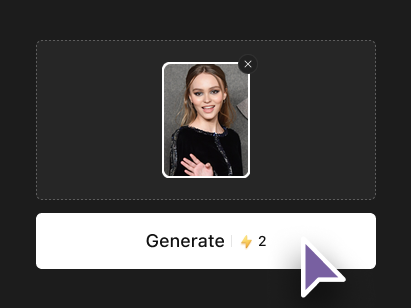
Step 2: AI Applies Y2K Camera Effects
The AI simulates early 2000s digital camera behavior — CCD noise, JPEG compression, direct flash, washed colors, and low resolution. Adjust intensity to taste.
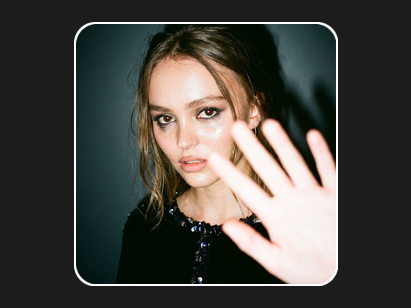
Step 3: Download Your Trash Cam Shot
Download the result in your chosen resolution — from authentic 640x480 to upscaled for social media. No watermark, no signup.