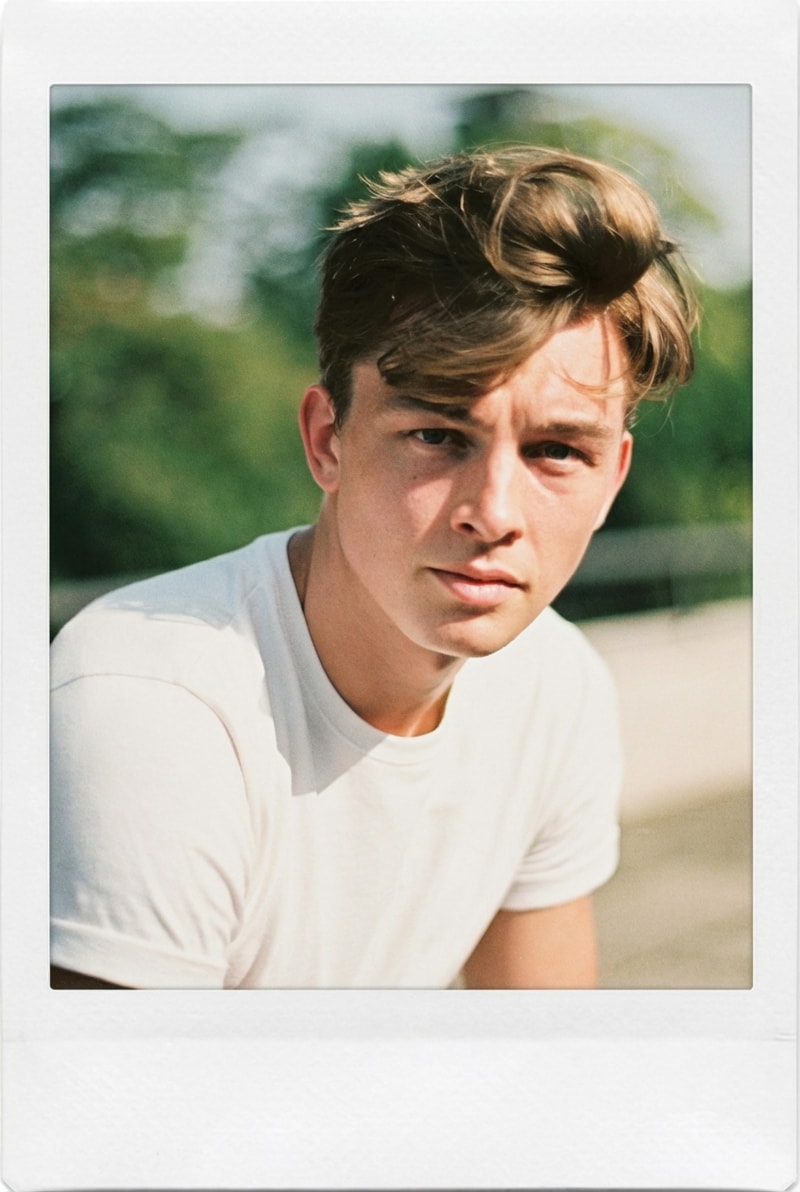
AI Red Eye Remover for Portrait Photos
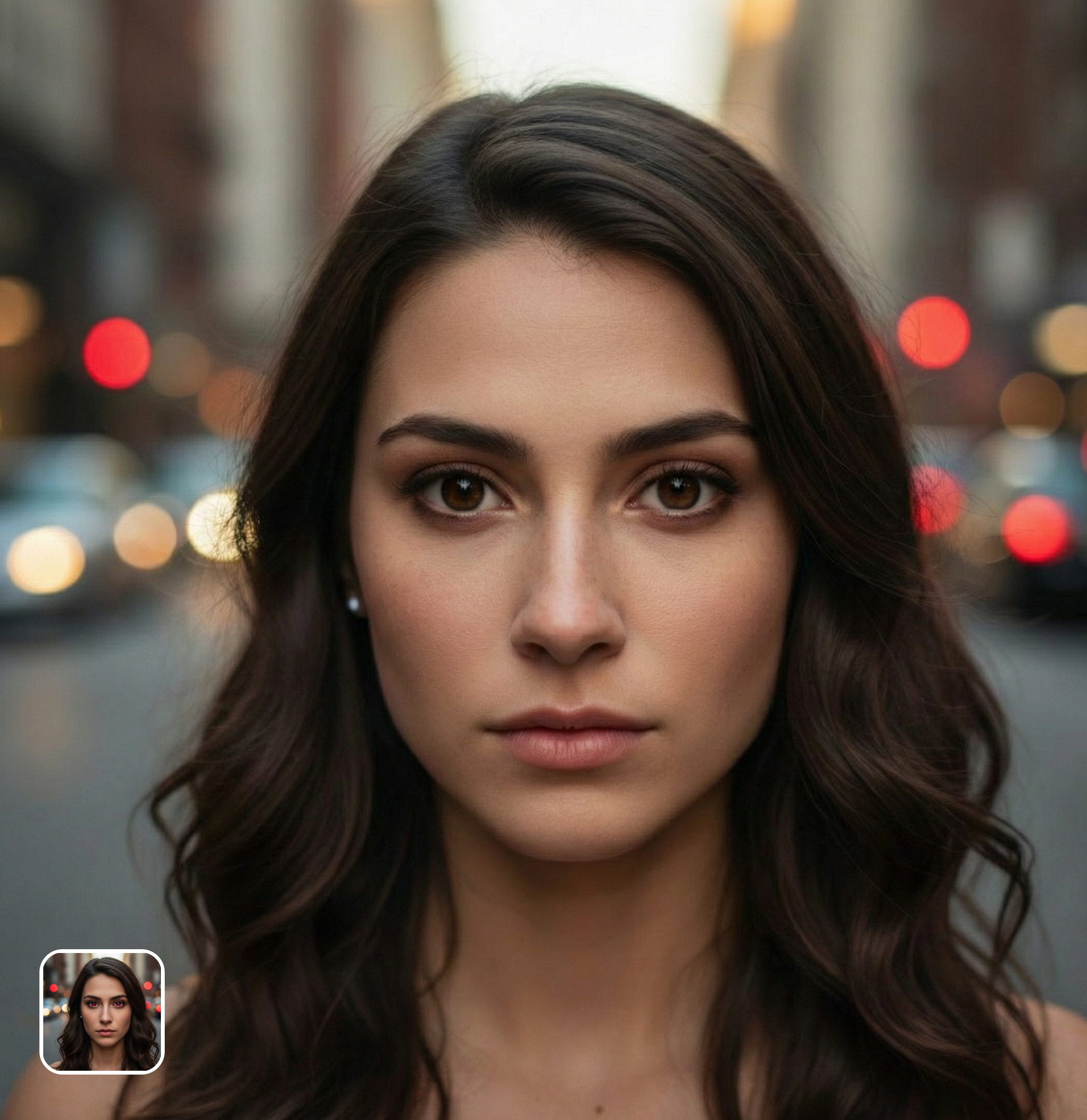
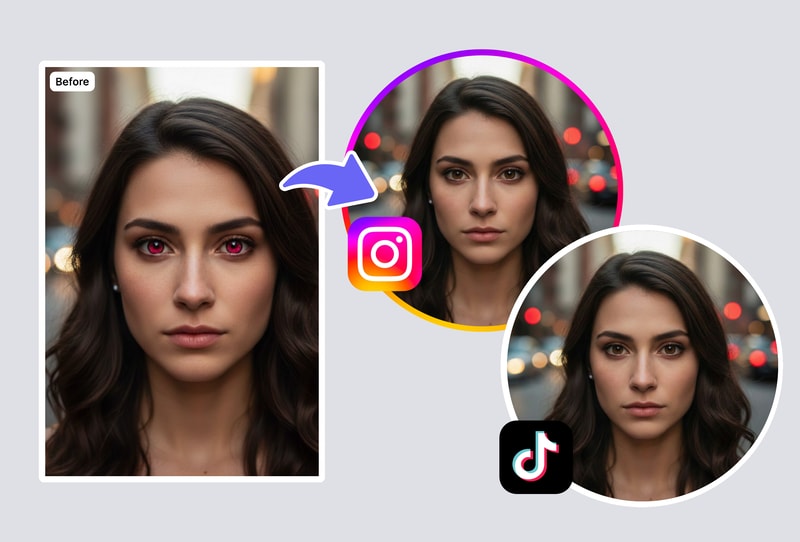
Our red eye remover uses AI to detect red-eye artifacts caused by camera flash and correct them naturally. The tool preserves your original iris color and pupil detail while removing the red glare. Results look natural, not like a solid black circle pasted over your eyes.
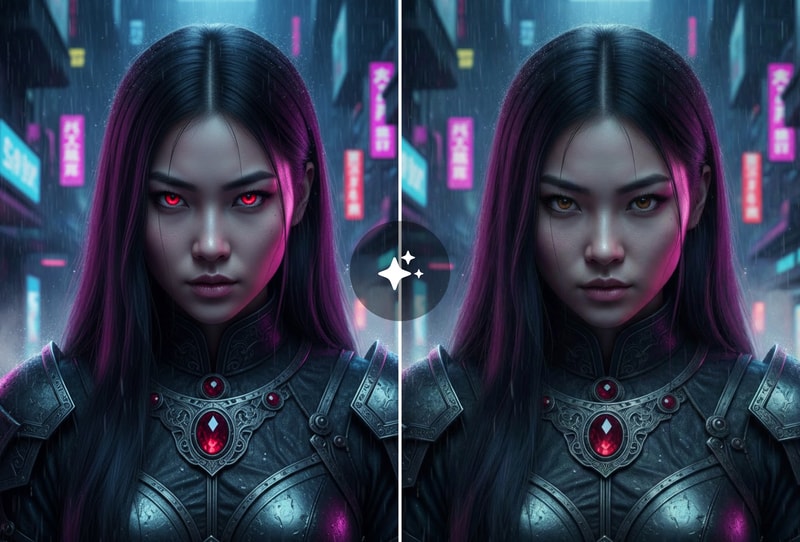
Fix Red Eye in Group Photos & Family Portraits
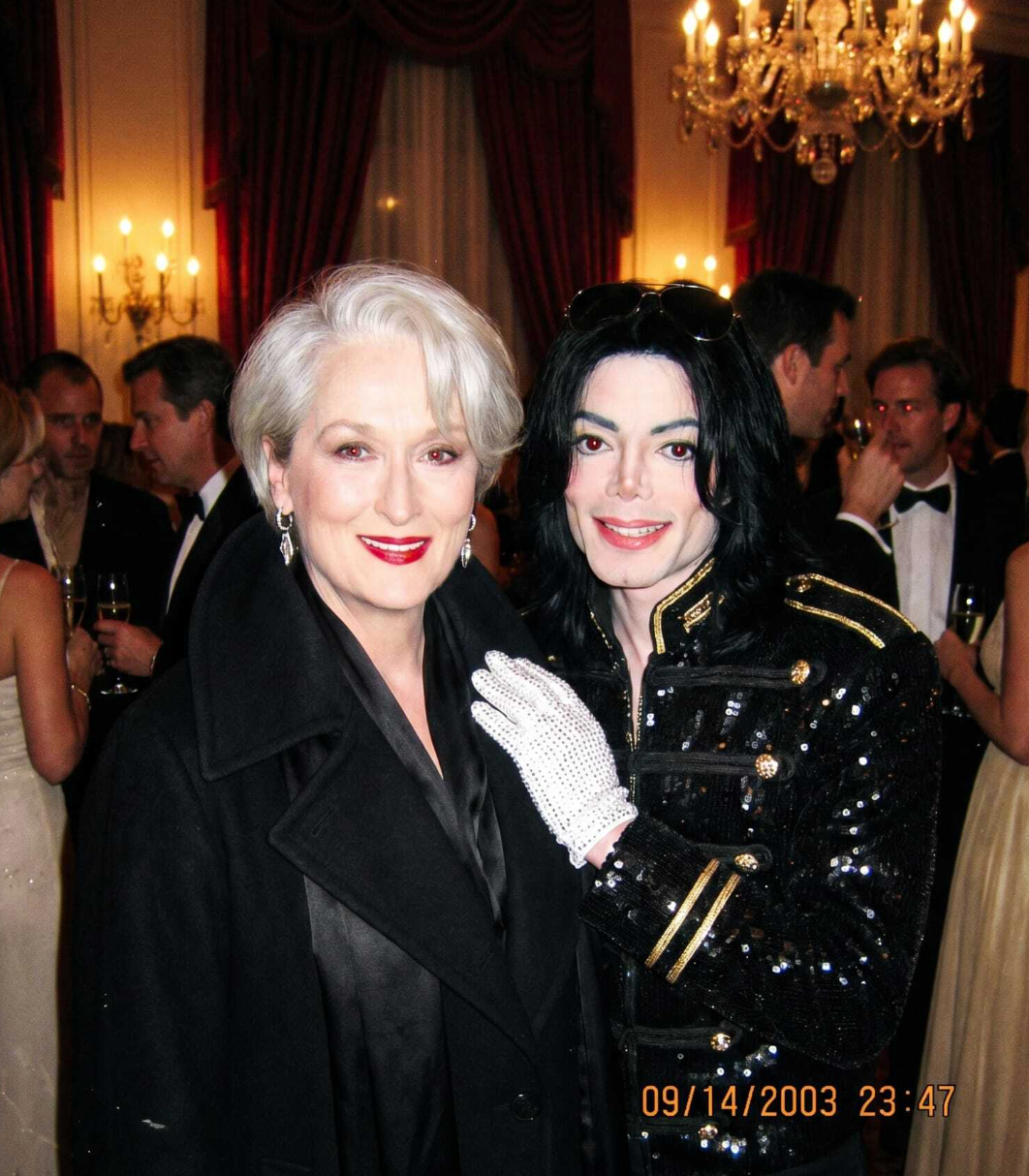
The red eye remover handles multiple faces in a single photo. When flash hits a group, several people may have red eye — our AI detects and fixes every affected eye simultaneously. Perfect for family photos, holiday gatherings, and event photography.
Remove Red Eye from Pet Photos Too
Pets often get glowing eyes in flash photos — green, yellow, or red depending on the animal. Our red eye remover handles pet eye glow as well, restoring natural eye appearance for dogs, cats, and other animals in your flash photography.
Why People Choose Al Red Eye Remover
AI-Powered Detection — No Manual Selection Needed
The red eye remover uses AI to detect red-eye artifacts precisely, even in low-quality or slightly blurry photos. One click fixes all affected eyes in the photo.
Natural Results — Not Just Black Dots
Unlike basic red eye removers that paint a black circle, our AI preserves your natural iris color, pupil detail, and eye reflections for a natural-looking correction.
Free Browser Tool — No App or Account Required
Works on humans and animals alike. The red eye remover corrects flash-induced red, green, and yellow eye glow from any species.
How to Use
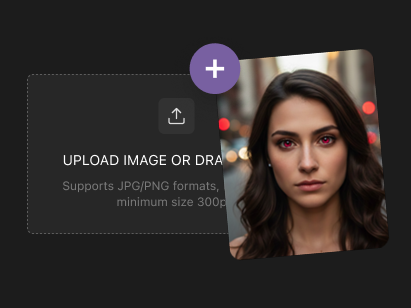
Step 1: Upload Your Photo with Red Eye
Open MyShell's red eye remover and upload any photo affected by flash red eye. The tool accepts portraits, group photos, and even pet photos. JPG, PNG, and WEBP formats are all supported. No account or sign-up needed.
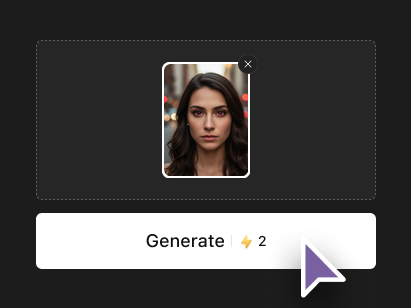
Step 2: AI Detects and Fixes Red Eye Automatically
The AI scans your photo, identifies all eyes with red eye artifacts, and corrects them instantly. No manual clicking or selection required. The AI preserves natural eye color, iris detail, and light reflections while removing only the red flash glare. Pet eye glow (green/yellow) is also detected and corrected.
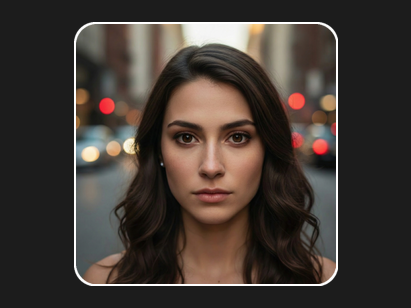
Step 3: Download Your Corrected Photo
Preview the corrected photo and download it in full quality — no watermarks, no quality loss. Your original file remains untouched. The process takes seconds and you can fix unlimited photos for free.