AI Water Reflections That Look Photographed
Upload a landscape, cityscape, or portrait and the AI generates a realistic water surface reflection beneath it — complete with ripples, light diffusion, and depth perspective. Unlike Canva or Pixlr's flat horizontal flip, this creates the illusion of a still lake or glass-calm ocean. Photographers use it for creative portfolios, real estate agents for property shots, and travel bloggers for dreamy destination content.
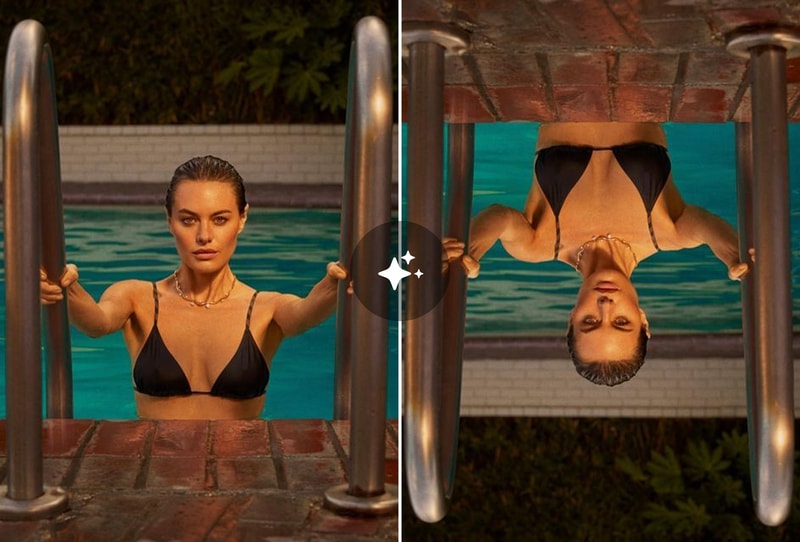
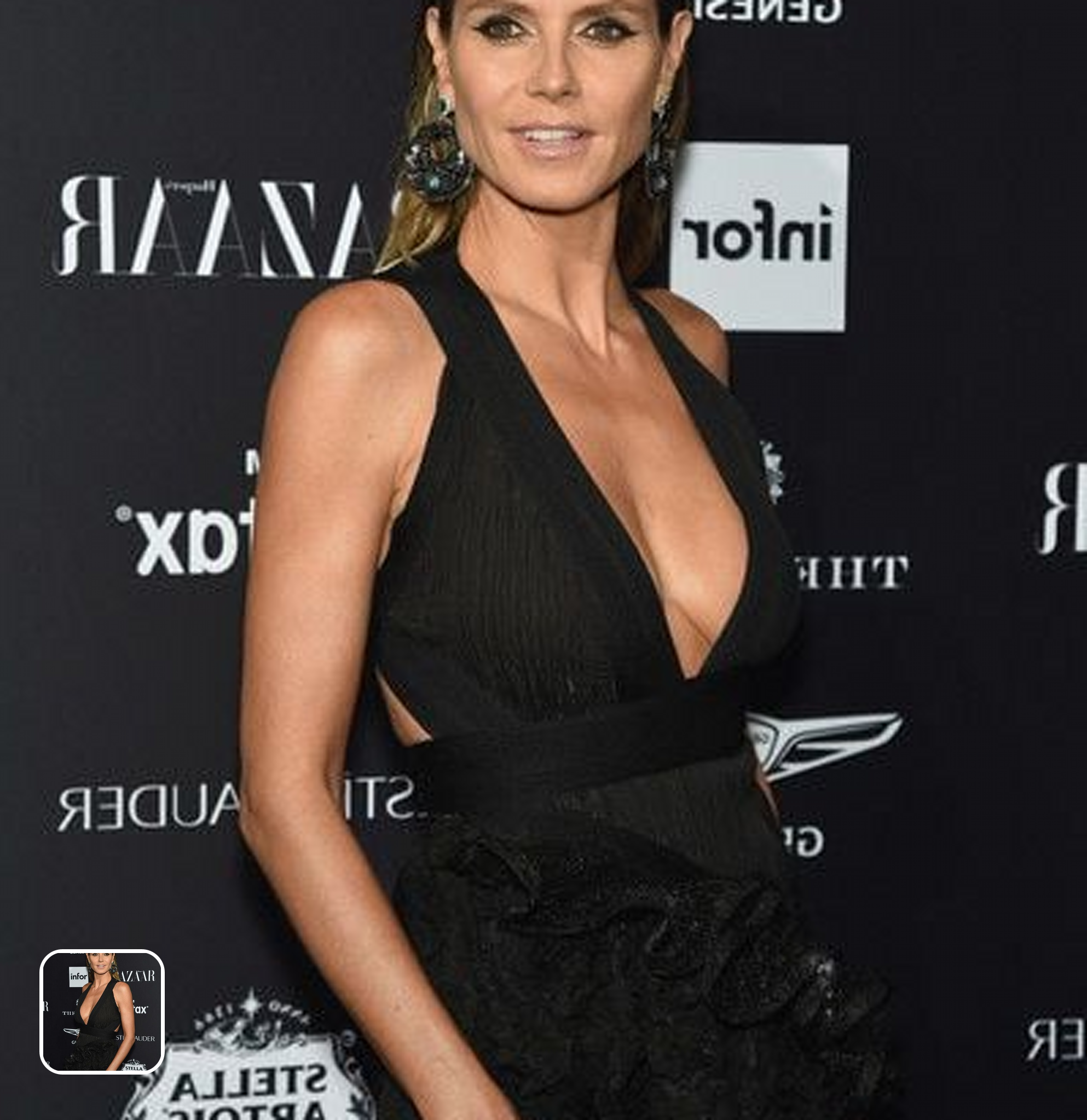
Horizontal & Vertical Flip — Pixel-Perfect, Zero Quality Loss
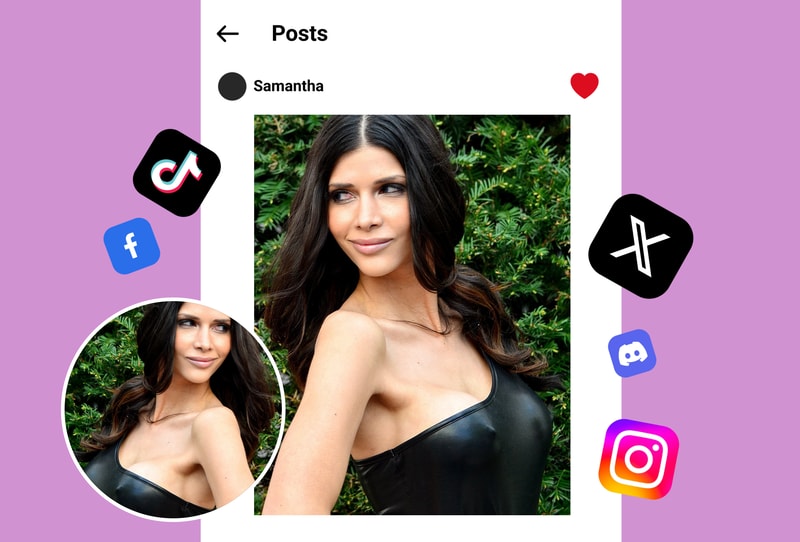
Need a clean mirror flip? The tool preserves every pixel of your original image during horizontal or vertical transformation. No compression artifacts, no color shifts, no resolution drop. Supports JPG, PNG, WebP, and BMP up to 50MP. Perfect for correcting selfie orientation, creating before/after layouts, adapting images for left-to-right or right-to-left design compositions, and fixing mirrored text in screenshots.
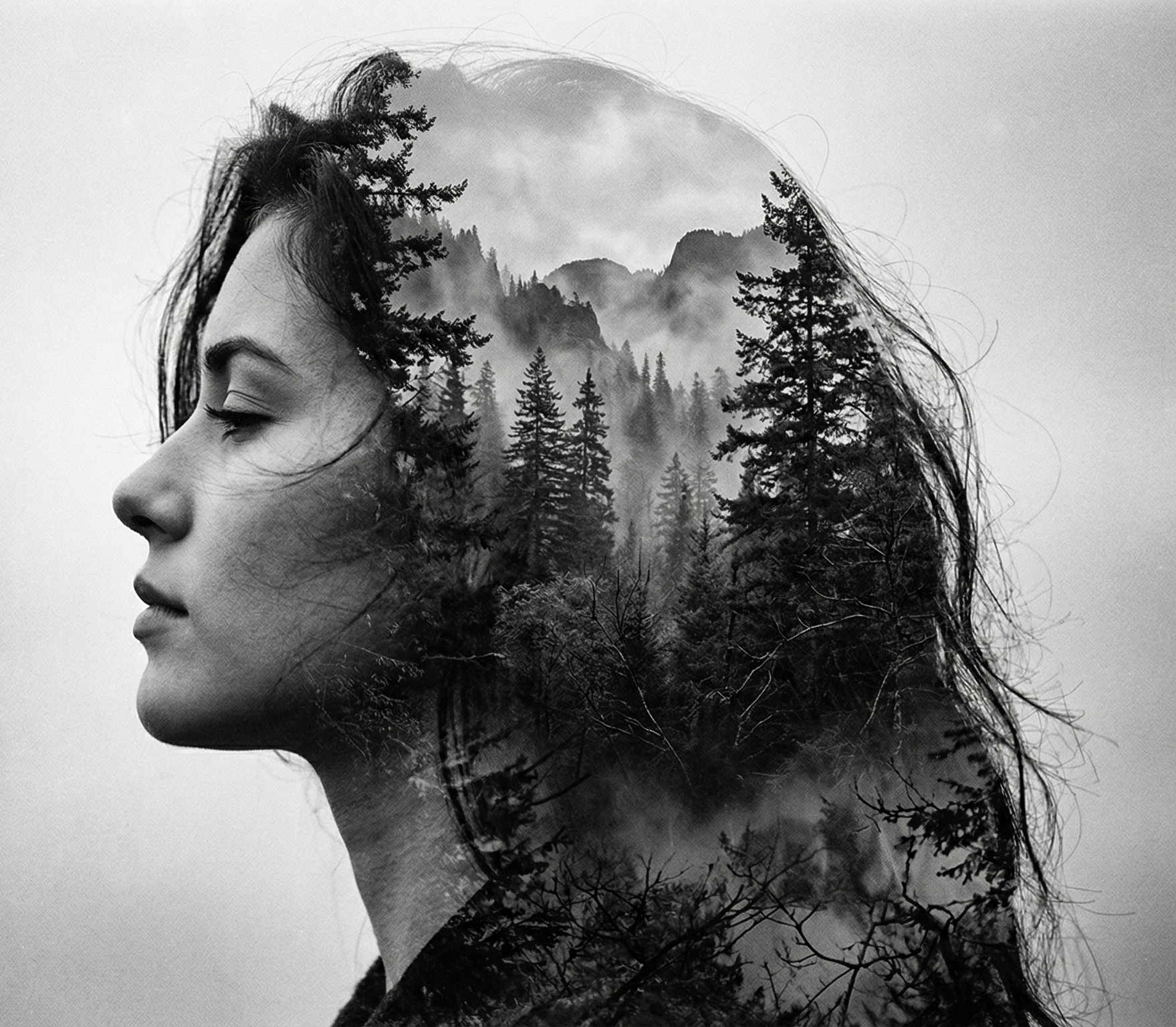
Kaleidoscope & Symmetry Art from Any Photo
Transform ordinary photos into mesmerizing symmetrical patterns. Upload a texture, portrait, or landscape and generate mandala-style compositions, kaleidoscope effects, and abstract symmetry art in seconds. Designers use this for album covers, phone wallpapers, poster art, and social media content that stops the scroll. Each generation is unique — no two patterns are the same.
Why 100K+ Creators Choose This Mirror Image Tool
AI-Powered Effects, Not Just Flat Flips
While Canva, Fotor, and Pixlr offer basic horizontal/vertical flips, MyShell's mirror image generator adds realistic water reflections, glass mirror effects, and generative symmetry art that require hours of manual Photoshop work.
Full Resolution Output, Zero Compression
Every mirror transformation preserves original resolution, color accuracy, and fine detail. No watermarks, no quality loss, no resolution caps. Output is print-ready and suitable for professional large-format displays.
Five Mirror Modes in One Free Tool
Horizontal flip, vertical flip, water reflection, glass mirror, and kaleidoscope symmetry — all in one interface. No switching between apps, no Photoshop subscription, no learning curve.
How to Create Mirror Images in 3 Steps
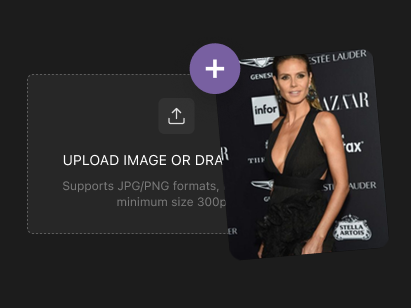
Step 1: Upload Any Photo
Drag and drop or click to upload your image. Supports JPG, PNG, WebP, and BMP up to 50MP. Works with portraits, landscapes, product shots, textures, artwork — any image you want to mirror or flip.
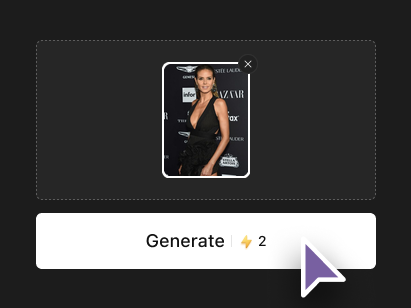
Step 2: Choose Your Mirror Effect
Select from horizontal flip, vertical flip, AI water reflection, glass mirror, or kaleidoscope symmetry art. Preview the effect in real-time and adjust to match your creative vision.
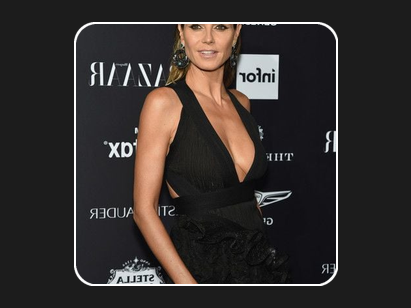
Step 3: Download in Full Resolution
Download the mirrored result as high-resolution PNG — no watermark, no quality loss, no signup. Share directly to social media or use in your design projects immediately.