How to Make an AI Video from a Photo: A Step-by-Step Guide
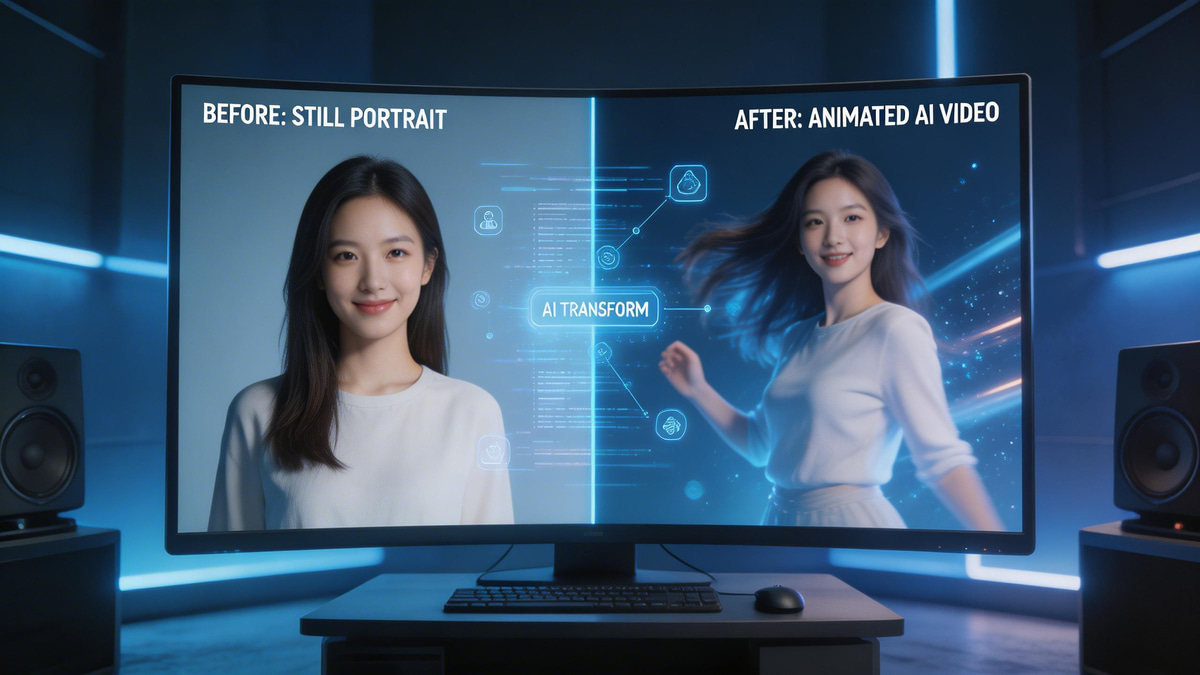
Content creators and marketers are constantly seeking ways to elevate their visual storytelling. Learning how to make an AI video from a photo solves the problem of expensive and time-consuming video production. By leveraging advanced generative AI, anyone can bring still images to life in seconds. Whether you are building a marketing campaign, creating social media content, or designing a digital avatar, transforming a static image into motion is now more accessible than ever.
Industry Insights & Data
Before diving into the technical process to create AI video from image, it helps to understand the massive shift in digital content production. The ability to turn photo into AI video is no longer a niche gimmick; it is rapidly becoming a standard workflow for global enterprises. Professionals are increasingly discovering how to animate photo with AI to cut down production costs and accelerate delivery times.
| Source Name | Published Year | Key Data/Statistic | Report Link |
|---|---|---|---|
| Grand View Research | 2025 | Global AI video generator market size expected to reach $3.44B by 2033 | View Report |
The Tools: Selecting Your Motion Engine
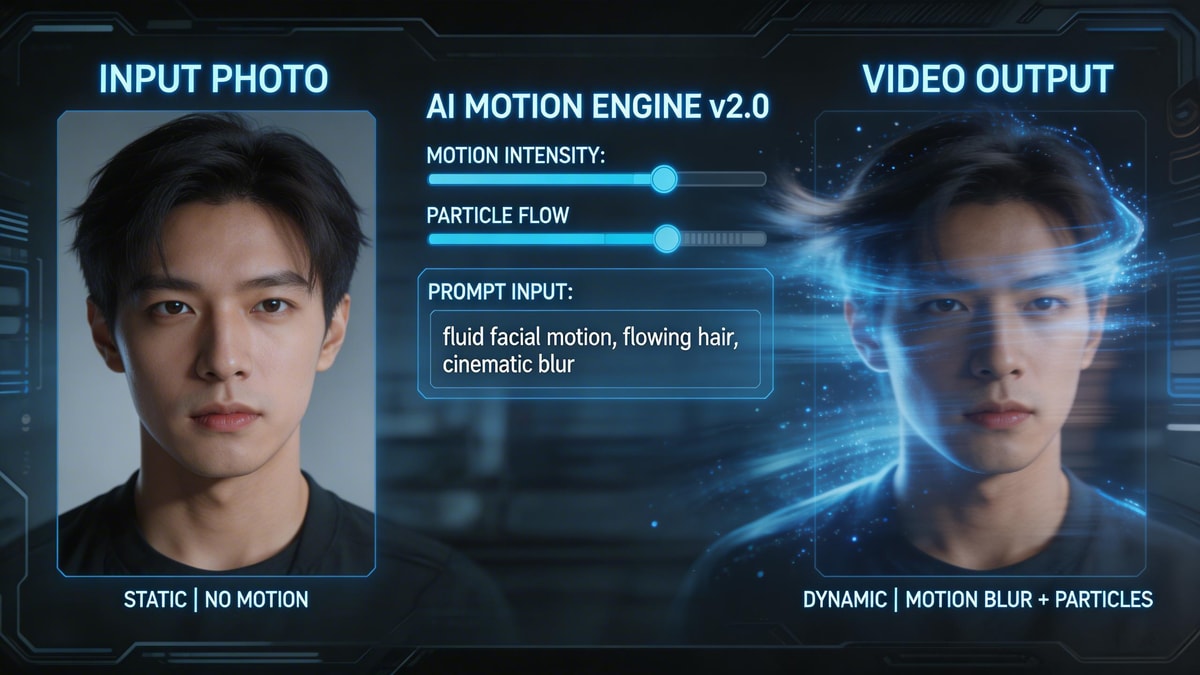
To successfully generate AI video from single photo, you need a robust platform that understands both spatial depth and motion dynamics. MyShell AI provides a suite of advanced creative tools, including a highly capable AI photo to video generator that interprets your static pixels and predicts fluid movement. When you prepare to create AI video from image, having a tool that balances automated motion with manual prompt control is crucial. MyShell AI’s native video generation capabilities ensure you get high-fidelity results without needing a background in complex animation software.
Step-by-Step: How to Make an AI Video from a Photo
Step 1: Prepare and Upload Your Image
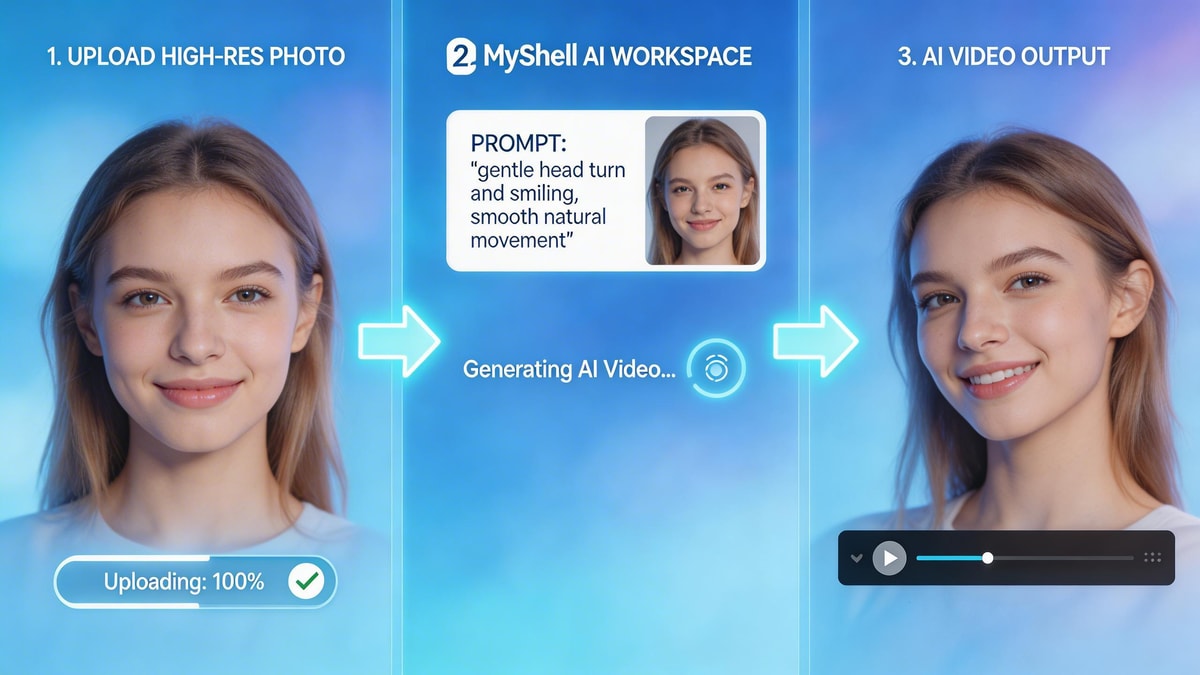
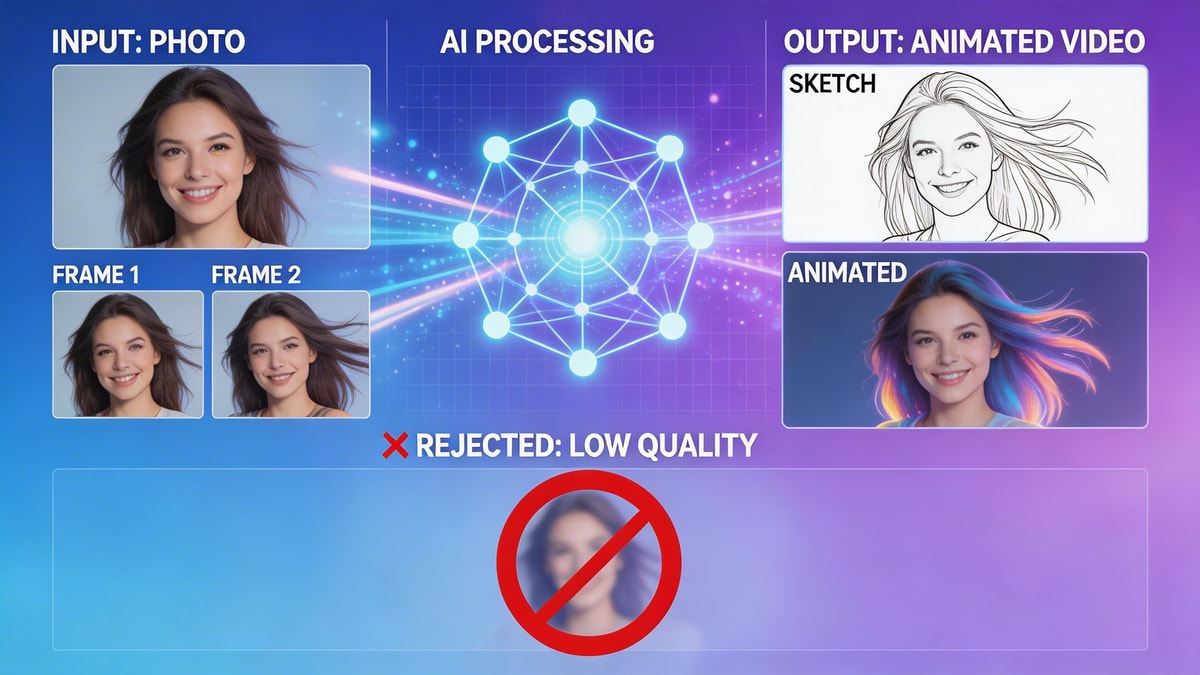
To successfully turn photo into AI video, start with a high-resolution image. Clear lighting and distinct subjects help the AI understand what to isolate and move. Upload this base image directly into the MyShell AI creative workspace.
Step 2: Define the Motion and Prompt
The magic of knowing how to animate photo with AI lies in the text prompt. Describe the exact movement you want to see. For example, type "waterfall flowing gently" or "character blinking and smiling." The more specific you are, the better the final output will be.
Step 3: Adjust Camera Controls
Take advantage of spatial settings by tweaking the pan, tilt, and zoom. When you generate AI video from single photo, adding a slow camera zoom creates a cinematic 3D effect that makes the final clip look incredibly professional.
Step 4: Render and Export
Hit the generate button. Within moments, the system will process your request. Review the output and download your final asset in HD. The process of bringing your still images to life is truly that straightforward.
Pro Tips for Seamless Results
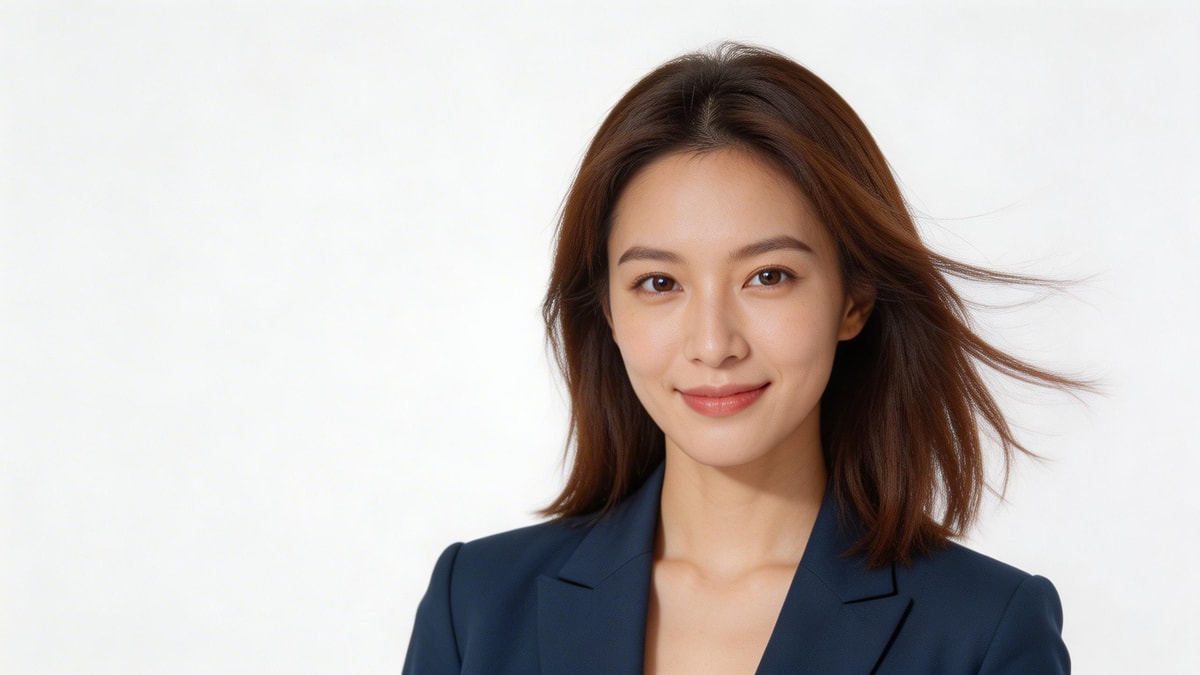
Expert Advice: The quality of your final clip heavily depends on your starting material. When you create AI video from image, avoid using cluttered backgrounds or heavily shadowed faces, as these can cause warping during the motion mapping phase. A premium AI photo to video generator works best with distinct foreground subjects. If you want to generate AI video from single photo with complex movements, start with smaller, subtle motion prompts like "hair blowing in the wind" before attempting full-body articulation.
Conclusion
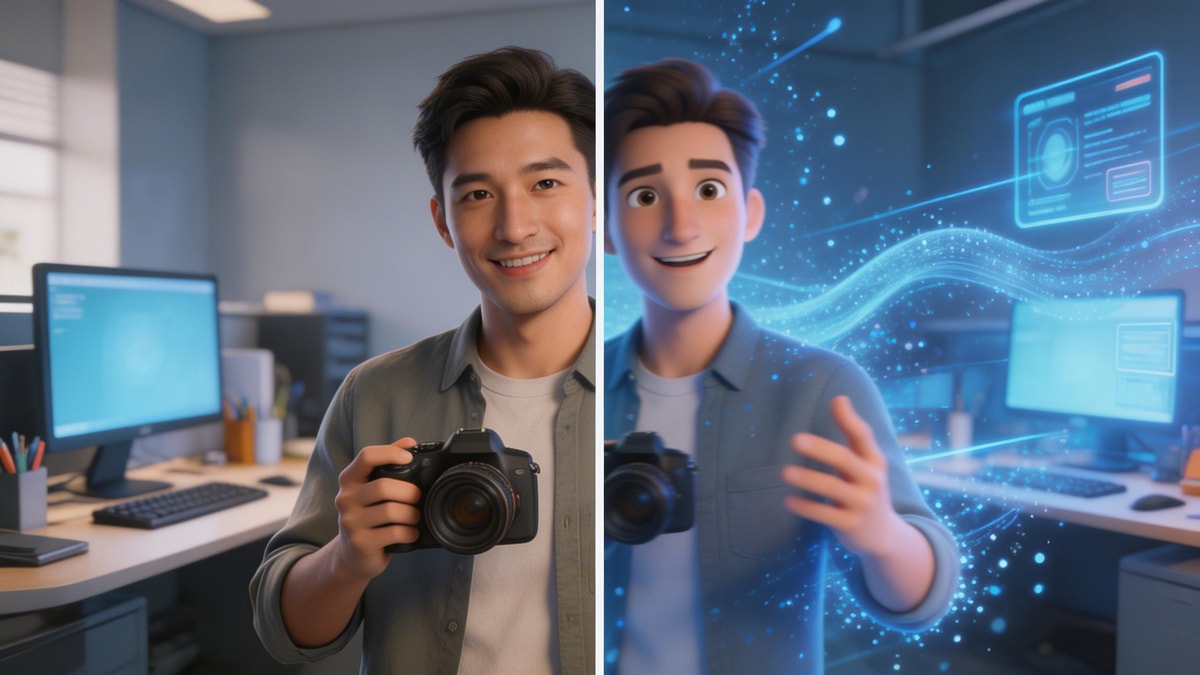
Mastering how to make an AI video from a photo opens up endless possibilities for content creation. You no longer need expensive camera gear or heavy editing software to tell a dynamic story. By utilizing a reliable AI photo to video generator like the versatile options offered by MyShell AI, anyone can seamlessly turn photo into AI video. Take these steps, experiment with different prompts, and discover exactly how to animate photo with AI to captivate your audience today.
FAQ
Q: What kind of pictures work best when I turn photo into AI video?
A: High-contrast, well-lit photos with clear subjects yield the best results. Avoid blurry or heavily filtered images, as they confuse the motion-tracking algorithms.
Q: Can I create AI video from image using illustrations or paintings?
A: Absolutely. Most advanced AI models can animate digital art, sketches, illustrations, and 3D renders just as easily as realistic photographs.
Q: How long does it take to generate AI video from single photo?
A: Generation times vary based on server load and desired video length, but most standard platforms process a high-quality 3-to-5 second clip in under two minutes.
Previous article
Best Erotic AI Generator Tools for Adult Art (2026)