How to Create Realistic AI Art Free Online [Complete Guide 2026]
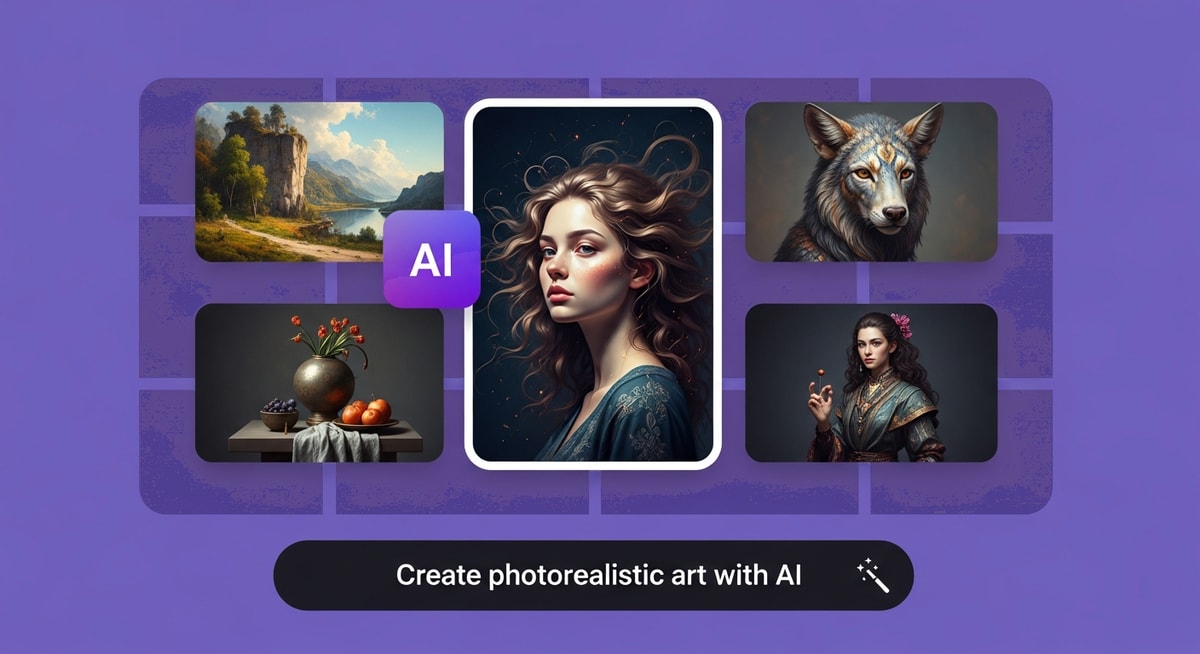
Realistic ai art has reached a level of quality that rivals professional photography. Whether you want photorealistic portraits, lifelike scenes, or hyper-detailed digital compositions, today's realistic ai art generators deliver jaw-dropping results. This guide shows you how to create realistic ai art step by step.
![How to Create Realistic AI Art Free Online [Complete Guide 2026]](https://www.myshellstatic.com/cdn-cgi/image/width=1200,height=undefined,quality=95,format=webp,fit=scale-down/image/homepage/202604081623/cover.png)
Realistic AI Art: The New Frontier of Digital Creation
Creating realistic AI art that rivals professional photography is no longer limited to studios with expensive software. Today, anyone can generate photorealistic portraits, scenes, and creative compositions using AI art generators — transforming a simple text prompt or photo upload into stunning, lifelike images in seconds.
The technology behind realistic AI art has advanced rapidly. Modern diffusion models can simulate real-world lighting, skin textures, hair detail, and depth of field with remarkable accuracy. Whether you're creating concept art, social media content, professional headshots, or product visualizations, the barrier to photorealistic digital creation has never been lower.
Industry Insights & Data
| Source Name | Published Year | Key Data/Statistic | Report Link |
|---|---|---|---|
| Grand View Research | 2024 | Global AI image generator market expected to reach $962M by 2030 (17.7% CAGR) | View Report |
| Gartner | 2025 | By 2026, over 80% of enterprises will have used generative AI APIs or models in production | View Report |
| The Business Research Company | 2025 | Generative AI in art market projected to reach $2.51B by 2029 (42.0% CAGR) | View Report |
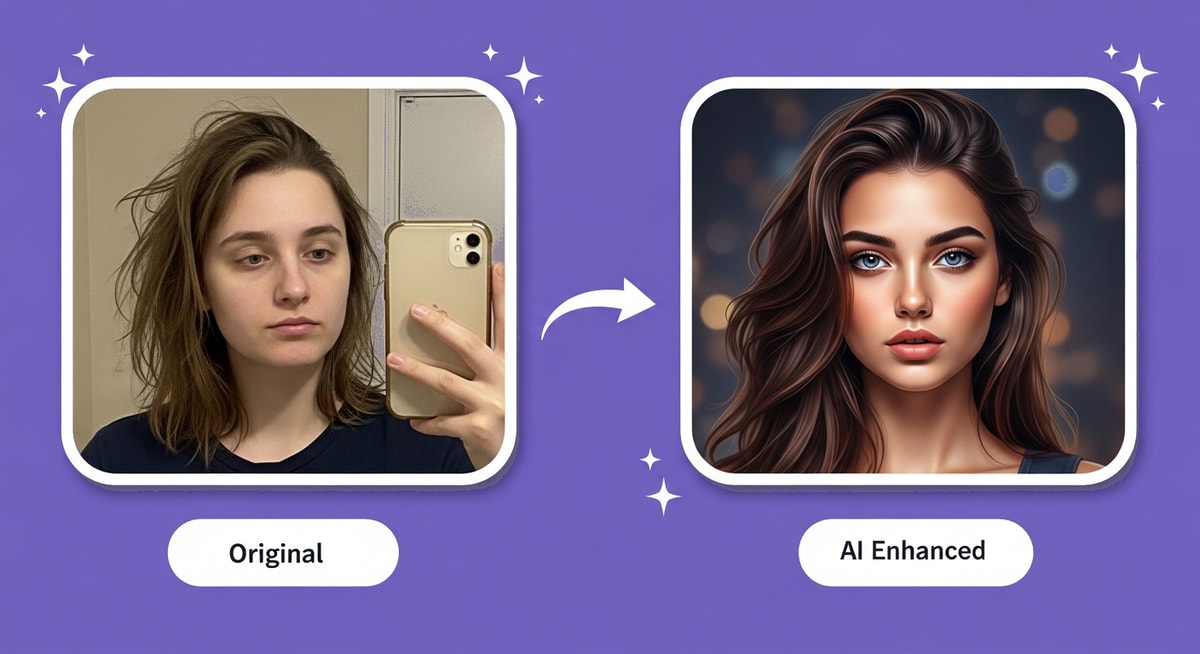
MyShell Art offers free, instant access to realistic AI art generation — try the Headshot Generator for studio-quality photorealistic portraits in seconds.
What Makes AI Art Look Realistic: Technical Deep Dive
Achieving photorealism in AI art requires understanding several key factors that separate lifelike output from obviously artificial images.
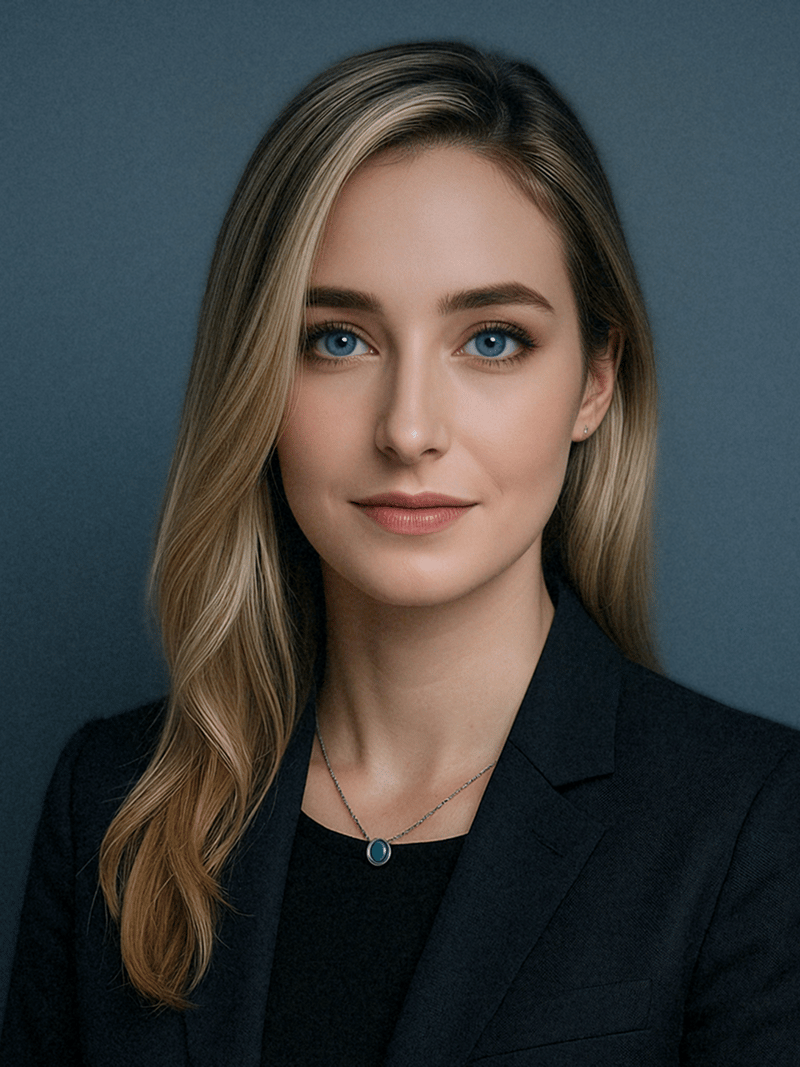
Lighting and Shadows — Realistic AI art accurately simulates how light interacts with surfaces: soft shadows, specular highlights, subsurface scattering on skin, and ambient occlusion in crevices. This is the single most important factor in making AI-generated images feel real.
Texture Detail — Photorealistic output includes micro-textures like skin pores, fabric weave, individual hair strands, and surface imperfections that make images feel tangible. The best AI models render these at pixel-perfect resolution.
Depth of Field — Professional-looking AI art uses selective focus (bokeh) to create depth, mimicking real camera optics. A sharp subject against a softly blurred background instantly signals "real photograph" to the viewer.
Color Accuracy — Realistic images maintain natural color ranges and avoid the oversaturation common in less sophisticated AI tools. Skin tones, natural lighting gradients, and environmental color casts all need to feel authentic.
Anatomical Accuracy — The biggest challenge in realistic AI art: hands, fingers, teeth, and body proportions must be anatomically correct. Modern models have improved dramatically, but this remains the key differentiator between good and great output.
The Sketch Generator on MyShell Art demonstrates these rendering principles — converting photos into detailed artistic sketches with accurate proportions, shading, and texture detail.
Best Realistic AI Art Generators: Detailed Reviews
Not all AI art generators are created equal when it comes to photorealism. Here's how the top platforms compare for creating realistic AI art:
MyShell Art
The most accessible option for realistic AI art. MyShell Art provides free, unlimited access to multiple photorealistic generators — from the LinkedIn Photo Generator for professional headshots to the Headshot Generator for studio-quality portraits. Portrait tools produce polished, realistic results with accurate lighting, skin detail, and natural expressions.
Leonardo AI
Leads in customization with fine-tuning capabilities and multiple model options. Their photorealism models are among the best available, offering extensive control over style, lighting, and composition. The free tier is limited but useful for testing.
getimg.ai
Offers curated realistic art models with consistent quality. Particularly strong at both portrait and landscape photorealism with good prompt adherence and fast generation times.
OpenArt
Provides access to multiple realistic art models with an active community sharing prompts and techniques. A solid choice for learning and experimentation, with a generous free tier.
ArtSmart
Focuses on commercial-quality realistic images with built-in templates for common use cases like product photos, headshots, and marketing materials.
| Tool | Photorealism | Resolution | Free Tier | Customization | Speed |
|---|---|---|---|---|---|
| MyShell Art | Very High | Up to 1024px | Unlimited Free | Good | Instant |
| Leonardo AI | Very High | Up to 2048px | 150 credits/day | Extensive | Medium |
| getimg.ai | High | Up to 1024px | 100 credits/mo | Good | Fast |
| OpenArt | High | Up to 1024px | 50 credits/day | Extensive | Medium |
| ArtSmart | High | Up to 1024px | Trial Only | Good | Fast |
How to Create Stunning Realistic AI Art: Expert Techniques
Creating truly photorealistic AI art requires more than a basic prompt. These expert techniques will dramatically improve your output quality.
Prompt Engineering for Realism
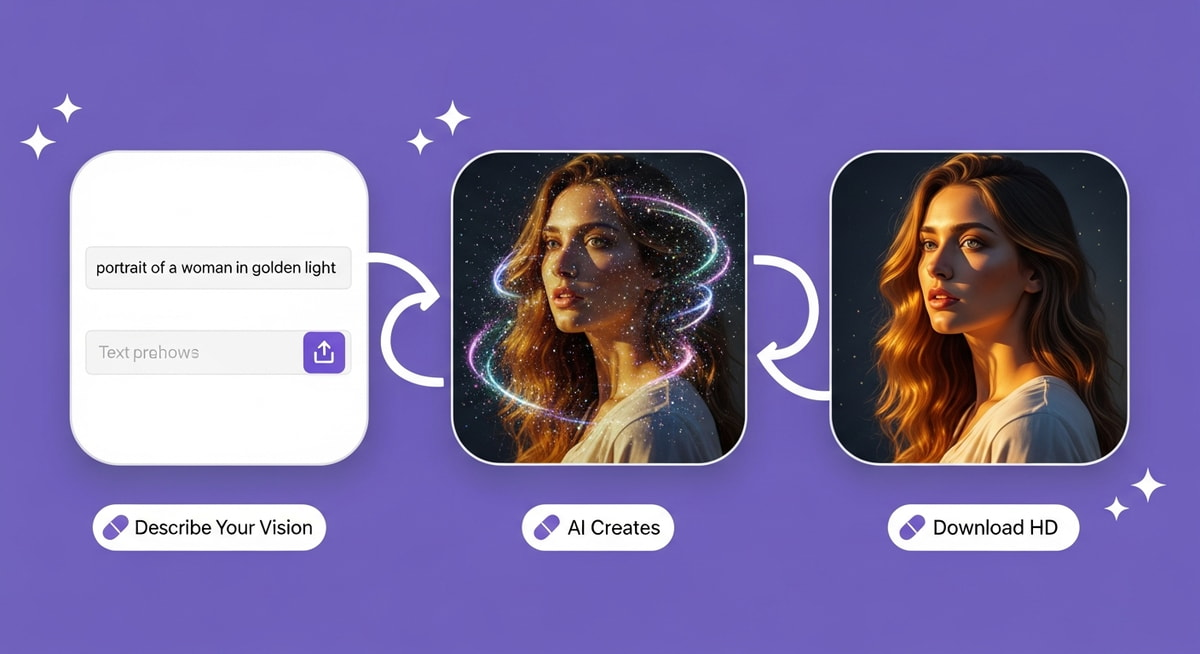
The right prompt structure is the foundation of realistic AI art:
- Specify lighting conditions: "soft window light", "golden hour", "studio rim lighting", "overcast diffused light"
- Include camera settings: "85mm portrait lens", "shallow depth of field", "f/1.8 bokeh", "Canon EOS R5"
- Describe textures explicitly: "visible skin texture", "individual hair strands", "fabric weave detail"
- Use quality modifiers: "photorealistic", "8K resolution", "RAW photo", "cinematic lighting", "hyperdetailed"
Common Pitfalls to Avoid
- Overly long prompts that dilute the model's focus
- Conflicting style instructions (e.g., "cartoon" and "photorealistic" in the same prompt)
- Ignoring negative prompts — always use them to exclude deformation, extra limbs, and blurriness
- Not specifying aspect ratio for your intended use case
Post-Processing Tips
- Apply light touch-ups in Lightroom or Photoshop for color consistency
- Fix minor AI artifacts (hands, text, asymmetry)
- Add subtle film grain for an authentic photography feel
- Color grade consistently if building a cohesive portfolio
The Career Photo Generator on MyShell Art simplifies this entire process — upload a reference photo and get polished, professional-quality realistic output without complex prompting.
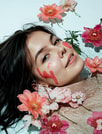
Expert Advice: The single biggest improvement you can make to your realistic AI art is mastering lighting descriptions. A prompt that says "soft Rembrandt lighting from the upper left, warm color temperature, subtle fill light from below" will produce dramatically more realistic results than simply saying "realistic photo." Pair detailed lighting with the Floral Style Portrait generator for beautifully lit, stylized realistic portraits.

Start Creating Realistic AI Art Today
The gap between AI-generated art and professional photography has virtually disappeared. With the right tools and techniques, anyone can create photorealistic portraits, scenes, and creative compositions that rival studio-quality work — all for free.
MyShell Art makes it effortless. From studio-quality portraits with the Headshot Generator to elegant stylized realism with the Floral Style Portrait, and professional LinkedIn-ready images via the LinkedIn Photo Generator — every tool is optimized for photorealistic output with accurate lighting, textures, and detail.
No subscription required. No watermarks. Instant results on iOS and Android. Download MyShell AI and start creating realistic AI art in seconds.
Frequently Asked Questions
Q: Can AI create truly photorealistic art?
A: Yes. Modern AI generators use advanced diffusion models that simulate real-world lighting, textures, and depth of field. With detailed prompts specifying camera settings and lighting conditions, AI-generated images are often indistinguishable from real photographs.
Q: What is the best free realistic AI art generator?
A: MyShell Art offers unlimited free photorealistic art generation with no watermarks — including tools like the Headshot Generator and Magazine Cover Maker. Leonardo AI and getimg.ai also have free tiers with high-quality realistic models, though with daily credit limits.
Q: How do I make AI art look more realistic?
A: Use specific prompts that mention camera settings (lens type, aperture), lighting conditions (golden hour, studio rim light), and texture details (skin pores, fabric weave). Include negative prompts to avoid common artifacts, and post-process with light color grading for authenticity.
Q: Can I use realistic AI art commercially?
A: Most AI art generators allow commercial use of generated images. Check each platform's terms of service for specifics. For sensitive commercial use, consider tools with explicit commercial licenses and proper attribution guidelines.
Q: Why do some AI-generated images still look unrealistic?
A: The most common issues are anatomical errors (hands, fingers), unnatural lighting transitions, oversaturation, and inconsistent textures. Using quality prompts with detailed lighting descriptions and negative prompts for common errors significantly improves realism.
Previous article
5 Best AI Kissing Video Generator Tools for Creators (2026)