

Preview a Buzz Cut Before Committing to the Haircut
Upload a clear selfie and MyShell's AI generates a photorealistic preview of a buzz cut on your face in 15 seconds. The inpainting model reconstructs your hairline geometry and scalp texture to show exactly how a buzz cut would look given your head shape, hairline position, and natural skin tone. No more guessing — make an informed decision before sitting in the barber's chair.
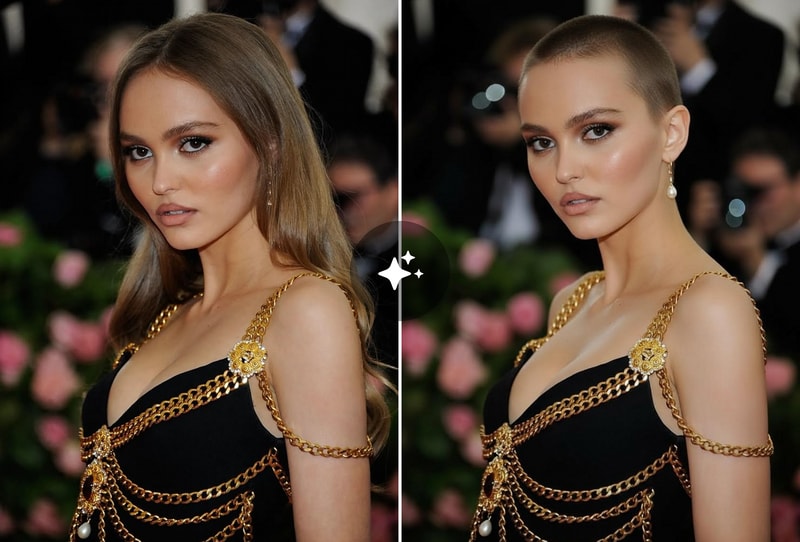
Try Different Buzz Cut Lengths: Zero Fade to 1-Guard
The buzz cut filter simulates multiple buzz lengths — zero fade (completely shaved), 1-guard (3mm), 2-guard (6mm), and crew cut (12mm). Each length renders accurate scalp visibility and hair shadow appropriate for the guard setting. Ideal for men deciding between a tight fade and a longer buzz, or anyone curious about the summer clipper look.
Social Media & Viral Challenge Content
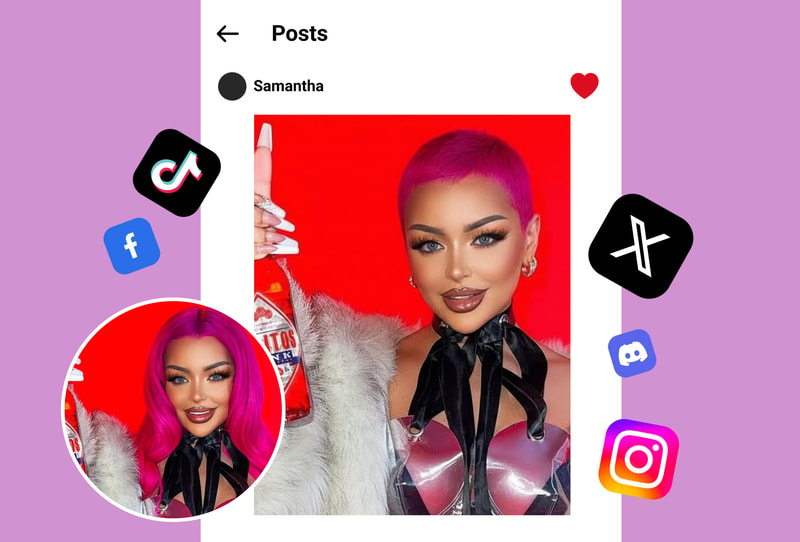
Buzz cut challenge content on TikTok and Instagram Reels drives millions of views. MyShell's buzz cut filter produces a shareable 1080p preview in 15 seconds — faster than any manual photo editing or alternative AI tool. No watermark on free output, so it's ready for direct social posting without the tool's branding.
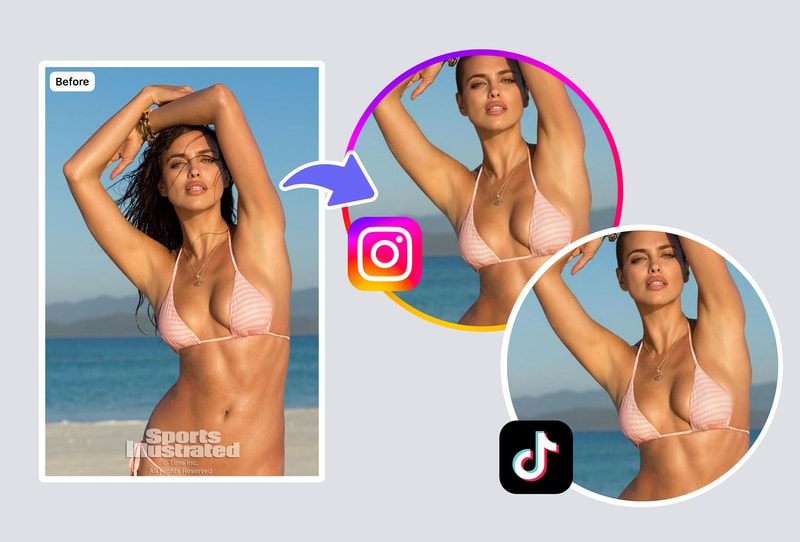
Why MyShell's Buzz Cut Filter Looks More Realistic
Portrait Inpainting vs Simple Hair Overlay (Accurate Hairline + Skin Tone)
Most buzz cut apps (Fotor, AILabTools) use hair-region overlays — they paste a buzz cut texture over the hair area without reconstructing scalp geometry. MyShell uses portrait inpainting that regenerates the entire hair region with accurate hairline edges, natural scalp color matching your skin tone, and realistic shadow casting from the remaining hair stubble. Output is photorealistic rather than a filtered composite.
15-Second Results, 1080p Output, No Watermark
MyShell generates a 1080p buzz cut preview in 15 seconds — faster than Fotor's free tier (~25s with watermark) and AILabTools (~20s). All MyShell outputs have no watermark at full 1080p resolution. Fotor's free tier watermarks all AI-generated previews; paid plan starts at $8.99/month to remove watermarks. MyShell is free with no watermark.
Free Forever: No Signup, No Subscription
100% free with no account creation, no credit card, and no watermark. Competing tools: Fotor charges $8.99/month to remove watermarks; SalonAI charges $2.99/week for hairstyle previews; Hairstyle AI is $5.99 for 7-day access. MyShell's buzz cut filter is completely free via optional energy packs for power users.
How to Try a Buzz Cut with MyShell
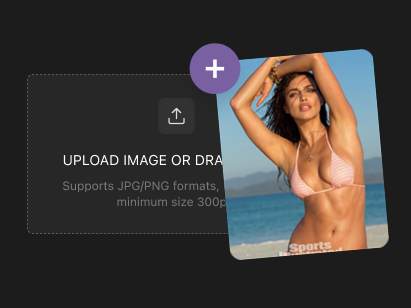
Step 1: Upload a Clear Selfie
Upload a JPG, PNG, or WebP selfie up to 10 MB. Best results: face clearly visible, frontal or 3/4 angle, good lighting. Any smartphone selfie works — no professional photography needed.
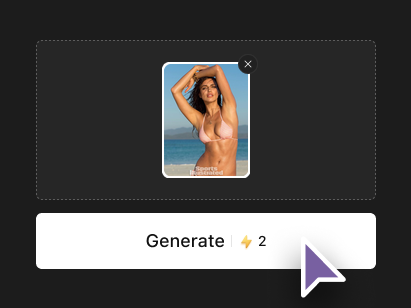
Step 2: AI Reconstructs Your Hairline with a Buzz Cut
MyShell's portrait inpainting model analyzes your hairline geometry and skin tone, then regenerates the hair region with accurate buzz cut texture and scalp rendering. The model produces a 1-guard (3mm) buzz cut preview by default, matching your natural skin tone for scalp coloring.
Step 3: Download 1080p Preview in 15 Seconds
Your buzz cut preview is ready in 15 seconds at 1080p resolution. No watermark, no account, no subscription. Share directly to social media or save for barber reference.