AI-Powered Twitch Banner Maker for Gamers
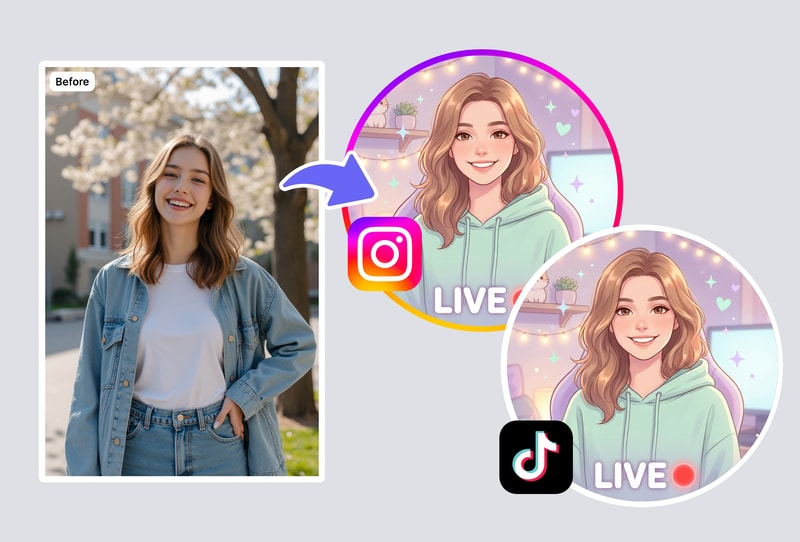
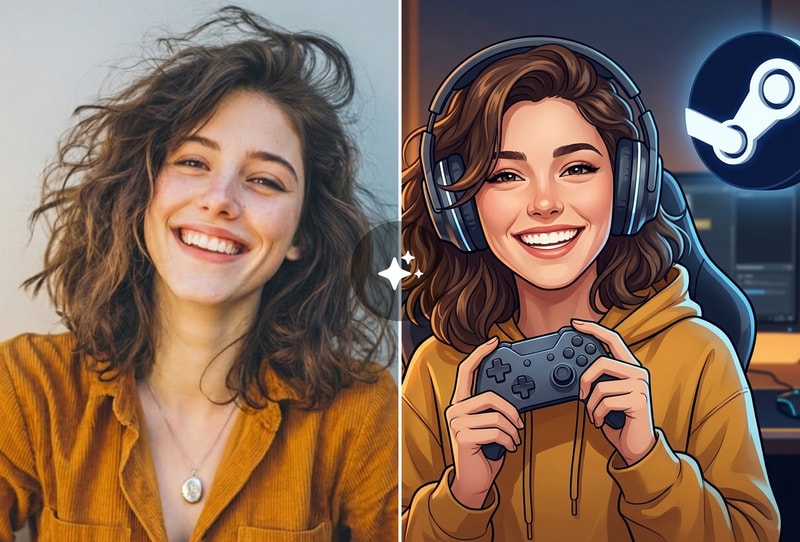
Our Twitch banner maker uses AI to generate unique channel art from your description. Tell it your game, style, and color scheme — get a professional banner in seconds. Each design is original, not a recycled template. Perfect for streamers who want standout branding.
Create Matching Stream Graphics Package
Use the Twitch banner maker to design a cohesive set of channel art: profile banners (1200×480), offline screens, and panel graphics. The AI maintains consistent style across all pieces so your Twitch channel looks professionally branded.
Gaming Aesthetic Customization
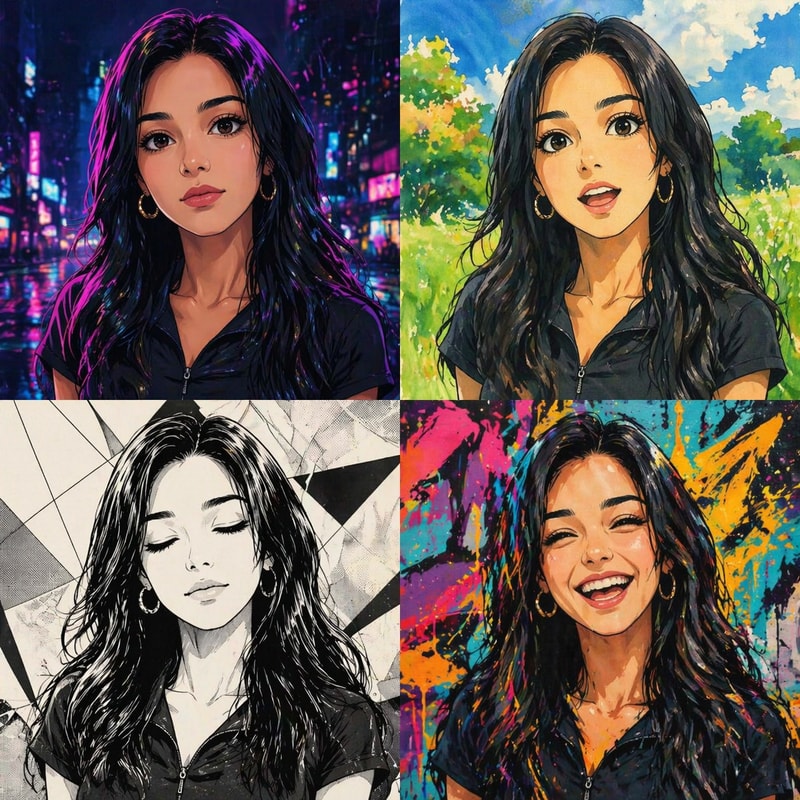
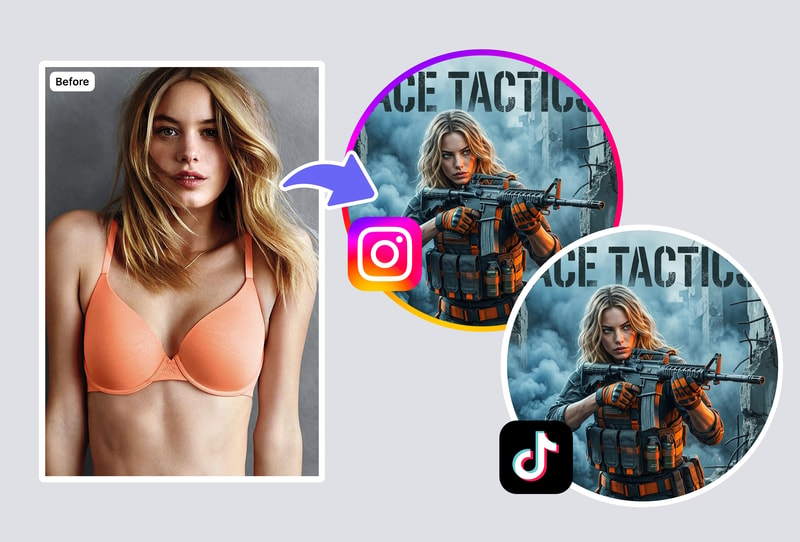
The Twitch banner maker supports any gaming style — from cyberpunk neon to retro pixel art, minimalist clean to maximum RGB. Describe your vibe and the AI generates banners that match your streaming personality and game library.
Why MyShell's Twitch Banner Maker Beats Templates
AI-Generated Custom Art — Not Template Fill-ins
Our Twitch banner maker creates original designs, not template swaps. Every banner is uniquely generated based on your creative direction and gaming style.
Gaming-Native Aesthetics & Neon Effects
The Twitch banner maker automatically outputs at perfect Twitch dimensions. Profile banners, offline screens, and panels — all correctly sized with no manual cropping.
Perfect Twitch Dimensions — Ready to Upload
Describe what you want and get a complete Twitch banner in seconds. Our AI banner maker is faster than dragging elements in Canva and produces more creative results.
How to Create Your Twitch Banner
Step 1: Describe Your Stream Brand
Enter a description of your streaming style — game genre, color preferences, mood, and personality. The AI Twitch banner maker understands gaming culture and visual aesthetics. Be specific: 'dark horror streamer with blood red accents' or 'cozy variety streamer with pastel kawaii vibes.'
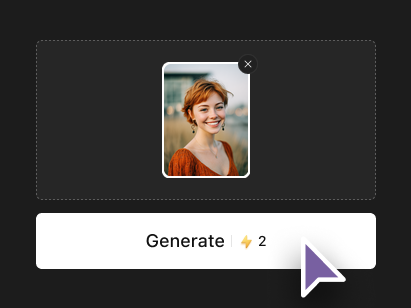
Step 2: Choose Banner Type & Dimensions
Select from Twitch channel banner (1920x480), offline screen (1920x1080), or profile art. Each format is generated at exact Twitch-recommended dimensions with proper safe zones for all devices.
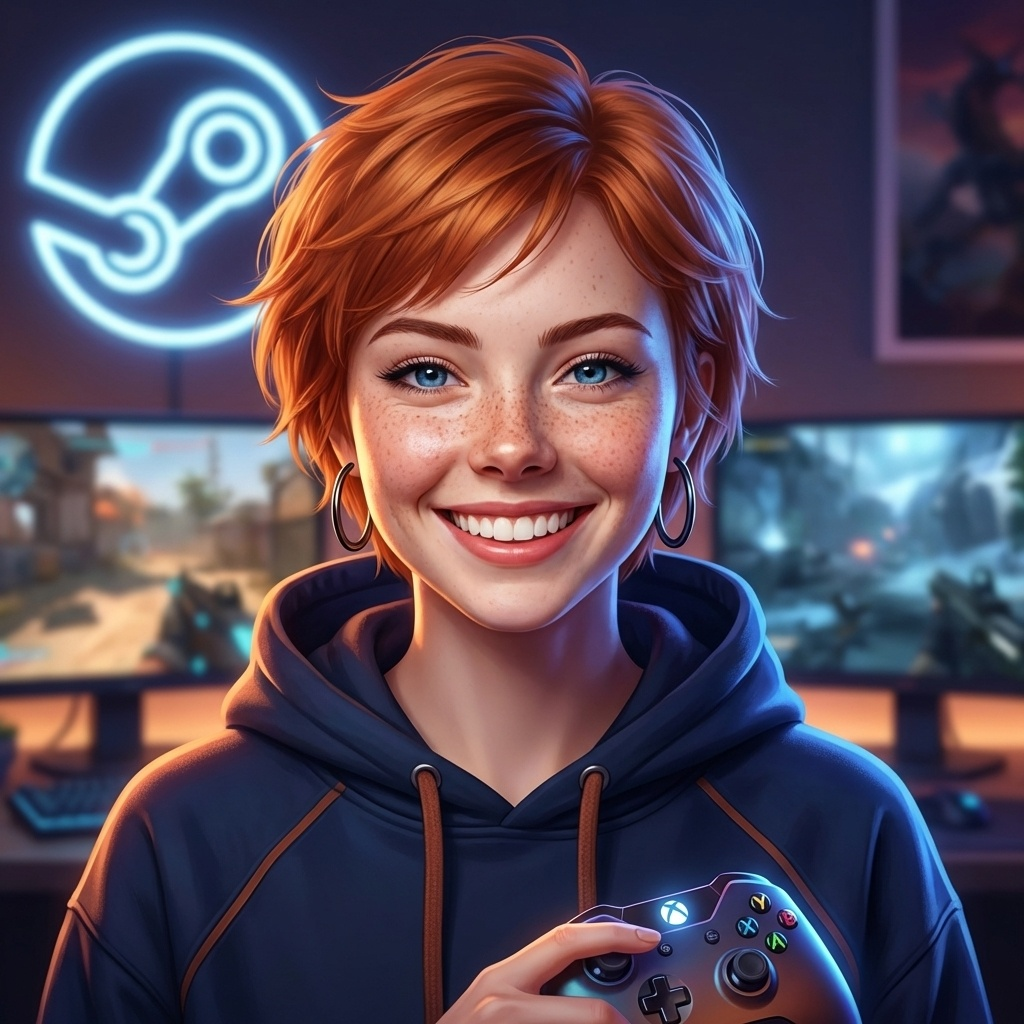
Step 3: Generate, Download & Upload to Twitch
Click Generate and receive your custom Twitch art in seconds. Download and upload directly to your Twitch channel settings. Generate multiple variations to find your perfect look — every generation is unique.