
Online Shopping Without Fit Anxiety
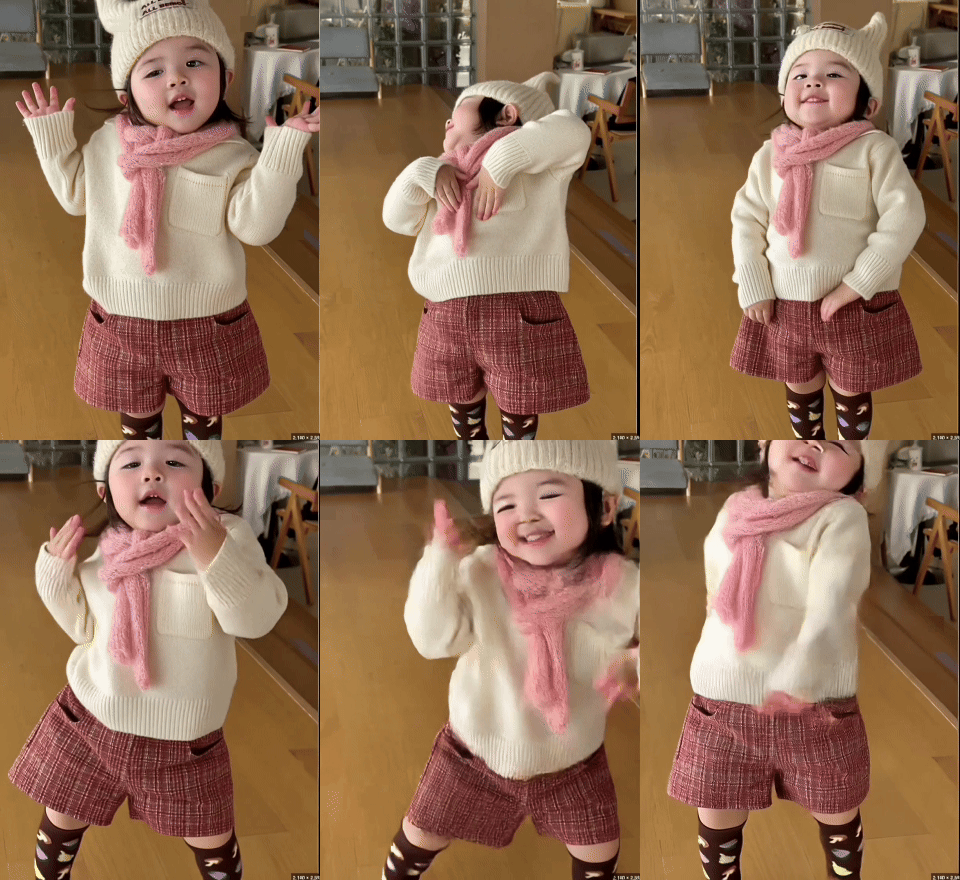
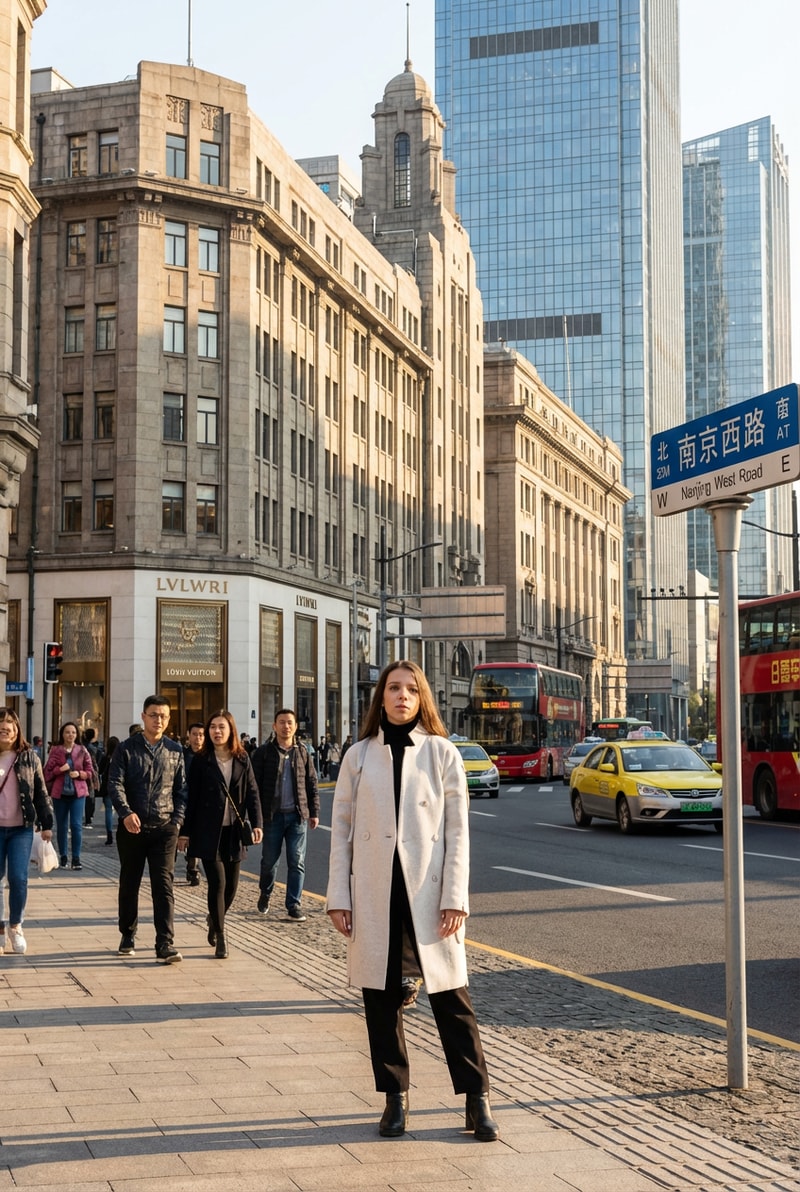
Stop guessing whether that dress will look good on you. The AI virtual try-on lets you upload your photo and see exactly how any clothing item fits your body before clicking 'buy.' Unlike FitRoom and SellerPic which are designed for e-commerce sellers, MyShell's try-on is built for shoppers — see how outfits look on YOUR body with realistic fabric draping, accurate proportions, and natural lighting that mirrors how clothes actually hang and move in real life.
Event Outfit Planning & Style Experimentation
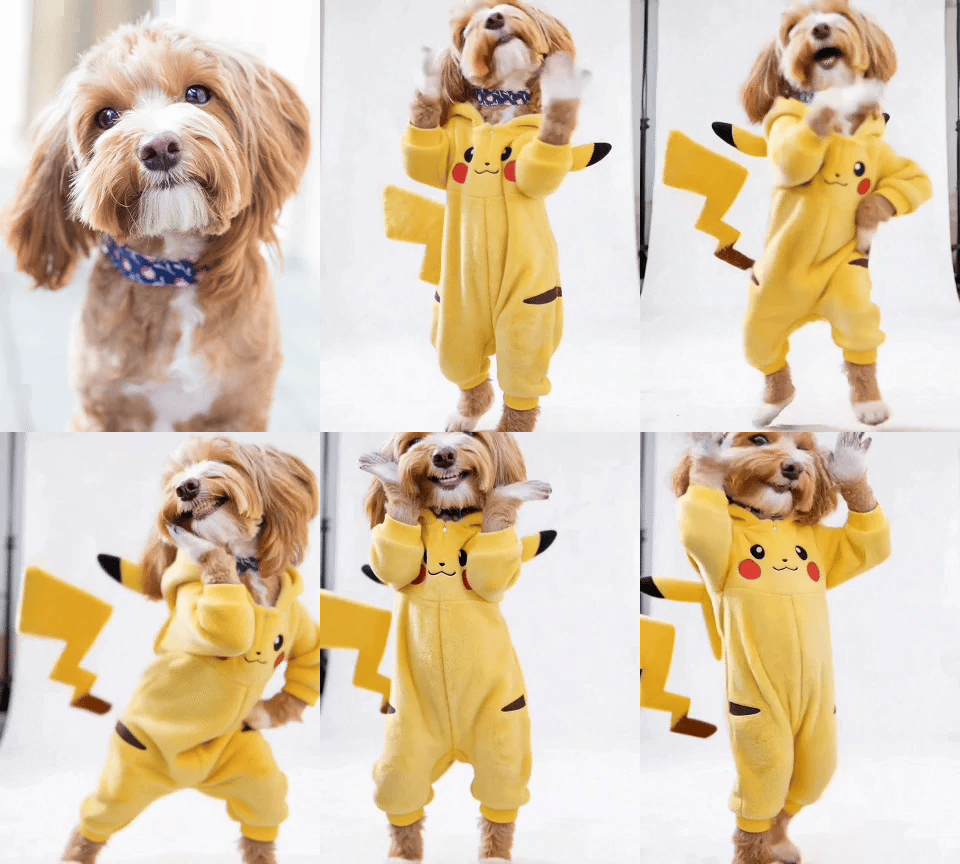
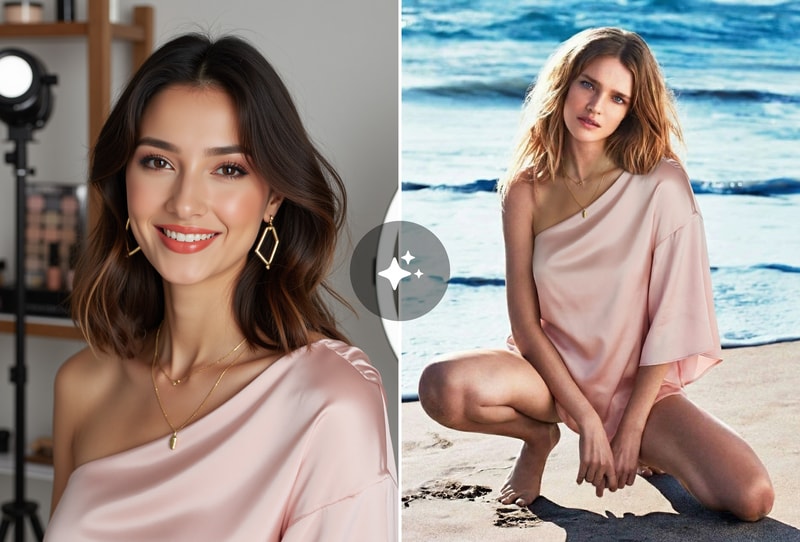
Planning outfits for weddings, job interviews, dates, or vacations? The AI virtual try-on lets you test unlimited outfit combinations without touching a single hanger. Mix and match formal suits, casual streetwear, traditional attire, or costume ideas on your actual photo. Compare side-by-side how different styles, colors, and fits work with your body type — saving hours of shopping and returns.
Content Creator & Fashion Portfolio Generation
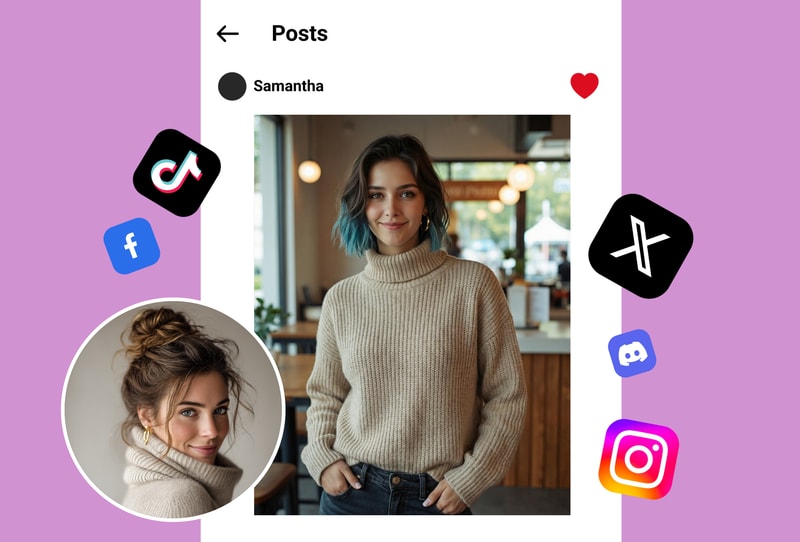
Fashion influencers and content creators need constant outfit variety. The AI virtual try-on generates photorealistic outfit combinations for lookbooks, mood boards, and social media content without expensive photoshoots. Upload one base photo and create dozens of outfit variations — from high fashion to streetwear — with natural poses and realistic garment physics that followers won't distinguish from real photography.
Why MyShell's AI Virtual Try-On Is the Best Choice
Photorealistic Garment Simulation — Not Flat Overlays
While basic AI clothes changers like KREA and Airbrush paste flat garment images onto your photo, MyShell's AI virtual try-on understands 3D body structure, fabric physics, and lighting conditions. It simulates how different materials drape, fold, and catch light on your specific body shape — producing results that look like actual photographs, not obvious Photoshop composites.
Works with Any Clothing — Describe or Upload
Describe any outfit in natural language ('elegant black evening dress with spaghetti straps') or upload a photo of a specific garment you want to try. The AI handles everything from formal gowns to casual streetwear, traditional cultural attire to cosplay costumes. Unlike KolorsVirtual which only works with pre-loaded catalogs, MyShell's try-on adapts to any clothing concept you can imagine.
Identity & Body Shape Preserved Perfectly
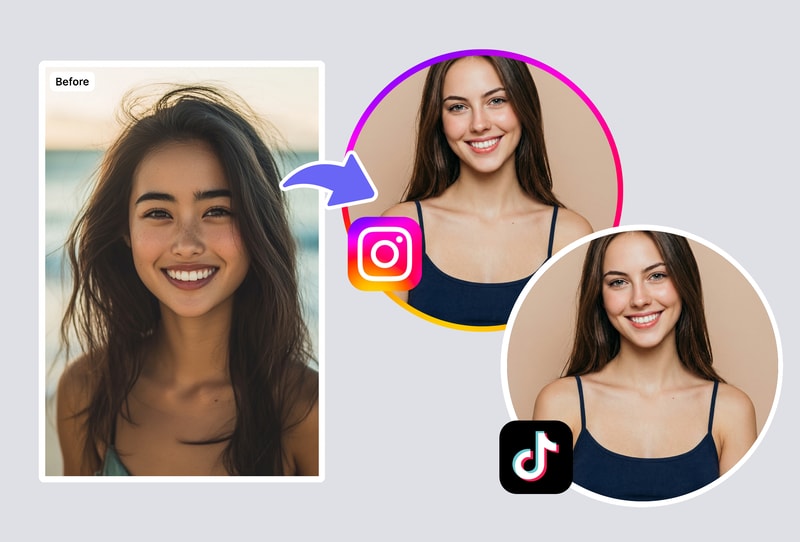
Your face, hair, body proportions, and pose remain exactly as in your original photo — only the clothing changes. The AI virtual try-on doesn't alter your body shape, skin tone, or features. This authentic representation means you see exactly how the outfit would look on the real you, not an idealized or distorted version.
How to Use AI Virtual Try-On

Step 1: Upload Your Photo
Upload a clear full-body or half-body photo of yourself. The AI virtual try-on works best with well-lit images where your body pose is natural. Supports JPG, PNG, and WebP formats.

Step 2: Choose or Describe Your Outfit
Either upload a photo of a specific garment you want to try, or describe the outfit in natural language (e.g., 'casual denim jacket with white t-shirt and black jeans'). The AI understands fabric types, colors, styles, and fit preferences.
Step 3: Generate & Compare Outfits
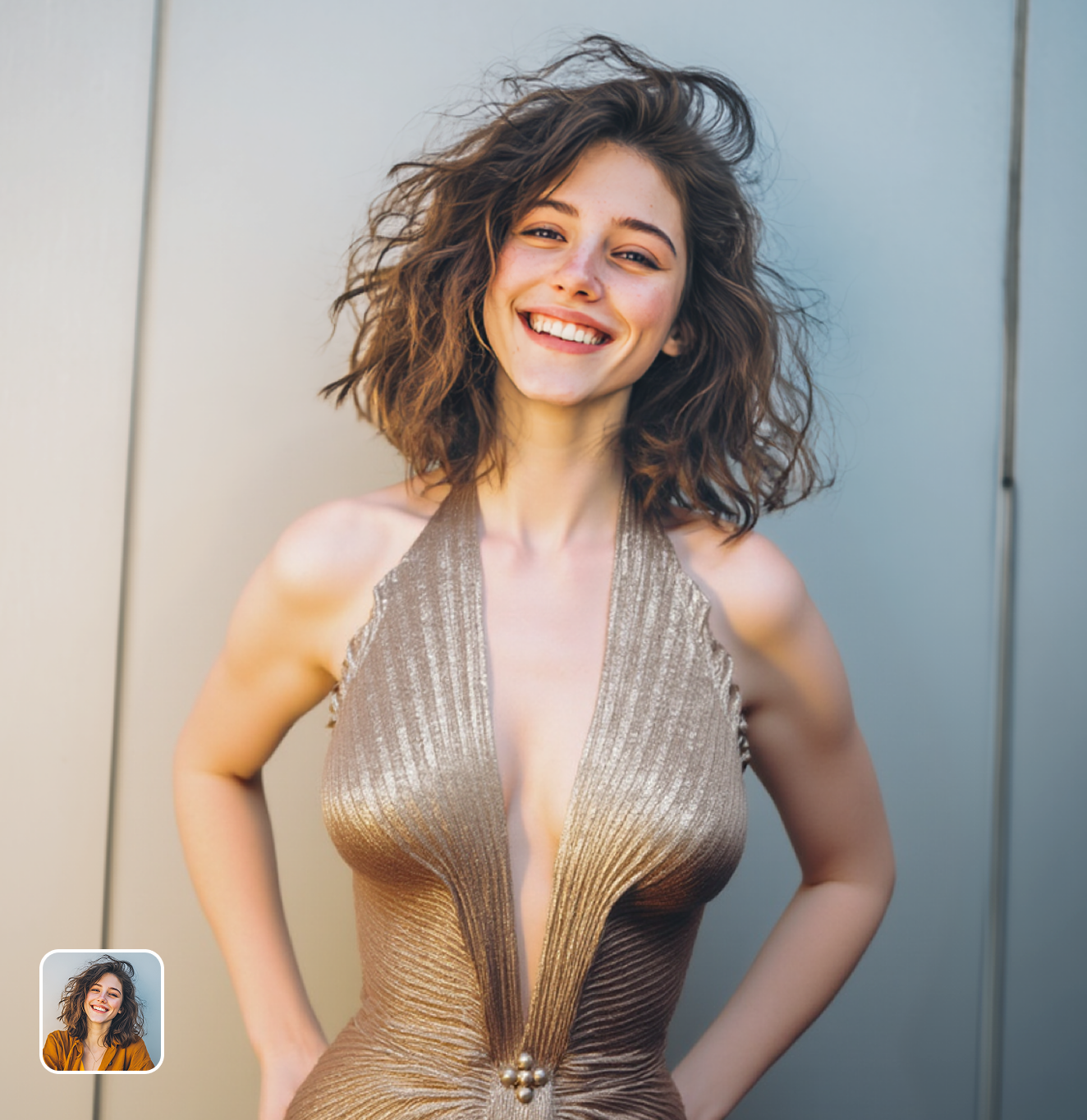
Click Generate to see the outfit on your photo with realistic fabric simulation. Try multiple outfits, compare side-by-side, and download your favorites. Perfect for shopping decisions, event planning, or creative inspiration.