Professional Video Content with Native Audio
Veo 3.1's killer feature is native audio generation — dialogue, ambient sounds, music, and effects that are generated together with the visuals, perfectly synchronized. Create marketing videos, product demos, and social media content that's ready to publish without any post-production audio work. While competitors require separate audio editing, the Veo 3 video generator delivers complete video-with-sound packages that Canva, Higgsfield, and direct Gemini access can't match in quality.
Cinematic Short Films & Creative Narratives
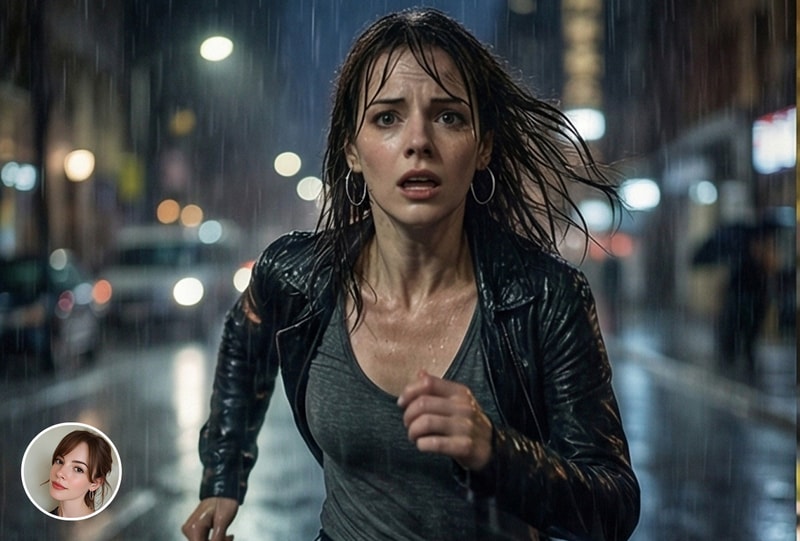
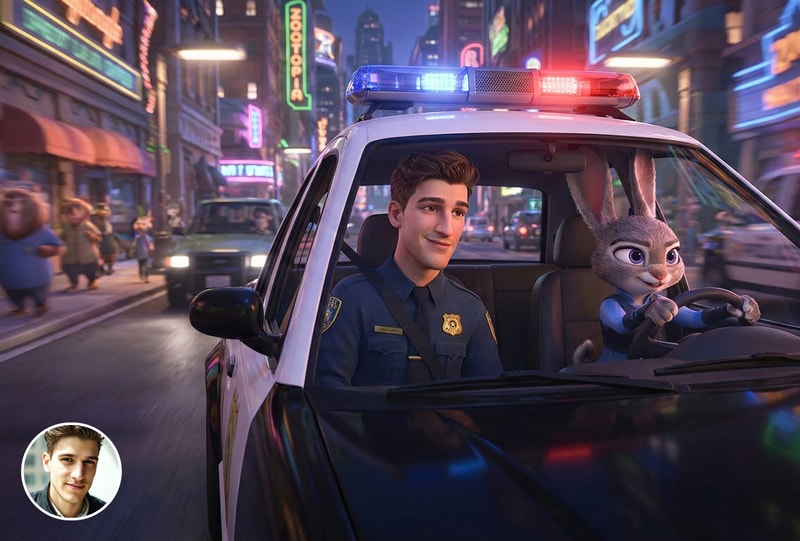
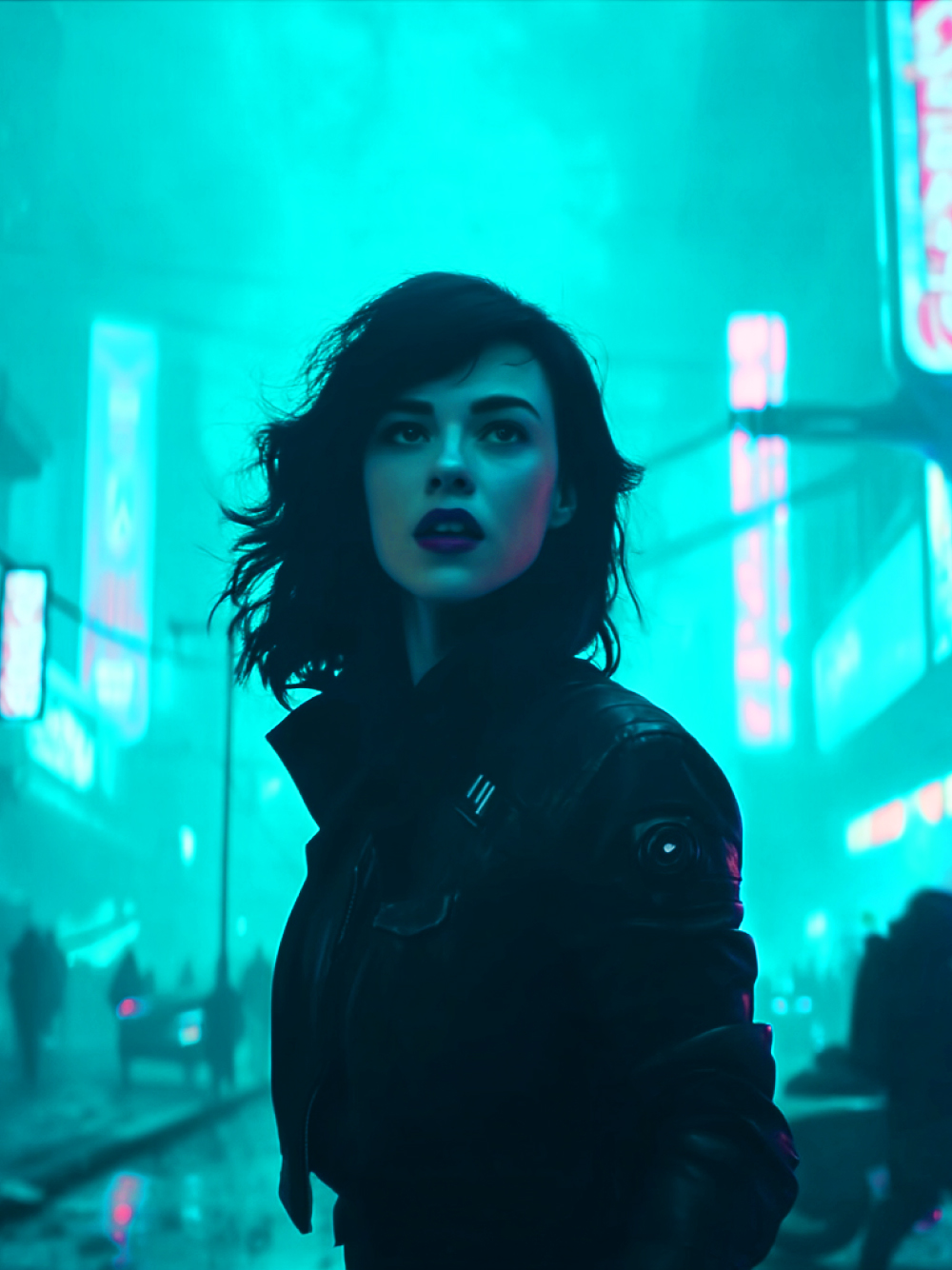
Google DeepMind trained Veo 3.1 on an massive dataset of professional film and video content, giving it an innate understanding of cinematic language. The Veo 3 video generator handles complex camera directions — tracking shots, dolly zooms, rack focus, dramatic lighting changes — with a naturalism that other AI models struggle to achieve. Create multi-shot narratives with consistent characters, coherent scene transitions, and emotionally resonant storytelling.
Photo Animation with Unmatched Realism
Upload any photo and watch Veo 3.1 bring it to life with the most natural human motion in the AI video industry. Google's physics simulation produces lifelike movement — natural weight transfer, accurate cloth dynamics, realistic environmental interaction — making Veo 3 the top choice for animating portraits, product photos, landscapes, and artwork. The image-to-video output is so realistic that viewers consistently can't distinguish it from real footage.

Why MyShell's Veo 3 Video Generator Is the Best Access Point
Google DeepMind's Most Advanced Video Model — Free to Try
Veo 3.1 represents the cutting edge of Google's AI research, with physics simulation, native audio generation, and cinematic understanding that took years to develop. Accessing it through Google's Gemini app requires a Google One AI Premium subscription ($19.99/month). MyShell's Veo 3 video generator offers free access to the same model with no subscription required.
Native Audio Generation — No Post-Production Needed
Veo 3.1 is one of the only AI video models that generates synchronized audio natively — dialogue with accurate lip sync, environmental ambient sounds, music scoring, and sound effects. This means every video you create is a complete, ready-to-publish package. No separate audio generation, no manual syncing, no editing software required. This single feature saves hours of post-production work per video.
Vertical Video Support for Mobile-First Content
Unlike most AI video generators that only output landscape formats, the Veo 3 video generator supports native vertical (9:16) video generation — perfect for TikTok, Instagram Reels, YouTube Shorts, and Snapchat. Upload a vertical image and get mobile-ready video without cropping or letterboxing. Google specifically optimized Veo 3.1 for the mobile-first content formats that dominate social media.
How to Create Videos with Veo 3 AI Video Generator
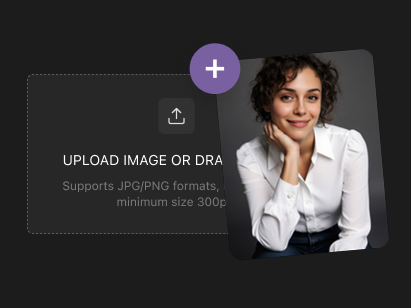
Step 1: Upload an Image or Write a Scene Description
Upload any photo for image-to-video animation (supports JPG, PNG, WebP including vertical images) or describe your video scene in natural language. The Veo 3 video generator understands cinematic language — specify camera movements, lighting, mood, and character actions.
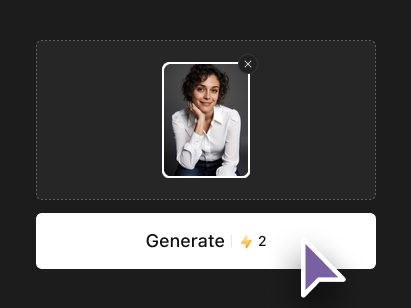
Step 2: Choose Format & Generate
Select your aspect ratio — 16:9 for YouTube/widescreen, 9:16 for TikTok/Reels, 1:1 for Instagram posts. Click Generate and Veo 3.1 renders your video with synchronized native audio, realistic physics, and cinematic quality in seconds.
Step 3: Download Your Complete Video with Audio
Preview your video with built-in audio — dialogue, ambient sounds, and music are already synchronized. Download at full quality, ready to share on any platform without any post-production editing. Iterate with prompt adjustments for the perfect result.