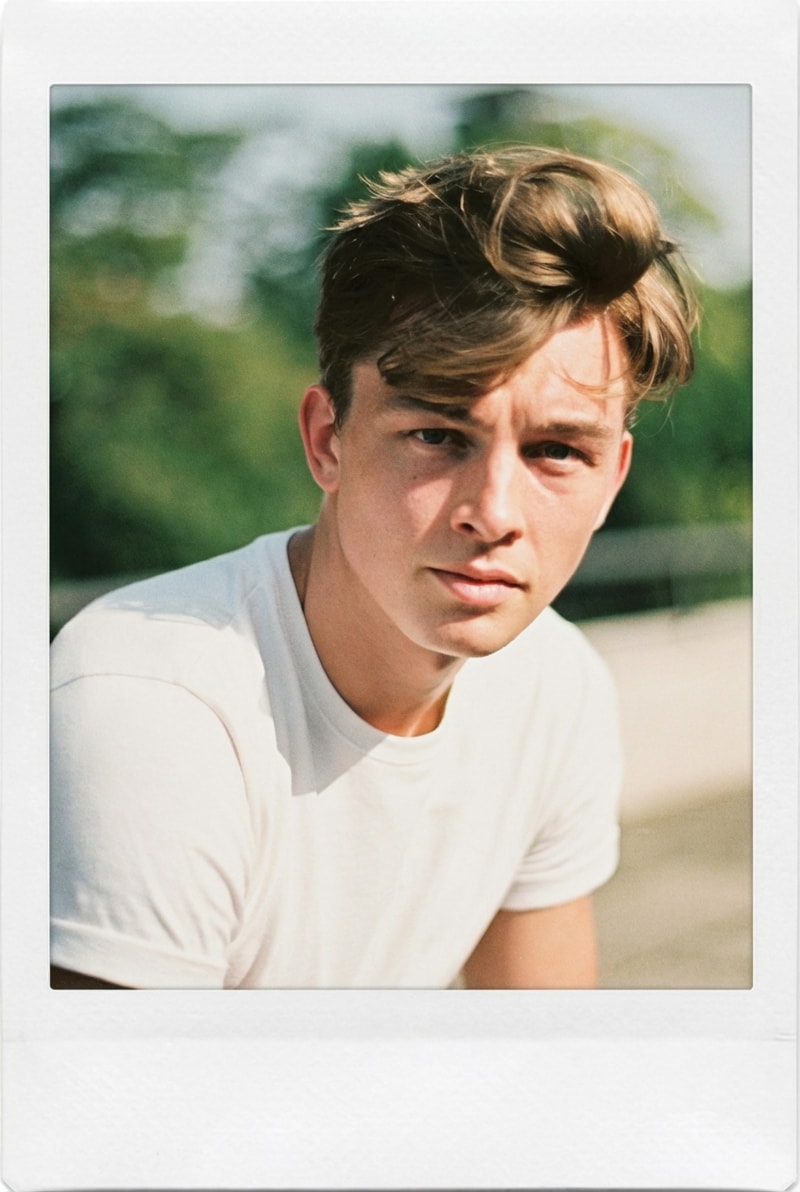
Turn Selfies into Funny WhatsApp Stickers
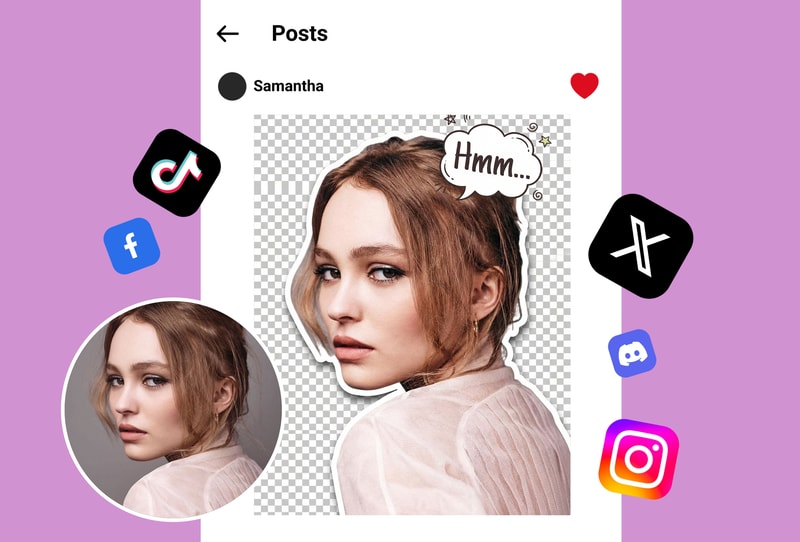
Your funniest facial expressions deserve to be stickers. Upload any selfie and the AI removes the background cleanly, creating a perfect cutout sticker of your reaction face, silly pose, or memorable expression. Send personalized stickers in group chats that are way more fun than generic emoji — because nothing beats a sticker of your actual face.
Create Pet Stickers for Your Conversations
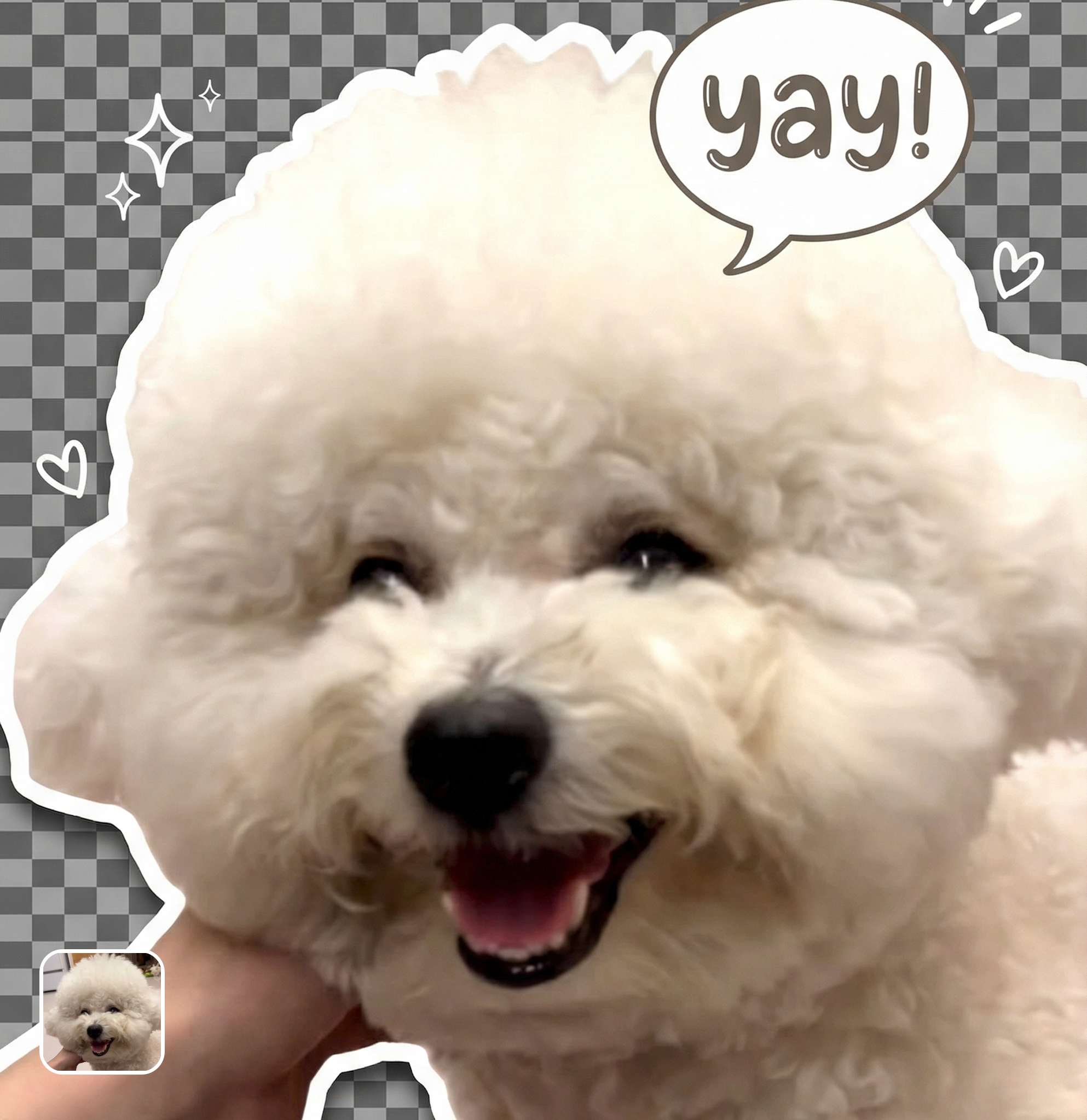
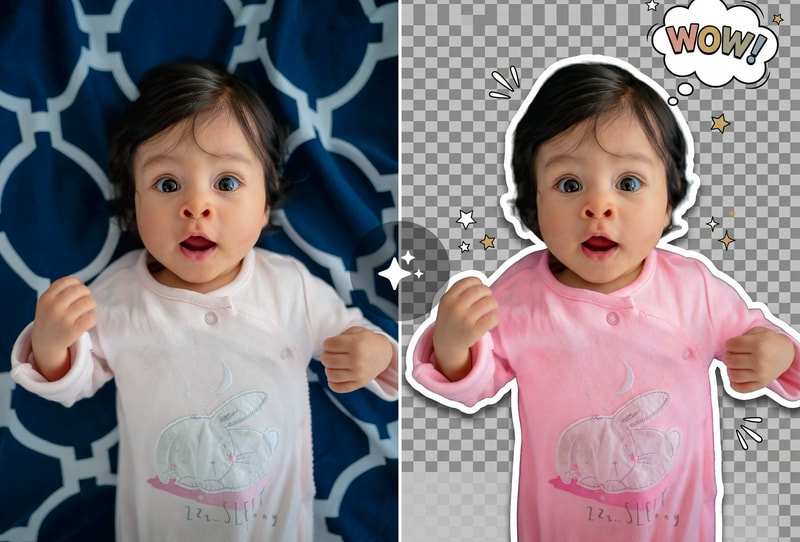
Your pet's adorable moments make the best WhatsApp stickers. Upload photos of your dog, cat, or any pet and the AI isolates them perfectly from the background. Create a whole sticker pack of your pet's cutest poses, sleepy faces, and zoomie moments. Pet stickers are wildly popular in family and friend group chats.
Make Inside-Joke Stickers for Group Chats
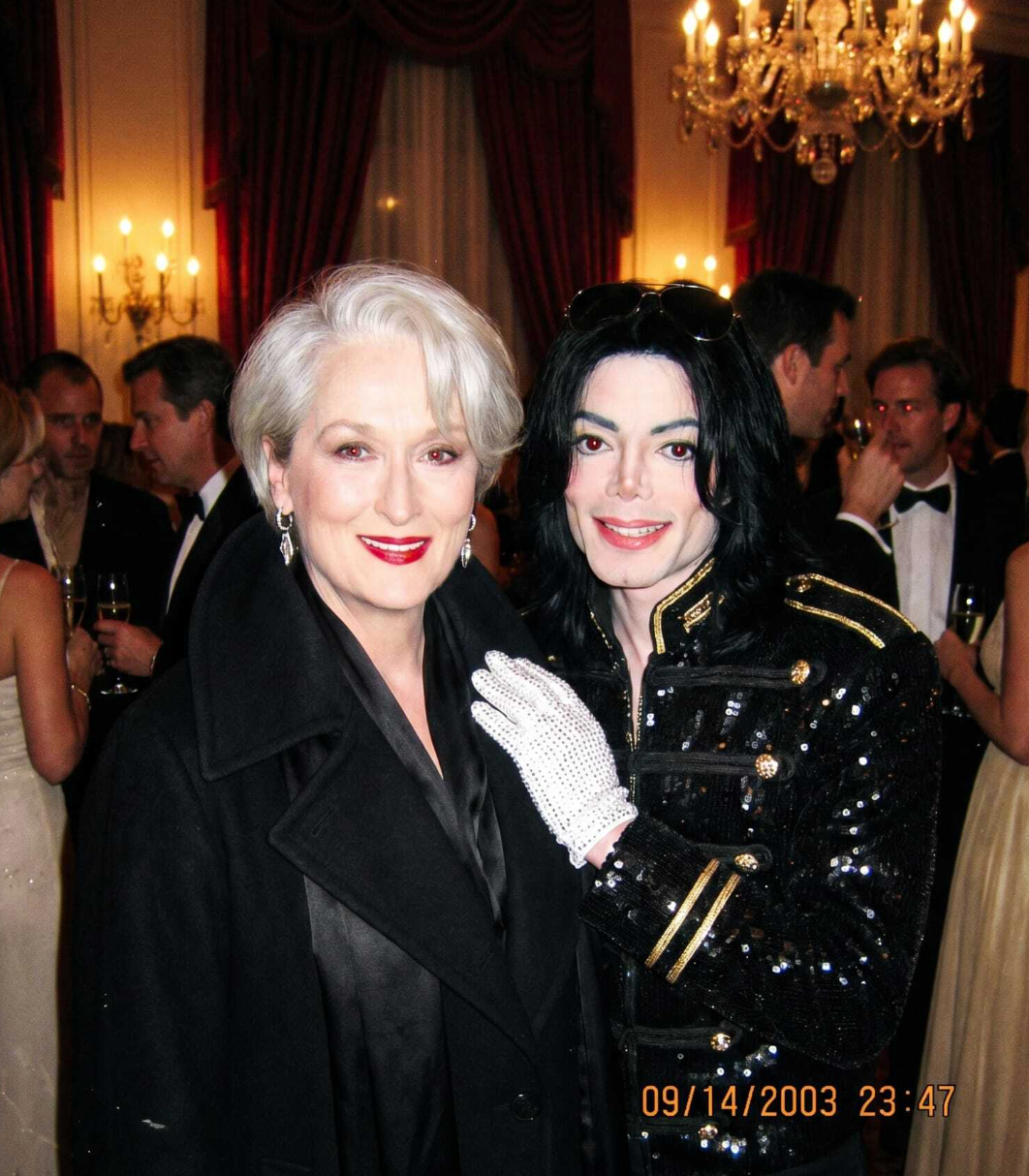
Every friend group has inside jokes that deserve sticker treatment. Turn that hilarious group dinner photo, awkward vacation moment, or legendary reaction face into a custom sticker pack. The AI handles any photo — people, objects, text, memes — extracting the subject cleanly for instant WhatsApp sticker use.
Why People Choose WhatsApp Sticker Maker
AI Background Removal — Not Manual Cutting
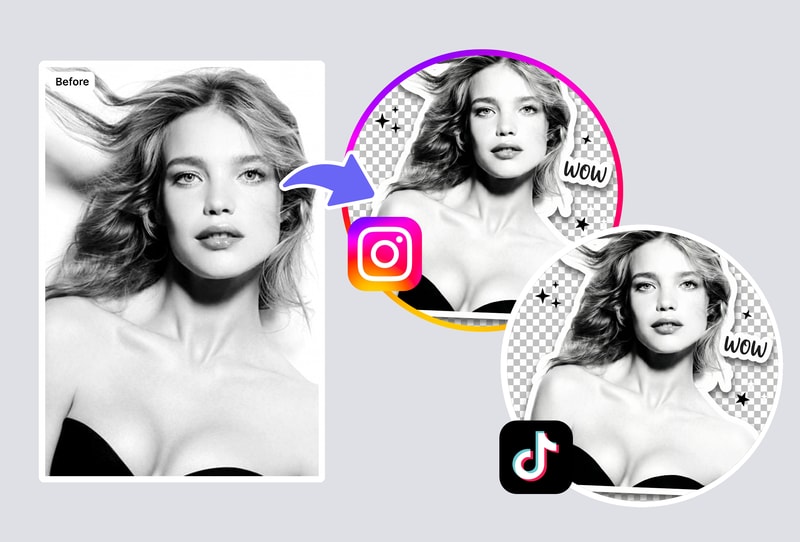
Traditional sticker making requires you to manually trace around your subject in an editing app — tedious and imprecise. MyShell's AI automatically detects the subject in your photo and removes the background with pixel-perfect accuracy. Hair edges, transparent objects, and complex shapes are all handled cleanly. The result is a professional sticker in seconds, not hours.
Perfect WhatsApp Format — No Technical Knowledge Needed
WhatsApp requires stickers in a specific format: 512x512px WebP with transparent background. Getting this wrong means your sticker won't import. MyShell handles all the technical details automatically — proper sizing, format conversion, and background transparency — so you never have to worry about specs. Every sticker is guaranteed compatible.
Free, Unlimited, No Watermarks
Apps like Sticker Maker Studio limit free packs and show ads. Sticker.ly requires premium for auto-background removal. MyShell gives you unlimited AI-powered sticker creation with clean background removal, proper formatting, and zero watermarks — all free in your browser.
How to Use
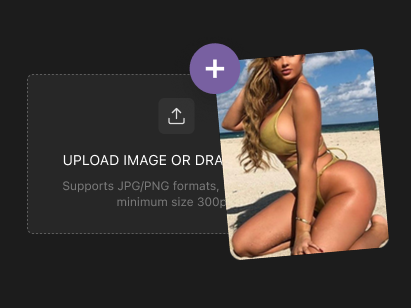
Step 1: Upload Any Photo
Open MyShell's WhatsApp sticker maker and upload a photo — a selfie, pet photo, funny moment, or any image you want as a sticker. The AI accepts JPG, PNG, WEBP, and HEIC formats from any device.
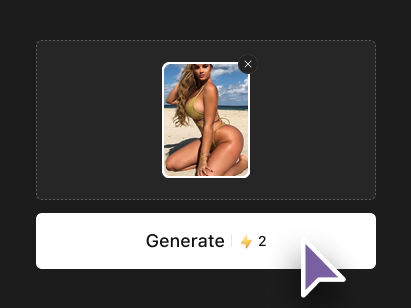
Step 2: AI Removes Background & Formats Your Sticker
The AI automatically detects the main subject, removes the background with clean edges, resizes to WhatsApp's 512x512px specification, and converts to the required format. All processing happens in seconds with no manual editing needed.
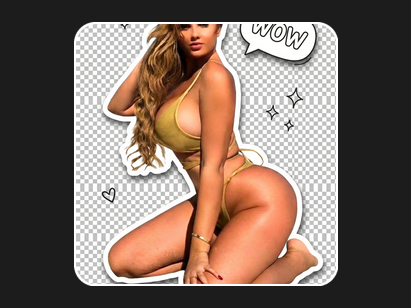
Step 3: Download and Add to WhatsApp
Download your finished sticker and import it into WhatsApp using the built-in sticker feature or a companion app. Your sticker is ready to send in any chat — personal conversations, group chats, or business messages. Create as many stickers as you want for free.