Vintage Instagram & Social Media Aesthetics
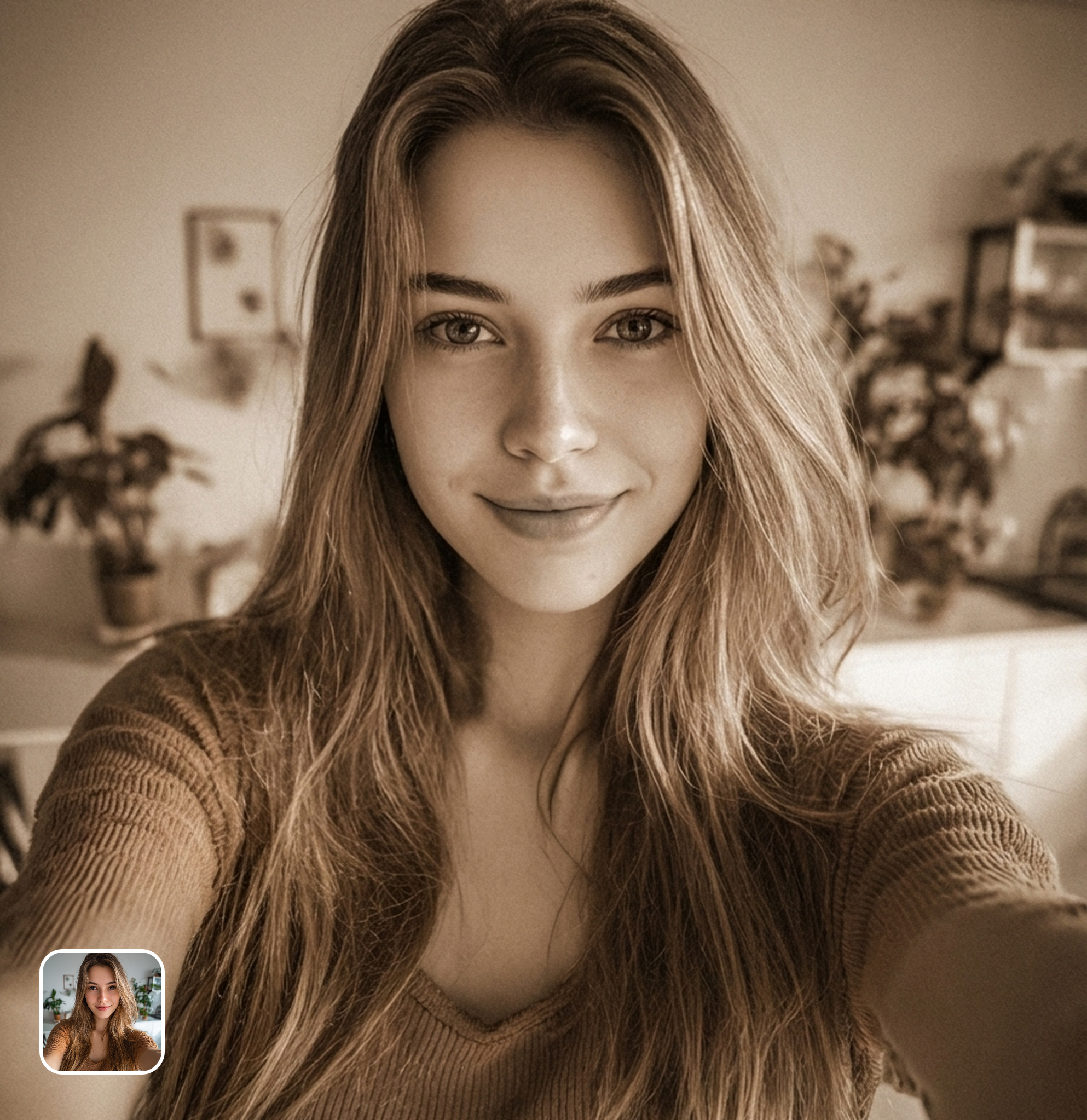
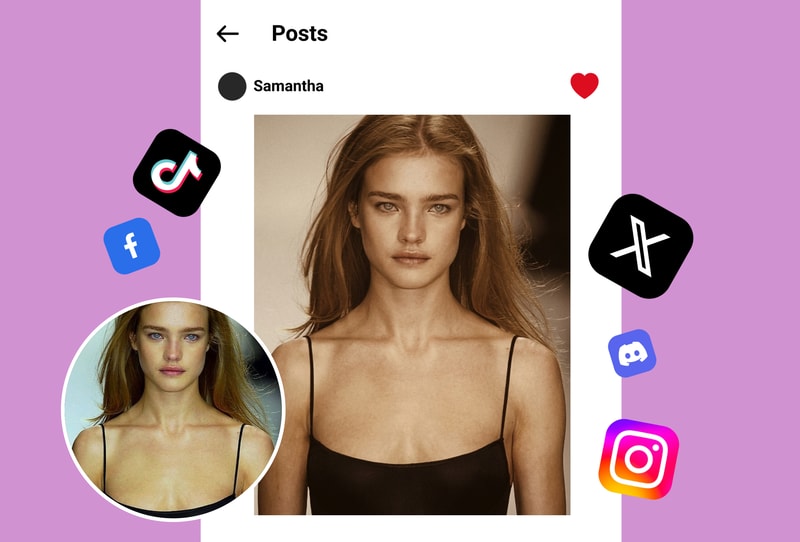
Create scroll-stopping vintage content for Instagram, TikTok, and Pinterest. Unlike VSCO's subscription-locked sepia presets, MyShell's AI sepia filter delivers richer warm tones for free — perfect for cohesive vintage feeds that stand out.
Timeless Family Portrait Restoration
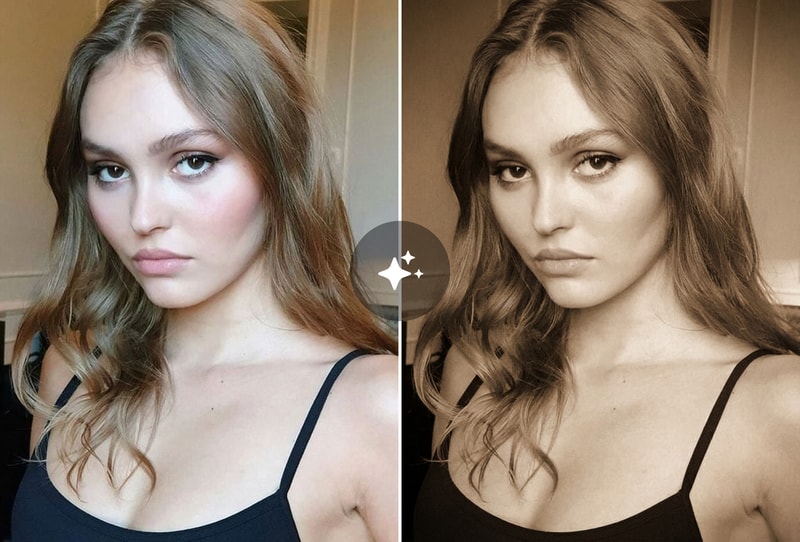
Give modern family photos the authentic look of century-old portraits. Our AI analyzes skin tones and lighting to apply natural sepia gradients that Simplified and LunaPic's basic color overlays can't match.
Professional Retro Branding & Portfolio Pieces
Photographers and designers use our sepia tone filter to create nostalgic branding materials, wedding album previews, and portfolio showcases without expensive desktop software like Skylum Luminar.
Why People Choose Brown Vintage Filter
AI-Powered Depth-Aware Sepia Toning
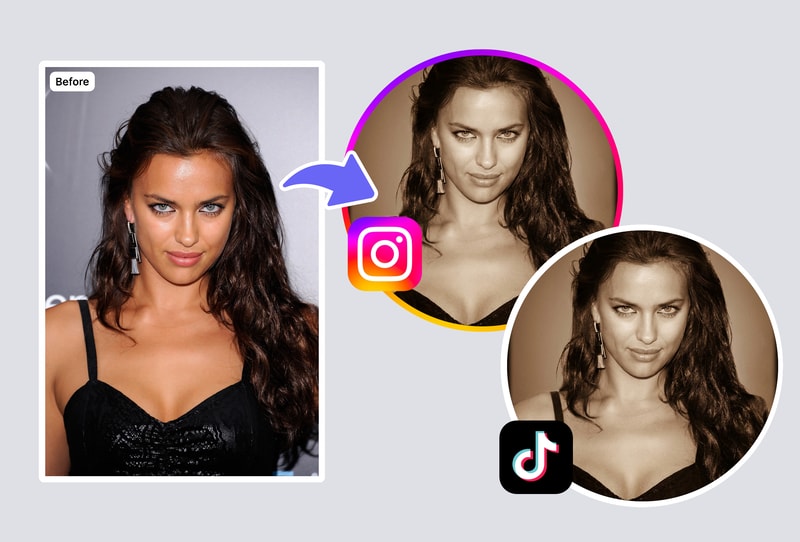
Unlike flat color overlays from PineTools or ElitePX, our AI analyzes depth and lighting in your photo to apply natural sepia gradients — darker in shadows, warmer in highlights — for an authentic vintage film look.
Zero Signup, Zero Watermarks, 100% Free
No account required, no watermarks, no hidden fees. While VSCO locks premium sepia presets behind a $29.99/year subscription and Skylum charges $79 for Luminar, MyShell gives you pro-quality sepia effects instantly.
Browser-Based — Works on Any Device
No app download needed. Apply sepia filter from your phone, tablet, or computer browser. Process images up to 4K resolution in under 3 seconds — faster than any desktop editor.
How to Use
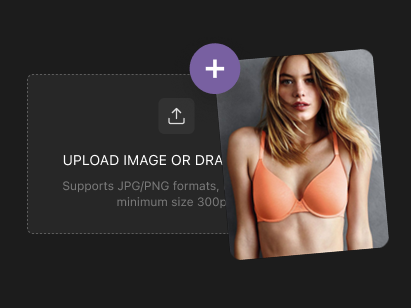
Step 1: Upload Your Photo
Select or drag one clear portrait or simple scene into the uploader. JPG, PNG, and WEBP formats work best for optimal vintage results.
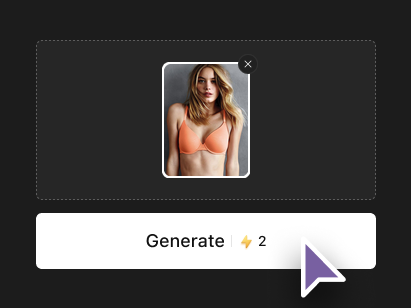
Step 2: Automatic Vintage Processing
The tool applies the sepia filter instantly after upload. No adjustments needed—enjoy warm brown tones and nostalgic effects automatically.
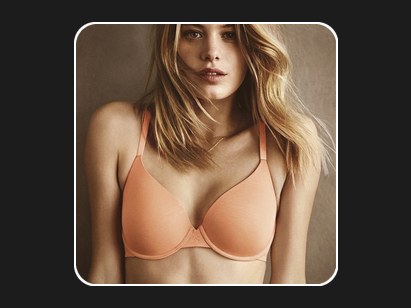
Step 3: Download Your Result
View your transformed vintage portrait right away. Download in high quality, watermark-free, ready to share or save.