Rescue Dark Indoor and Night Photos
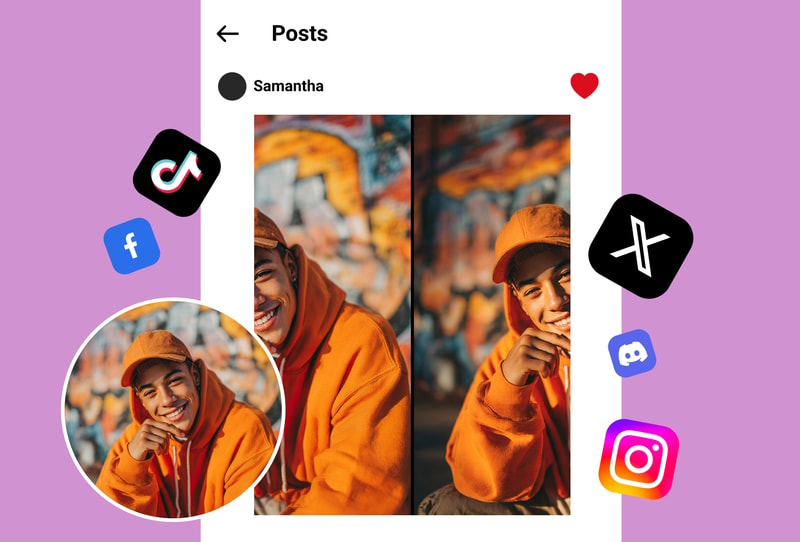
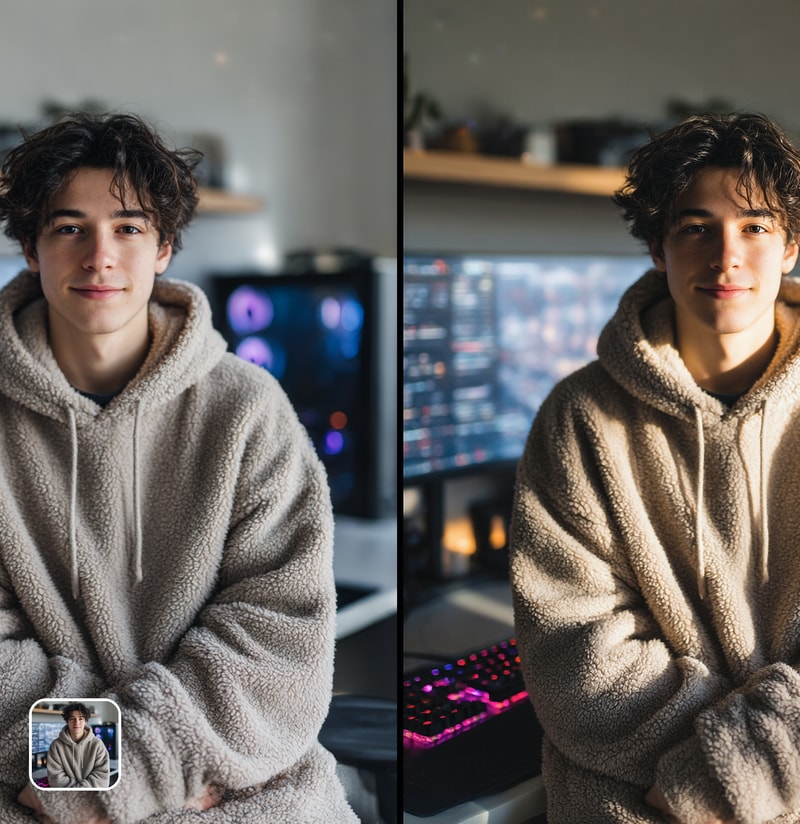
That candlelit dinner photo, dimly lit concert shot, or nighttime group selfie doesn't have to stay dark and grainy. The AI intelligently brightens underexposed areas while preserving natural shadows and atmosphere. It recovers hidden details in dark regions, reduces noise that appears in low-light photos, and delivers results that look naturally well-lit — not artificially brightened.
Perfect Selfie and Portrait Lighting
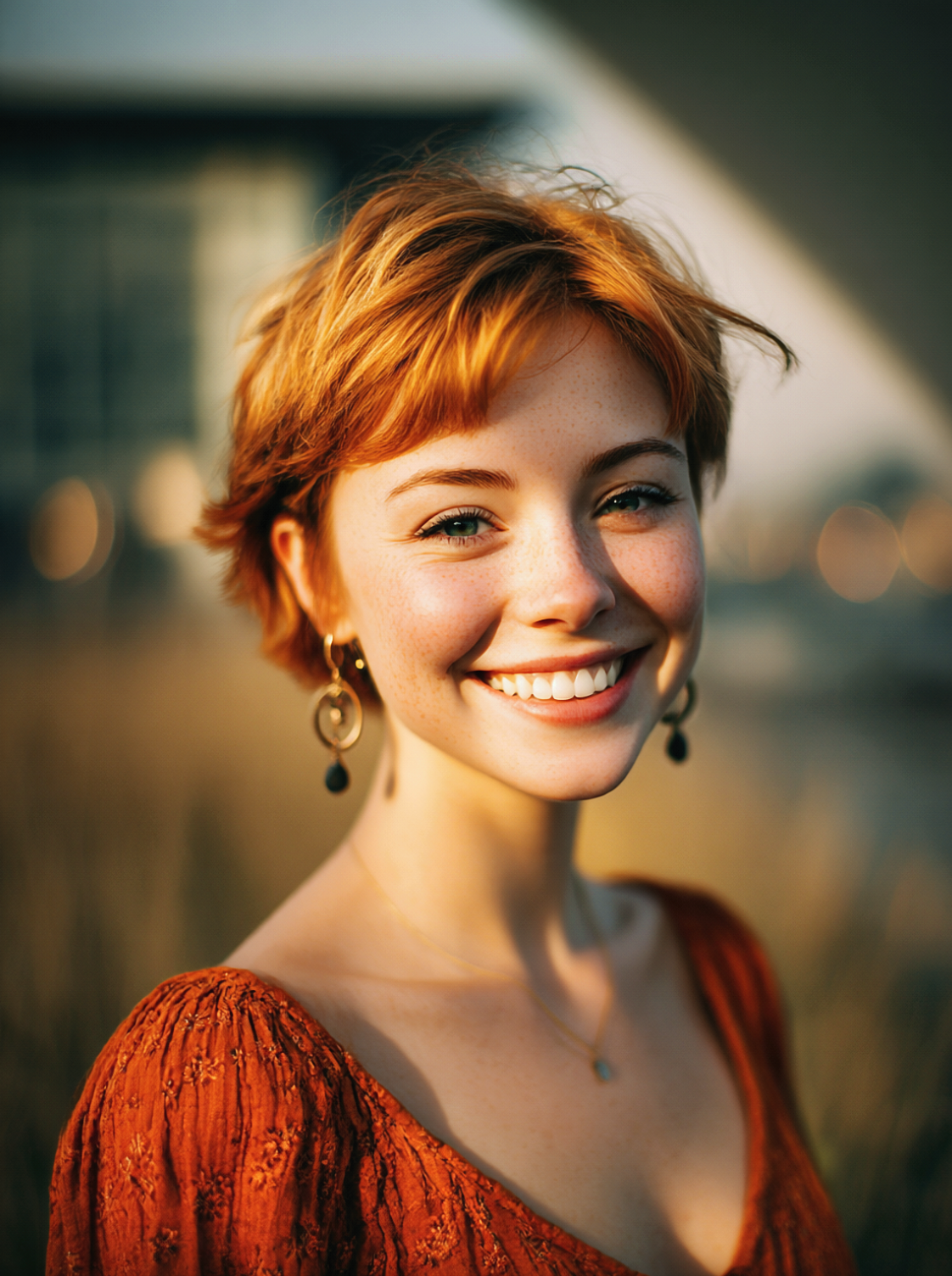
Harsh overhead lighting creating unflattering shadows under your eyes and nose? Backlit photo turning your face into a silhouette? The AI understands facial features and applies corrections that mimic professional portrait lighting — softening harsh shadows, evening skin tone, and creating the flattering front-fill effect that photographers achieve with studio equipment.
Enhance Product and Real Estate Photos
First impressions matter for e-commerce and property listings. The AI optimizes lighting for product photos and interior shots — making colors pop, details visible, and spaces feel bright and inviting. A well-lit product photo can increase click-through rates by 40%, and the AI delivers that professional lighting quality without a photography studio.

Why People Choose Photo Lighting Master
AI Understands Your Scene — Not Just a Brightness Slider
Basic photo editors apply uniform brightness adjustments that wash out highlights while lifting shadows. MyShell's AI analyzes the content of your photo — recognizing faces, objects, skies, and backgrounds — and applies different lighting corrections to each area. Faces get flattering fill light, skies retain drama, and dark corners gain detail. The result is intelligent, context-aware enhancement.
One-Click Professional Results — No Editing Skills Required
Lightroom requires mastering exposure, curves, shadows, highlights, whites, and blacks sliders. Snapseed demands understanding of selective adjustments. MyShell's AI handles all of this automatically in one click — analyzing your photo and making dozens of targeted adjustments simultaneously. Get results that would take a skilled editor minutes to achieve, in seconds.
Free and Unlimited — No Subscription Trap
Adobe Lightroom costs $10/month. Luminar AI is $79 one-time. Snapseed is free but requires manual editing. MyShell gives you AI-powered automatic lighting enhancement completely free — unlimited photos, no watermarks, no account, no software to install. Professional lighting quality accessible to everyone.
How to Use
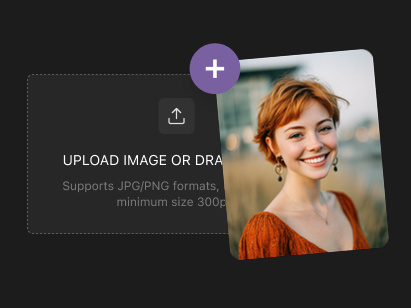
Step 1: Upload Your Poorly Lit Photo
Open the photo lighting enhancer on MyShell and upload any photo that needs lighting improvement — dark indoor shots, backlit portraits, underexposed landscapes, or any image where the lighting isn't ideal. All common image formats are supported.
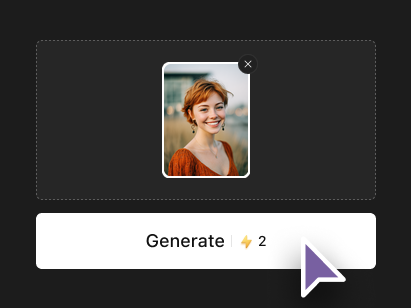
Step 2: AI Automatically Optimizes Lighting
The AI analyzes your photo's content and lighting conditions, then applies intelligent corrections — brightening shadows, recovering highlights, balancing color temperature, and enhancing overall illumination. Each area of the photo receives tailored adjustments based on what the AI identifies in the scene.
Step 3: Download Your Enhanced Photo
Preview the lighting-enhanced result and download it in full resolution — no watermarks, no quality reduction. Compare before and after to see the dramatic improvement. Process unlimited photos for free with no account required.