
Repair Scratched & Torn Physical Photo Scans
Upload a scan of a scratched, torn, water-damaged, or mold-spotted photo from the 1950s–1990s (typically 300–600 DPI scans). The AI identifies damage regions using inpainting and fills them with texture-consistent reconstruction, removing visible scratches, dust specks, fold lines, and stains. Output is up to 4K resolution with damage areas restored to match surrounding texture. Processes in under 60 seconds per photo.

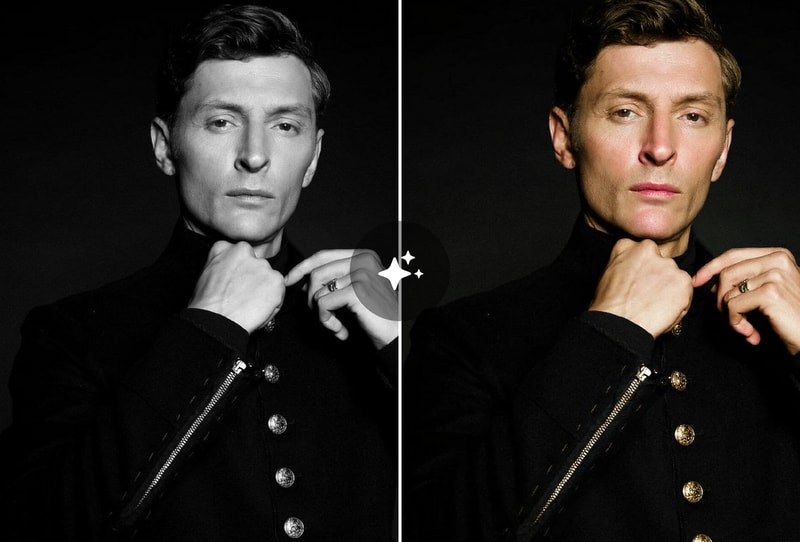
Colorize Black & White Historical Photos
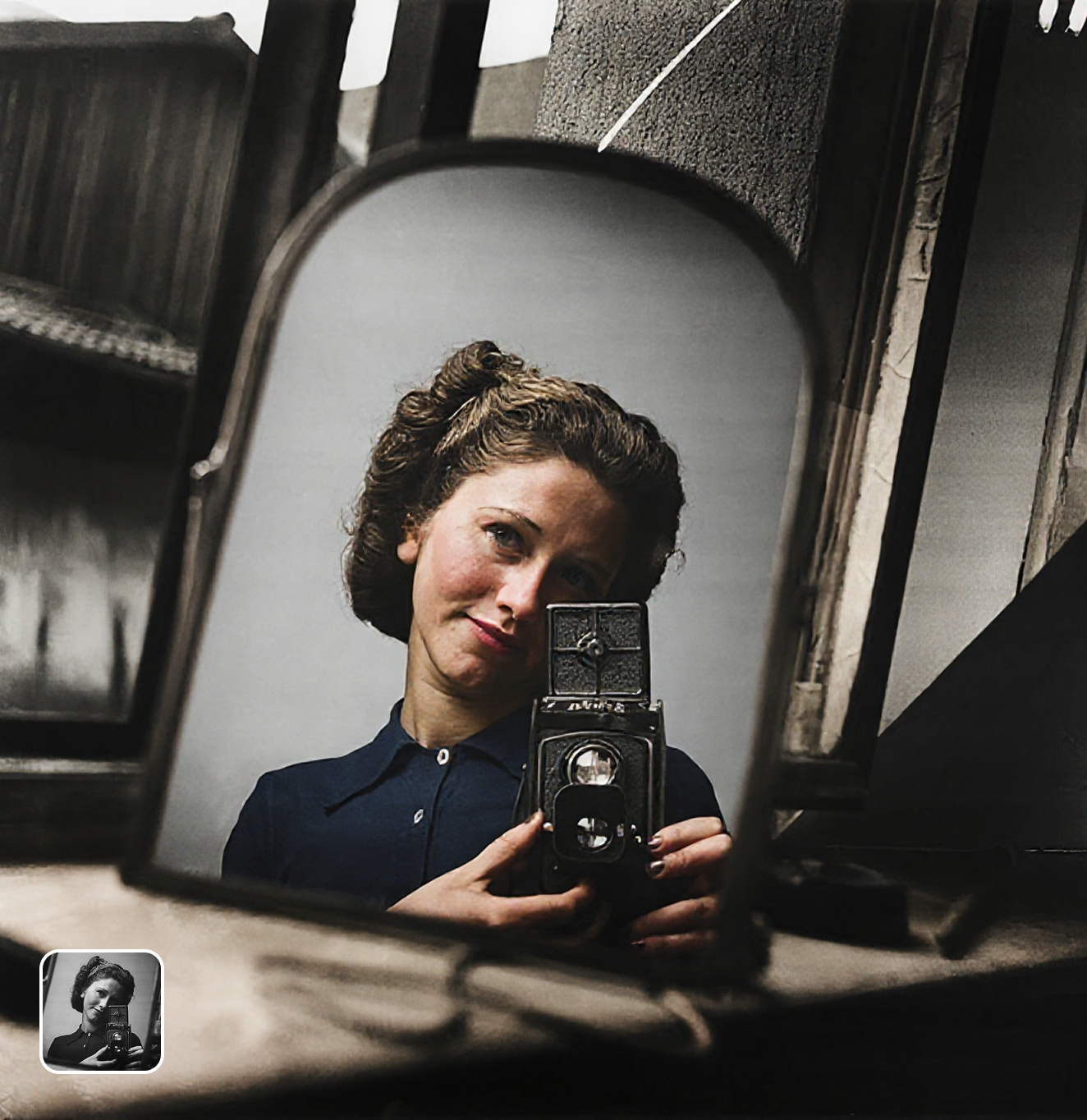
MyShell's colorization engine (DeOldify-class model) adds natural, era-accurate color to black-and-white or sepia photos. Skin tones, foliage, sky, and fabric are colorized using historical color priors — for example, military uniforms are tinted in era-appropriate shades, not random colors. Ideal for family archives from the 1900s–1960s, school photos, and historical prints. Produces 4K color output in 20–25 seconds.
Enhance Faded & Low-Contrast Vintage Photos
Old color photos from the 1970s–1990s often have color shift (magenta cast from faded Kodachrome), low contrast, and reduced sharpness. MyShell's restoration AI corrects white balance, restores contrast curves, and enhances detail through AI-driven super-resolution in a single pass. No manual histogram adjustments needed — outputs a print-ready 4K image in under 60 seconds.

Why People Choose Old Photo Restoration on MyShell
GAN-Based Restoration + DeOldify Colorization + GFPGAN Face Enhancement
MyShell combines three specialized AI models in one pipeline: a GAN inpainting network for damage removal, DeOldify-class colorization for era-accurate color, and GFPGAN (TencentARC) for face detail restoration. Commercial tools like Remini ($9.99/month) or Adobe Lightroom's Denoise ($54.99/month) address only one layer at a time. MyShell's unified pipeline completes all three steps in under 60 seconds for free.
4K Output in 15–25 Seconds
Standard restoration (scratch removal + colorization) completes in under 60 seconds per photo at up to 4K resolution. Remini charges $9.99/month for 1080p face enhancement only. MyShell offers full 4K restoration free with no daily cap and no subscription. All outputs are lossless PNG or JPEG, no watermark.
Free with No Account, No Watermark, No Daily Limit
All restorations are free with no signup, no credit card, and no watermark. By comparison, PhotoRestoration.ai charges $1–3 per photo; Remini is $9.99/month with watermarks on free tier; Adobe AI requires a $54.99/month Creative Cloud subscription. MyShell monetizes via optional energy packs — basic restoration remains free for all users.
How to Restore Old Photos with MyShell
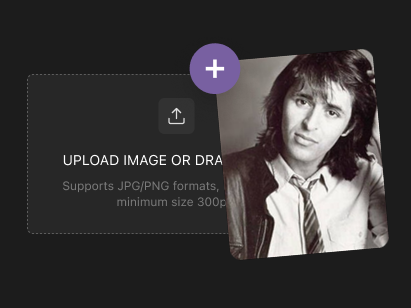
Step 1: Upload Your Damaged or Faded Photo
Upload a JPG, PNG, or TIFF scan of your old photo up to 20 MB. Best input is a 300–600 DPI scan for physical photos, or any digital file from 480p upward. Works with scratched, torn, faded color, and black-and-white inputs.
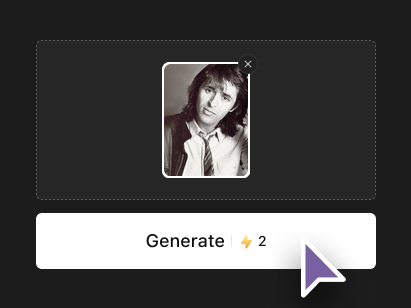
Step 2: The AI Detects Damage and Applies Restoration
MyShell's pipeline automatically detects the restoration needed: damage removal (scratches, tears, stains), color correction (faded/shifted colors), colorization (B&W → color), and face enhancement. No manual selection of damage regions required — the model segments and repairs all detected issues in a single pass.
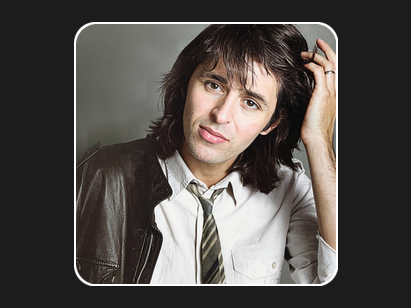
Step 3: Download 4K Output in 15–25 Seconds
The restored photo is ready in under 60 seconds at up to 4K resolution. Download as lossless PNG or optimized JPEG — no watermark, no subscription, no daily cap. Print-ready for photo books, large-format frames, and archival quality digital files.