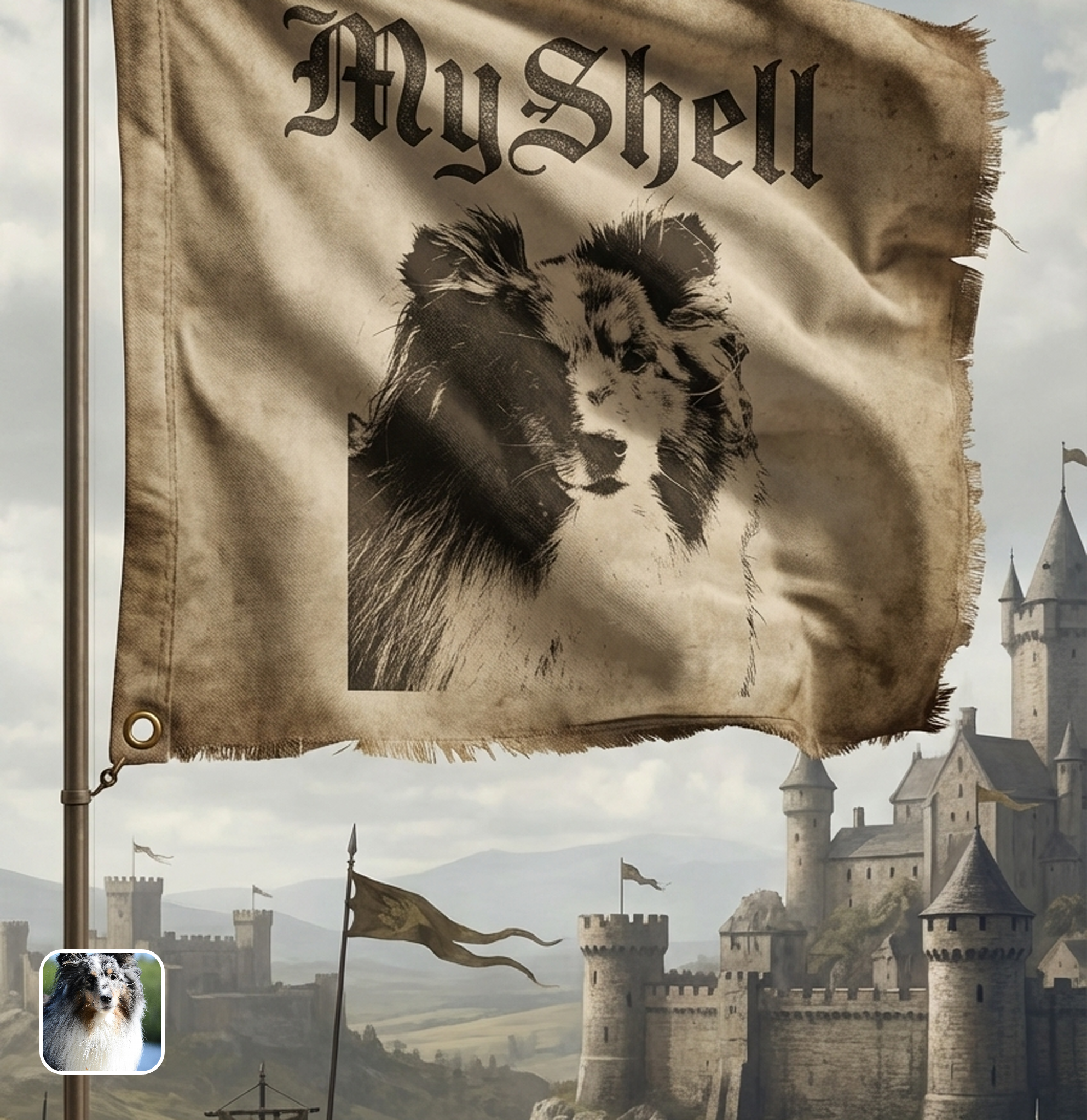

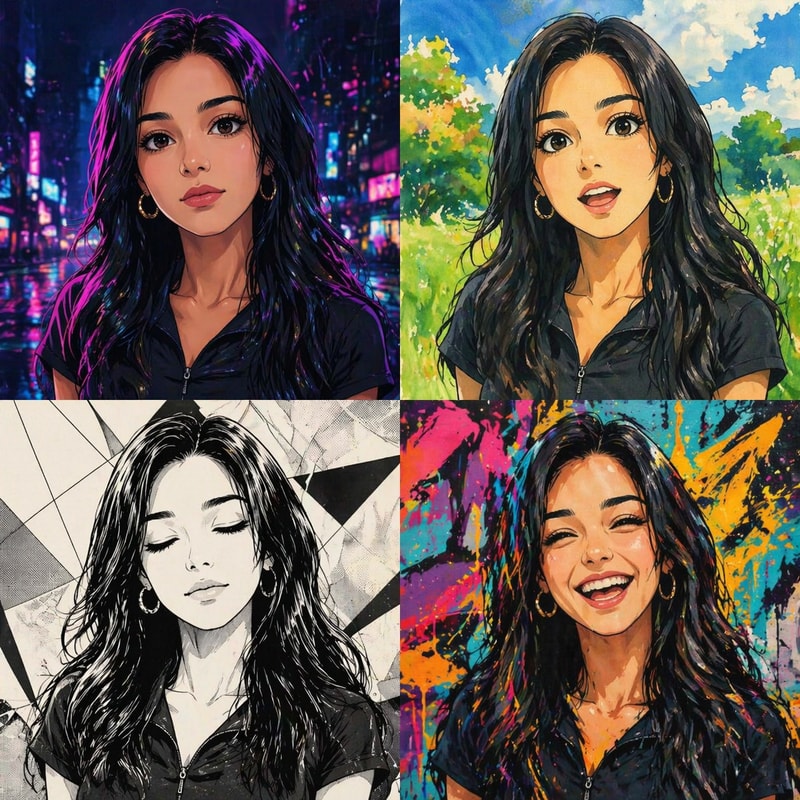

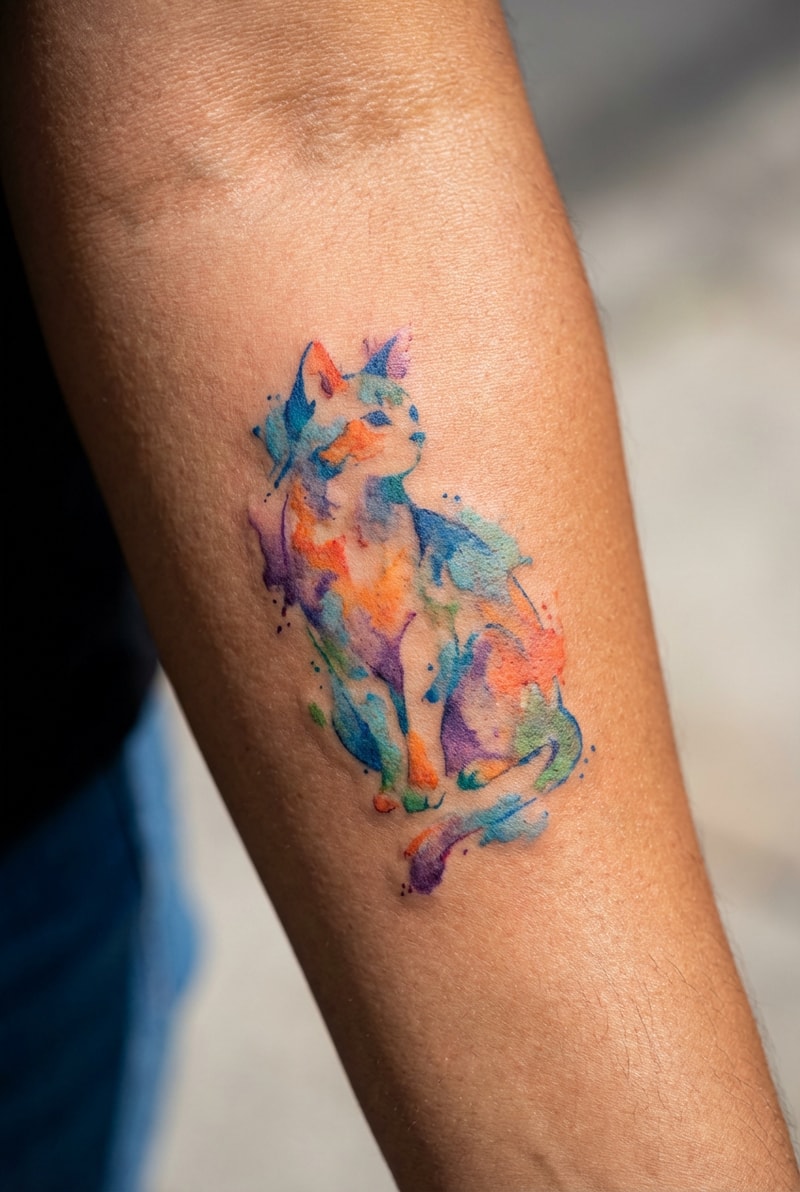
AI-Powered Photo-to-Flag Conversion
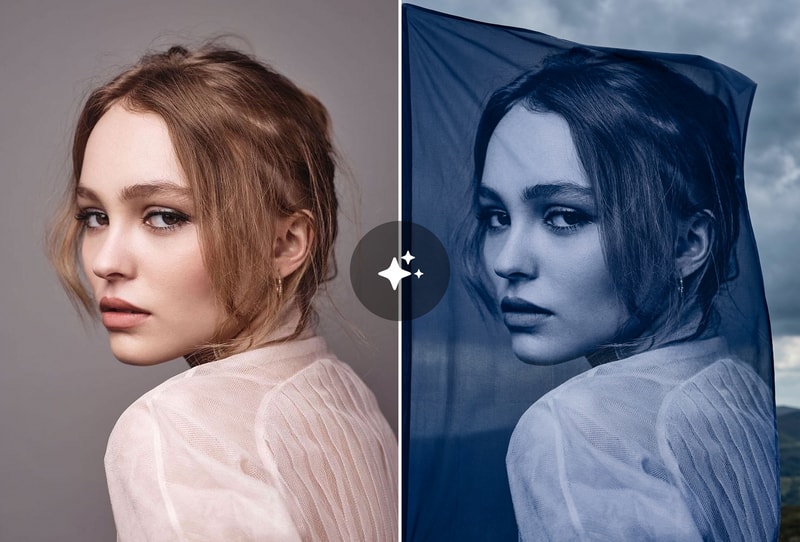
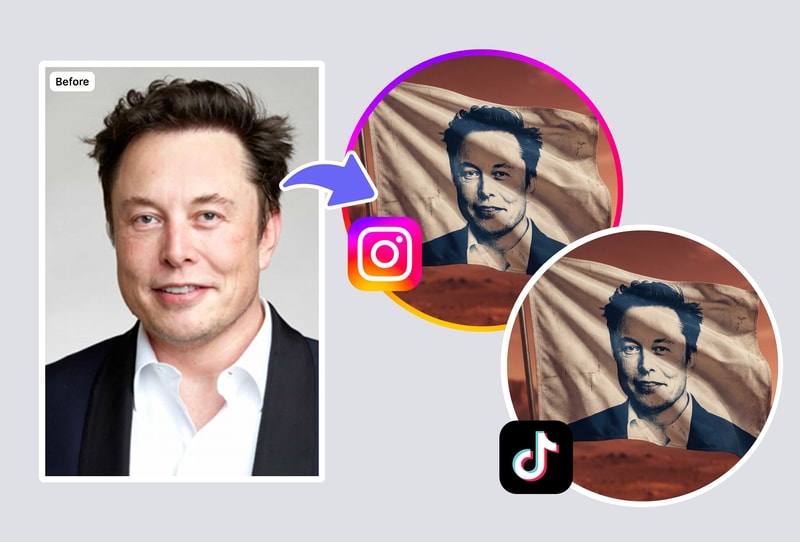
Upload any image and watch AI transform it into a flag-ready composition with optimized colors, contrast, and proportions. The flag maker automatically adjusts layouts for professional results — whether you're working with logos, landscapes, or portraits.
Custom Text & Emblem Overlays
Add personalized text, mottos, or symbols to your flag design. Choose from bold, serif, or script fonts that complement your flag's theme. Perfect for school teams, gaming clans, family crests, or fictional nations.
Instant HD Download — No Watermarks
Download your finished flag design in high resolution, ready for printing or digital use. Unlike Canva or Flagmaker Jr., there's no signup wall and no watermarks on your free flag designs.
Why People Choose MyShell AI Flag Maker
Faster Than Manual Flag Design Tools
Flag-creator.com and Tennessine require dragging shapes one by one. MyShell generates complete flag compositions from a single photo upload in seconds.
AI Understands Visual Composition
The AI analyzes color harmony, symmetry, and focal points — producing flag layouts that look professionally designed, not randomly assembled.
100% Free, No Account Required
No login, no credit card, no hidden watermarks. Generate and download unlimited flag designs at full resolution.
How to Use
Step 1: Upload Your Image
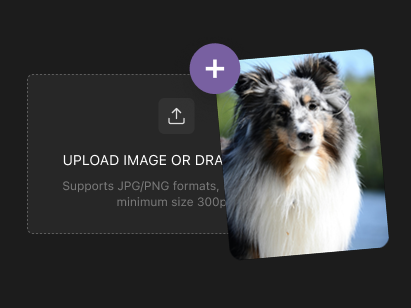
Drop any photo, logo, or illustration into the flag maker. JPG, PNG, and WebP formats are all supported.
Step 2: AI Generates Your Flag
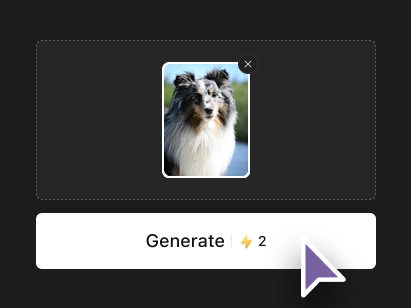
The AI analyzes your image and creates a flag-ready composition with optimized colors, proportions, and visual balance.
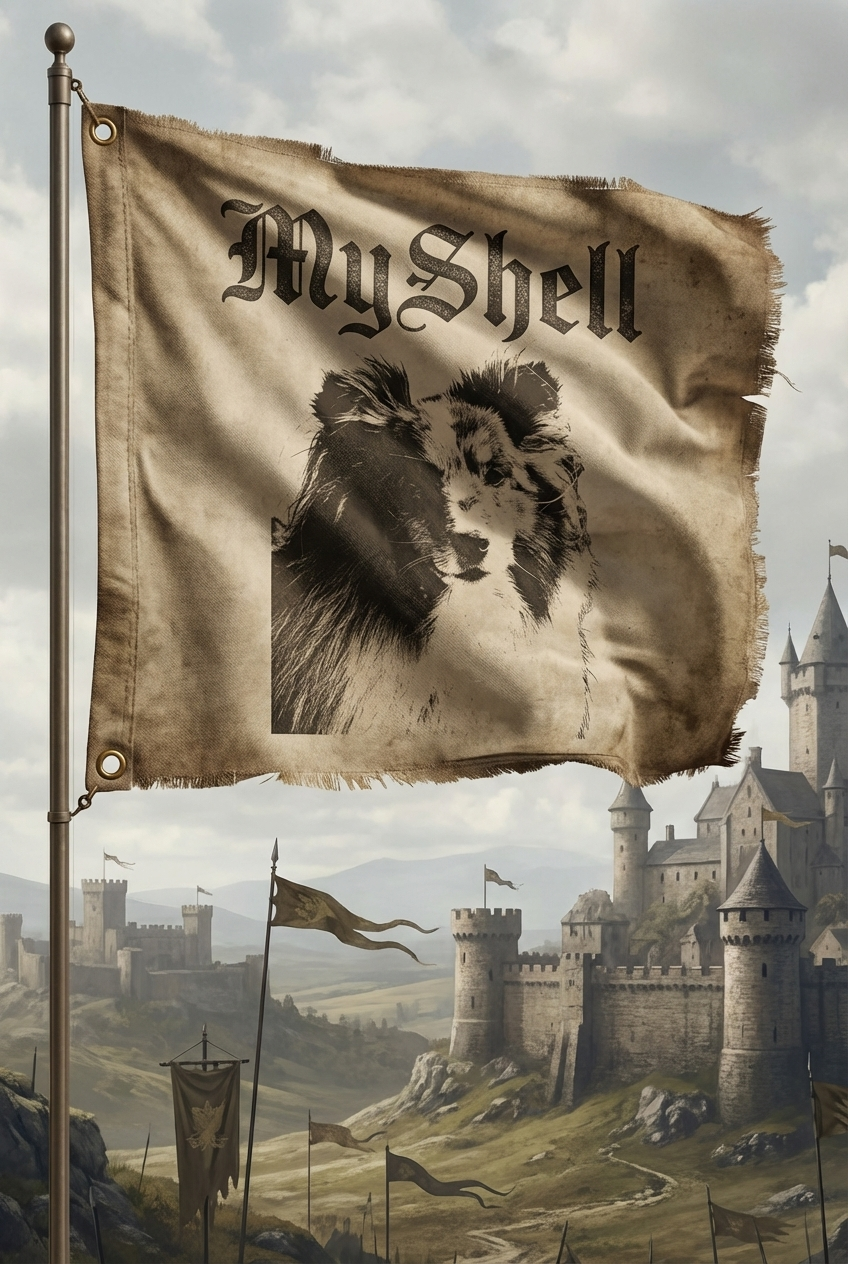
Step 3: Download & Print
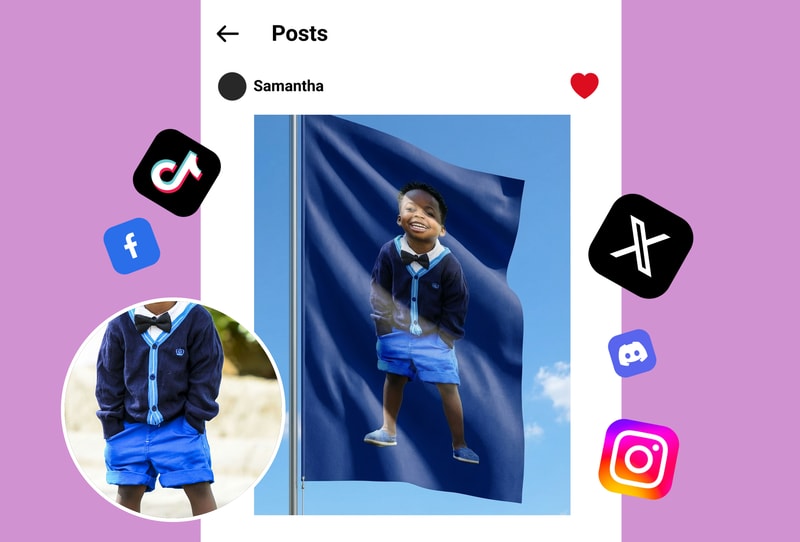
Save your custom flag design in high resolution. Print it at home, at a print shop, or use it digitally for games, social media, or presentations.