

Viral TikTok & Instagram Content
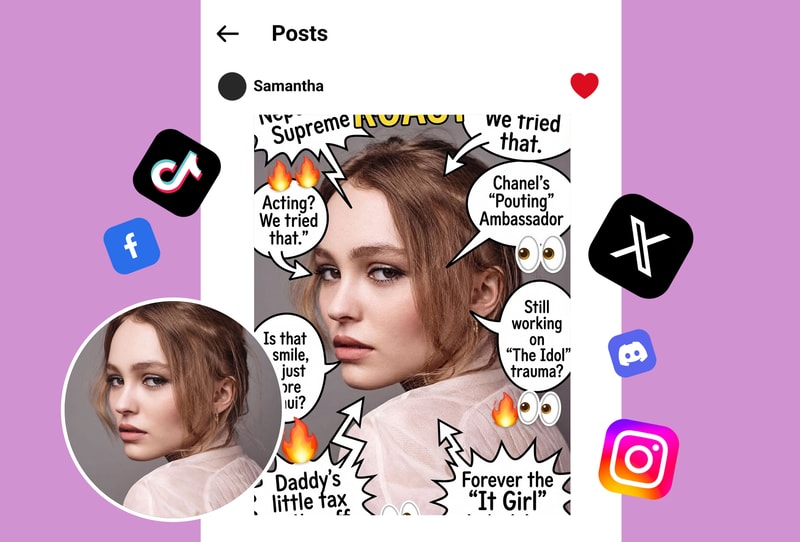
Turn selfies into viral comedy gold with the roast me filter. Upload your photo, get a savage AI-generated caption overlay, and post directly to TikTok or Instagram Reels. The roast me filter analyzes your pose, outfit, and background to create photo-specific burns that drive massive engagement and shares.
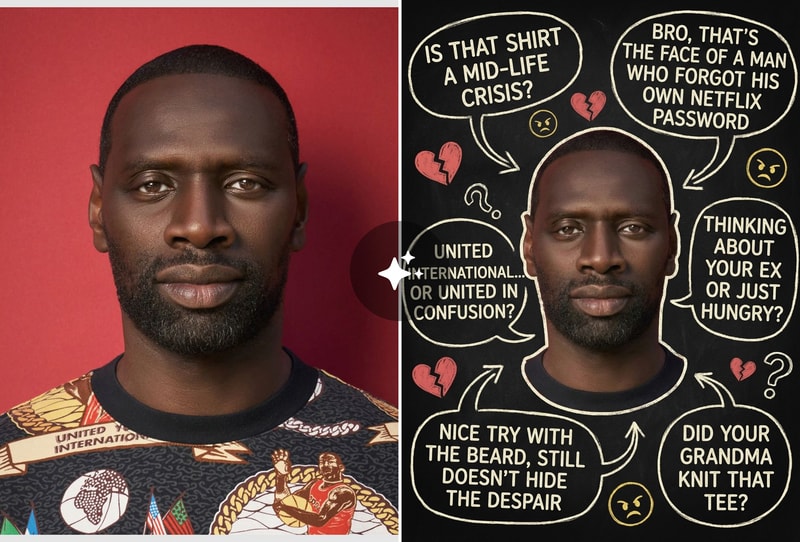
Group Chat & Party Entertainment
Make any gathering unforgettable with a roast me filter battle. Pass your phone around, upload group photos or individual shots, and let the AI deliver personalized roasts that keep everyone laughing. The roast me filter picks up on visual details others miss—from mismatched socks to awkward hand poses—turning ordinary photos into roast-worthy content.
Daily Content & Reaction Videos
Content creators use the roast me filter daily to generate fresh, funny material without writer's block. Upload a morning selfie, gym pic, or work outfit photo—the AI crafts witty roast captions based on what it actually sees in your image. Record your reaction for authentic content that audiences love.
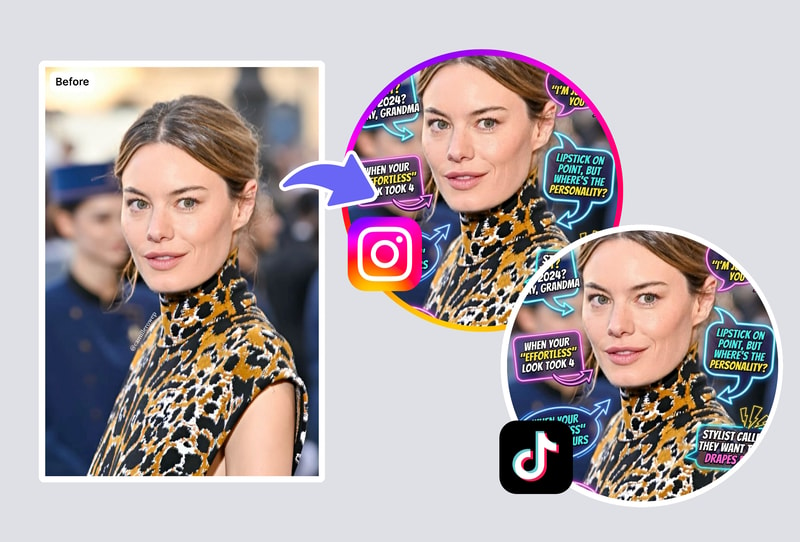
Why People Choose Roast Me Filter
Photo-Specific AI Roasts
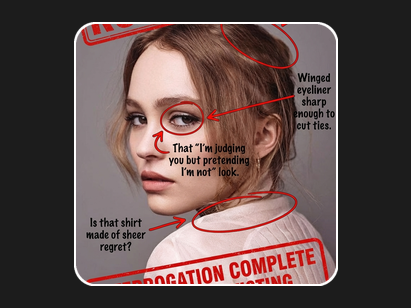
Unlike generic roast generators, the roast me filter actually analyzes your image—poses, expressions, outfits, backgrounds—to deliver captions that feel eerily personal and hilariously accurate.
Instant Results, Zero Effort
Upload one photo, get a savage roast overlay in seconds. No prompts to write, no editing skills needed. The roast me filter handles everything from caption generation to clean text placement.
Share-Ready Quality
Every roast comes as a high-resolution image with professional overlay formatting. No watermarks, no blurry text—just crisp, meme-worthy content ready to post anywhere.
How to Use
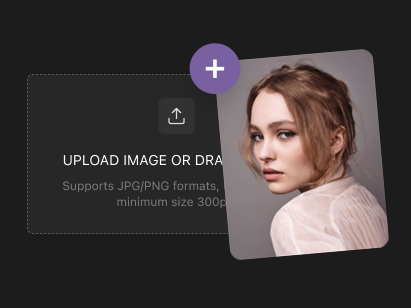
Step 1: Upload Your Photo
Select or drag a clear photo into the uploader. JPG, PNG, or WEBP formats work best for sharp results with faces visible.
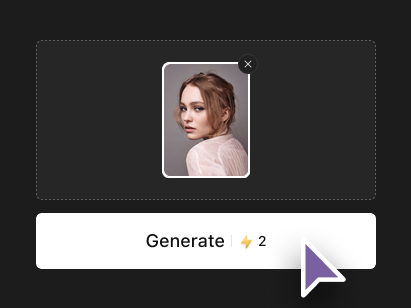
Step 2: Review Auto-Analysis
The tool scans your image automatically. No extra inputs needed— it prepares a custom witty roast caption based on the photo.
Step 3: Generate and Download
Hit generate for your roast overlay in seconds. Download the high-quality result, ready to share on social media.