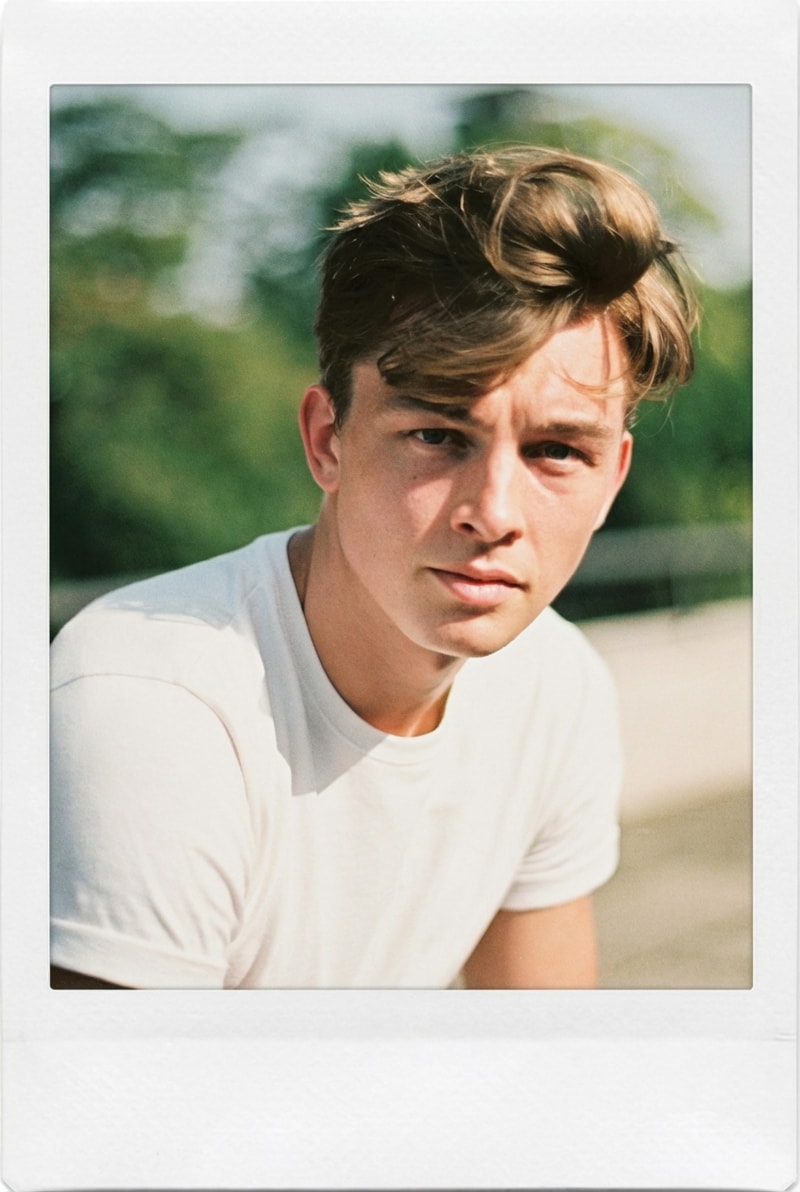
Dance Challenges: Put Your Photo into Any TikTok Routine
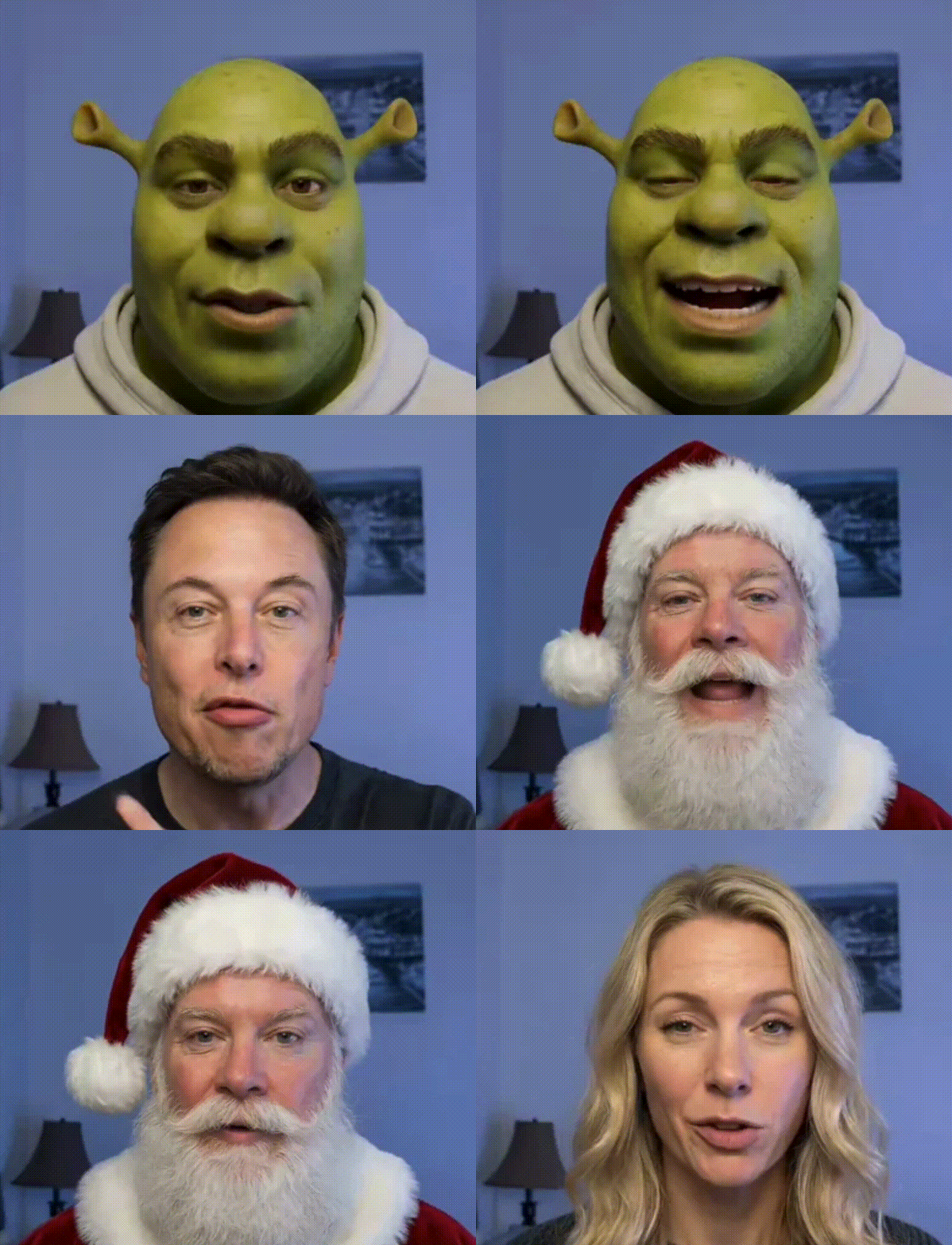
Upload a selfie or a favorite character photo, pick any dance reference video (TikTok, Instagram Reels, YouTube Shorts), and Copy Move transfers the choreography onto your photo in under 3 minutes. Output is a 720p MP4 clip up to 10 seconds long with smooth body dynamics and temporal consistency — ideal for social posts, reaction content, and fan edits.
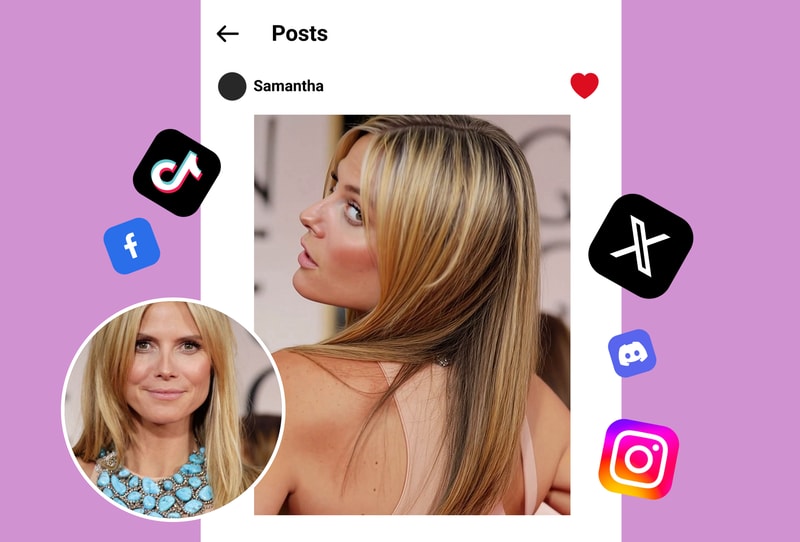
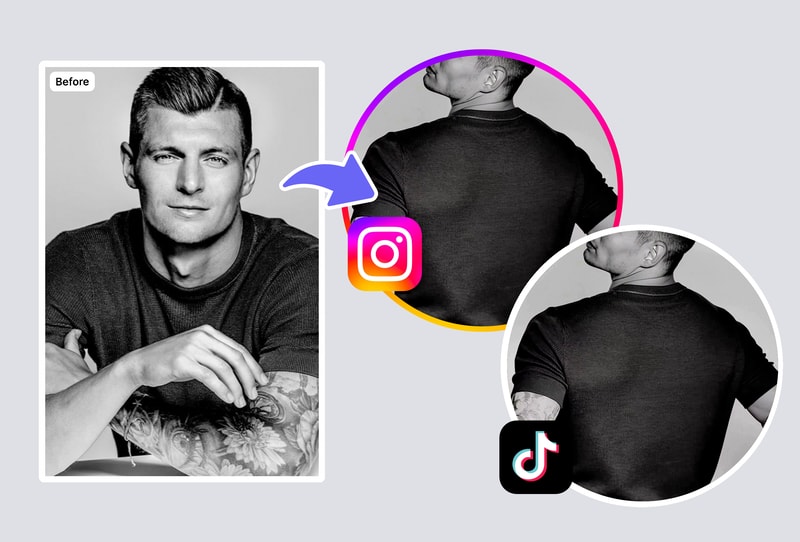
Character Animation for Illustrators & Game Studios
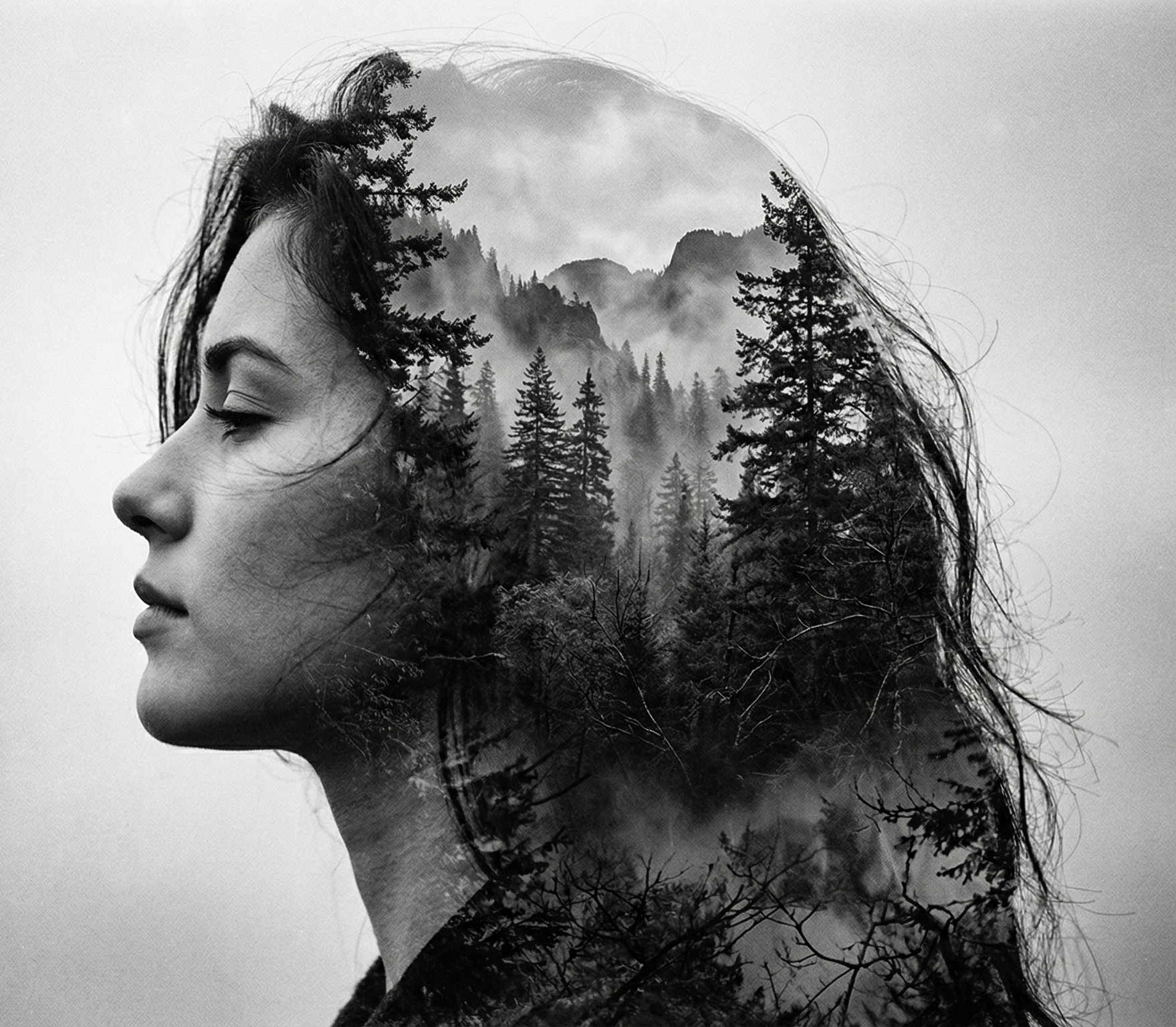
Illustrators and indie game studios use Copy Move to animate static character designs without rigging or frame-by-frame work. Upload a 2D character illustration plus a walk/run/fight reference clip — the motion-transfer model (based on DreamPose / Animate Anyone-class architecture) preserves the original art style while applying the reference motion. Saves roughly 8–12 hours vs traditional 2D frame animation.
Sports & Fitness: Visualize Any Move on Your Own Photo
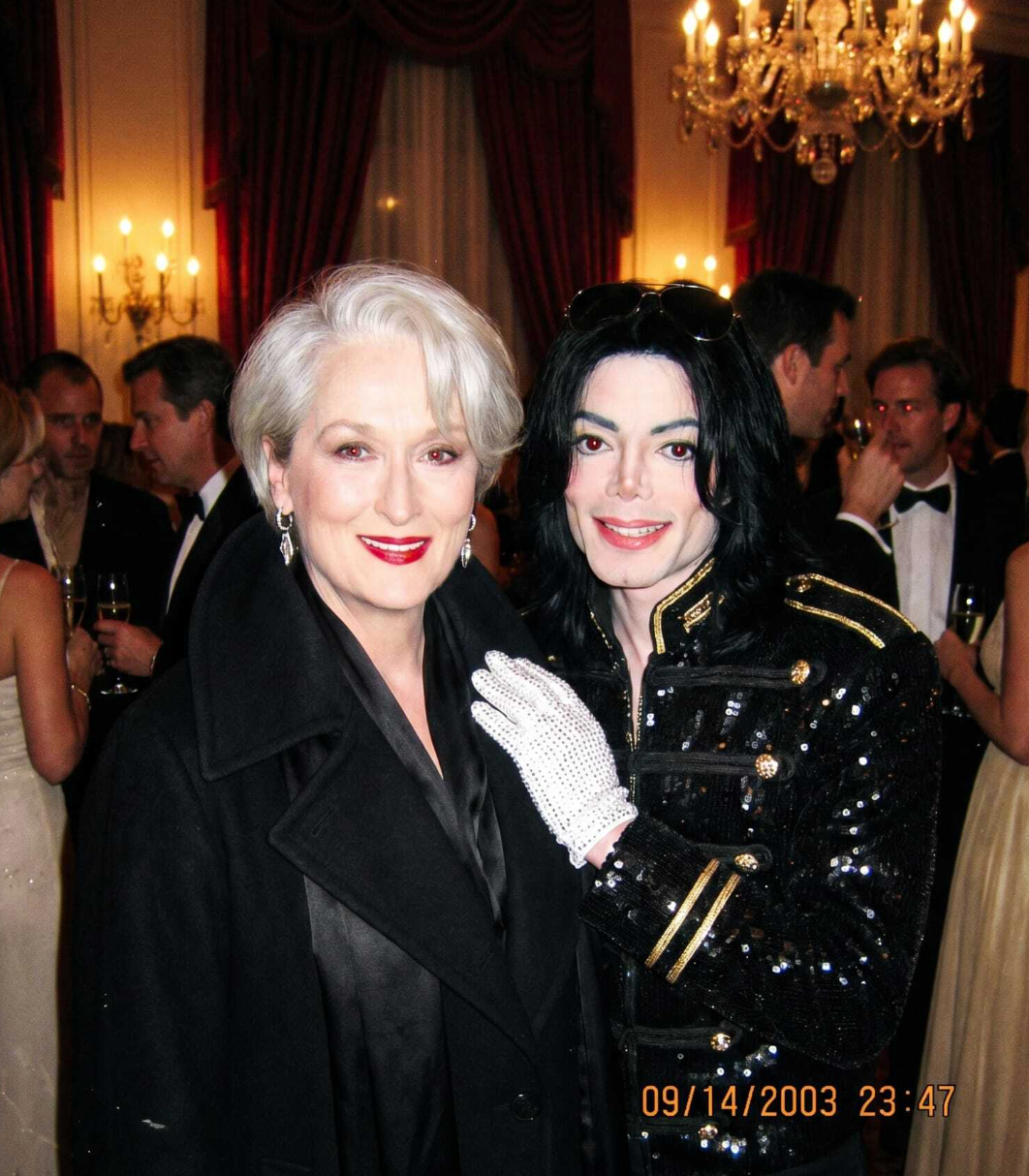
Upload your photo plus a reference clip of a golf swing, yoga pose, martial arts move, or dance routine — Copy Move generates a 720p video of you performing that motion. Useful for coaches demonstrating form, fitness creators making personalized tutorials, and athletes visualizing technique before training.
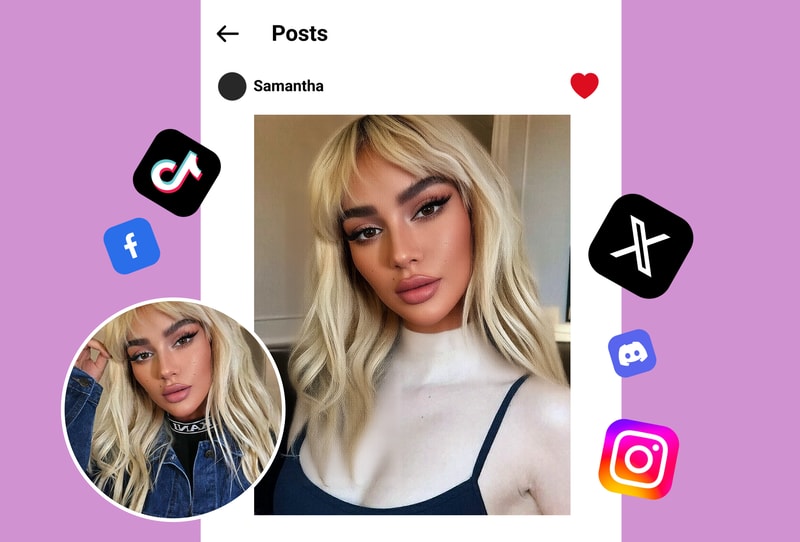
Why Creators Choose Copy Move AI
Realistic Body Dynamics (Animate Anyone-Class Architecture)
Copy Move's motion-transfer model uses diffusion-based architecture similar to Alibaba's Animate Anyone (ECCV 2024) — it preserves character identity across frames while applying reference motion with realistic body dynamics, joint rotation, and cloth physics. Output quality matches paid competitors like Pollo Mimic and Monet Vision at zero cost on MyShell.
720p Output in 60–90 Seconds
Standard clips (5–10 seconds, 720p) render in under 3 minutes on MyShell's GPU cluster. Pollo.ai charges $9–29/month for the same output quality, and Monet Vision caps free-tier users at 3 generations/day. MyShell has no daily cap and no subscription — unlimited generations for all users.
Facial Expression Preservation
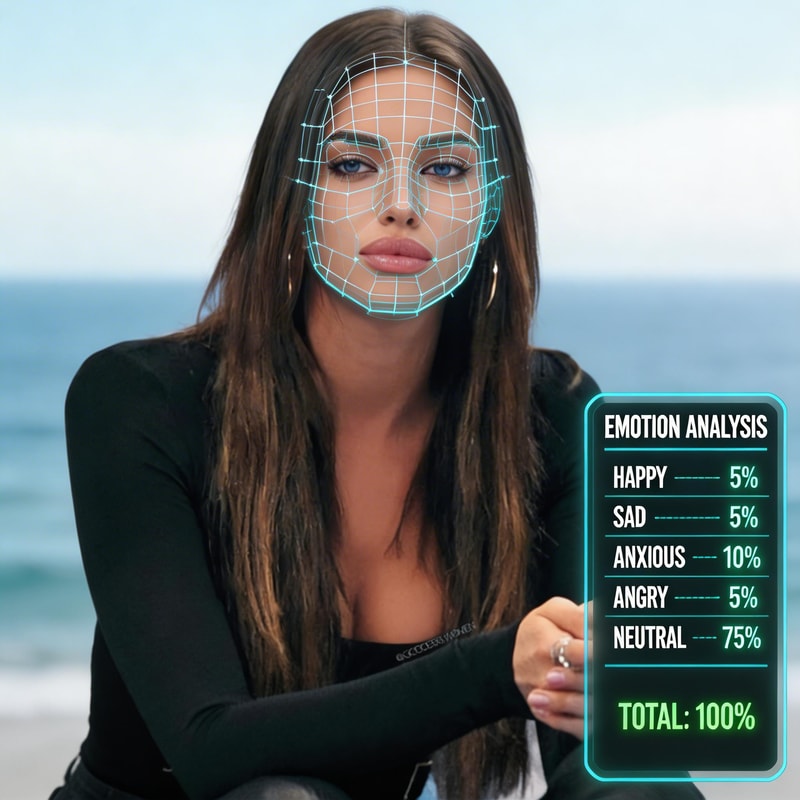
Copy Move preserves the source photo's facial expression and identity across the generated video, even when the reference motion includes complex head movement. Community benchmarks show character consistency (face ID retention) above 90% across 10-second clips — substantially better than ReplicateStudio's community outpaint pipelines.
How to Use Copy Move AI
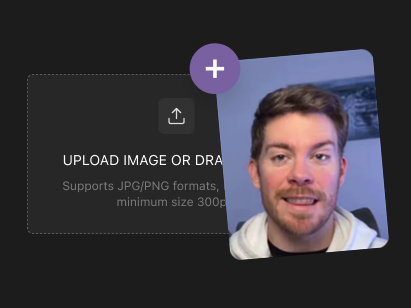
Step 1: Upload Your Reference Video (5–10s)
Drop in a reference video 5–10 seconds long containing the motion you want to transfer — TikTok dance, sports clip, yoga flow, or any short action video. Supported formats: MP4, MOV, WebM up to 20 MB. Shorter clips (under 5 seconds) generate faster.
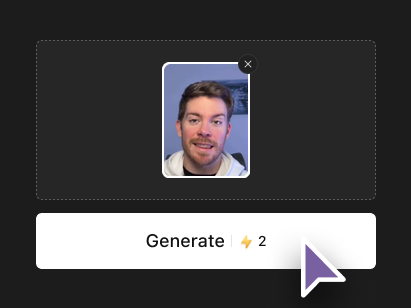
Step 2: Upload Your Character Photo
Upload a single-subject photo (selfie, character illustration, or product shot) where the subject is clearly visible and full or half-body is in frame. JPG/PNG up to 10 MB. Single-subject photos produce the best identity consistency; group photos may produce blended results.
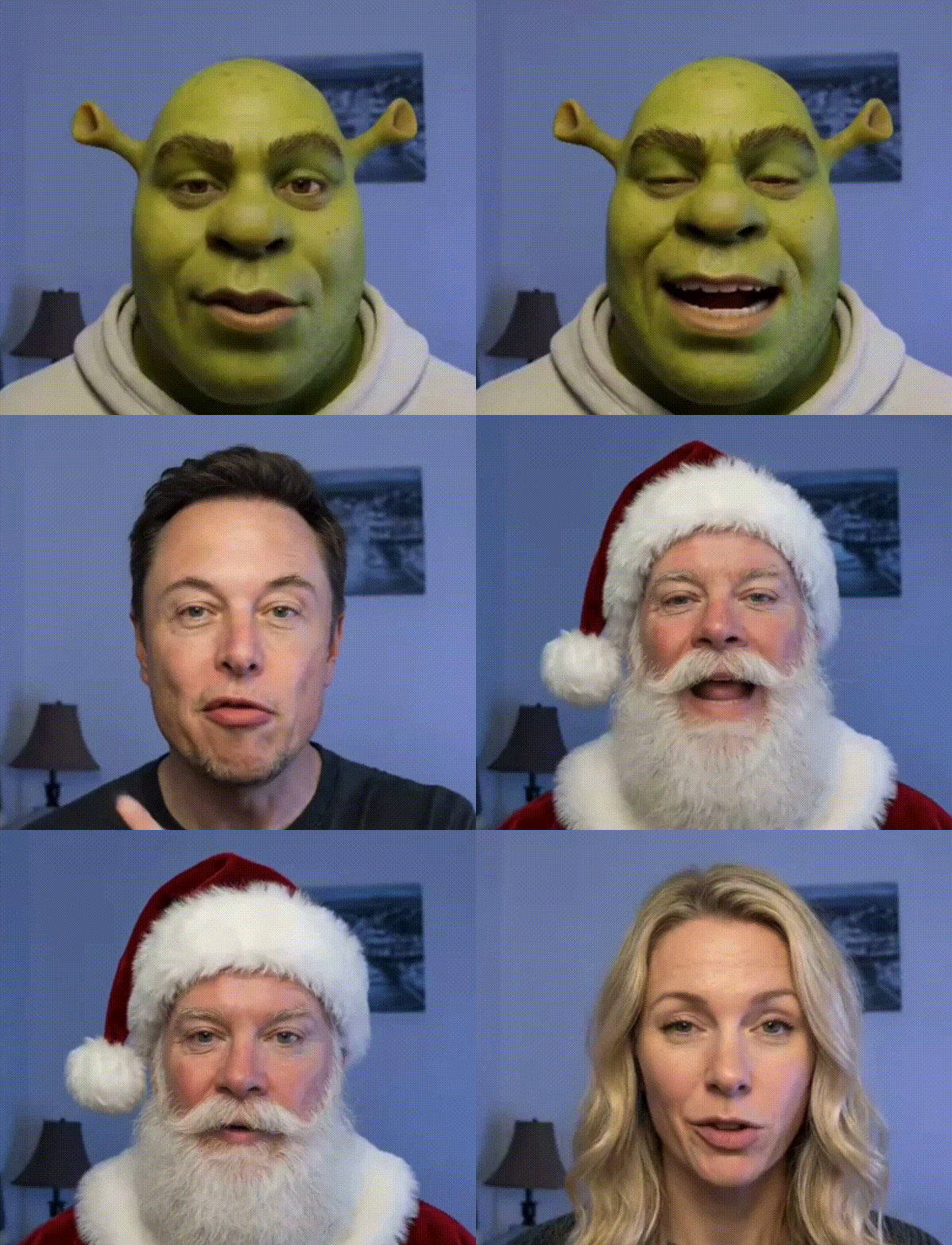
Step 3: Generate 720p MP4 in 60–90 Seconds
Click Generate. Copy Move renders a 720p MP4 matching the reference video's length (up to 10 seconds). Download immediately — no watermark, no subscription, ready for TikTok, Reels, Shorts, or commercial use under MyShell's license.